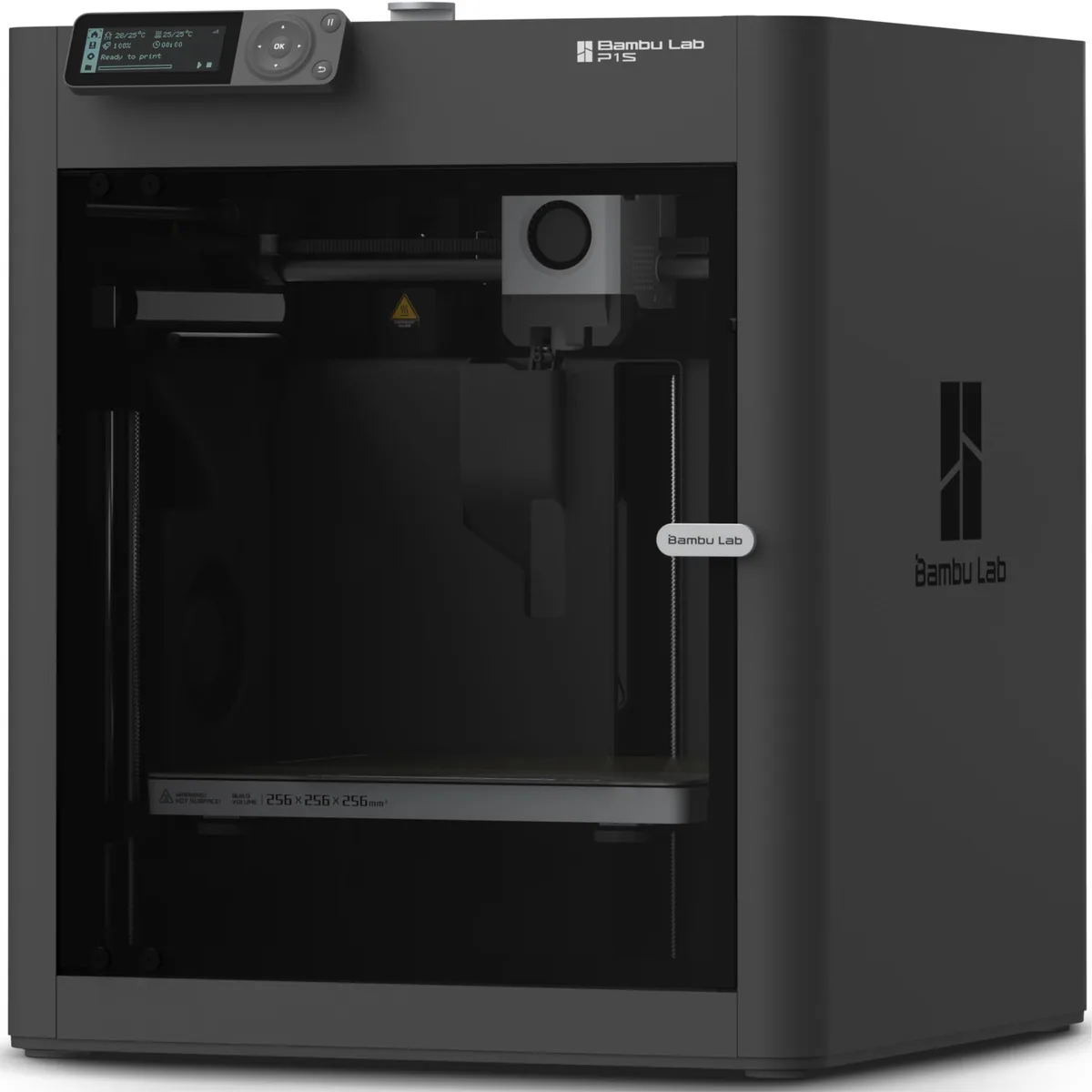
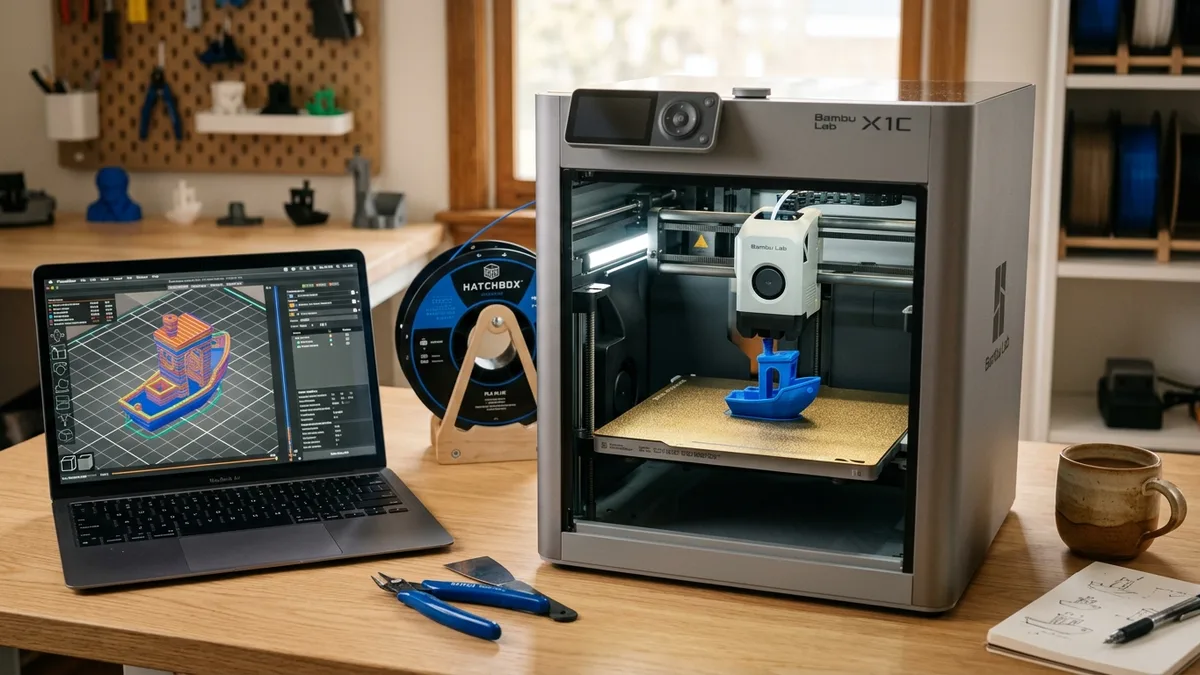
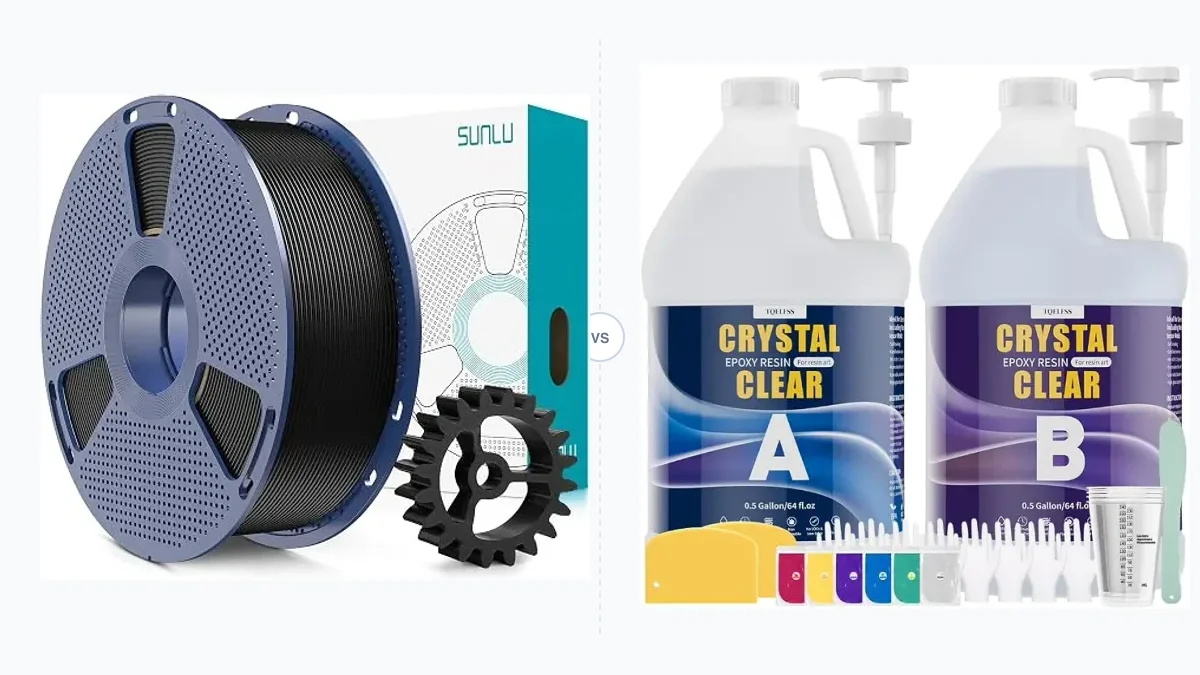
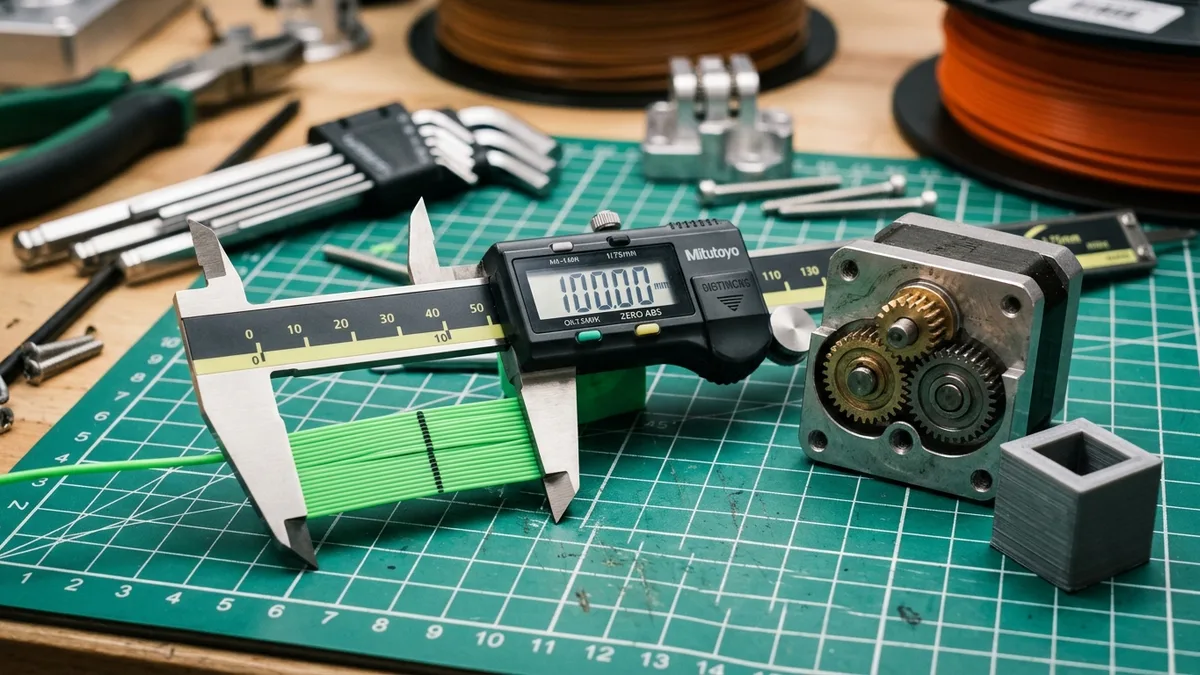
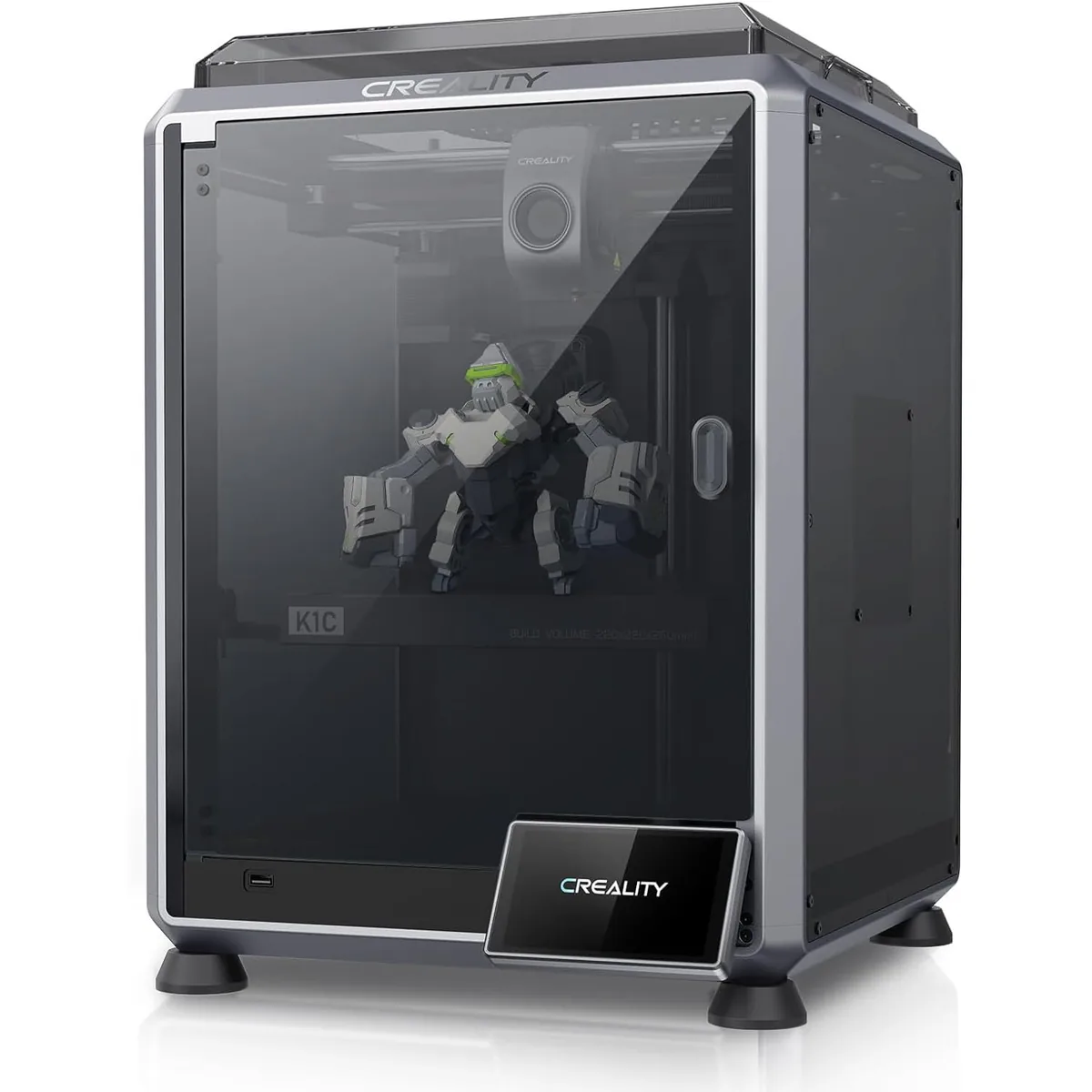
3D Printing Guides explain the workflow around a desktop 3D printer, from finding a model to finishing a part. Beginners can follow the step-by-step guide to using a 3D printer, and anyone still choosing hardware can start with the 3D printer buyer’s guide.
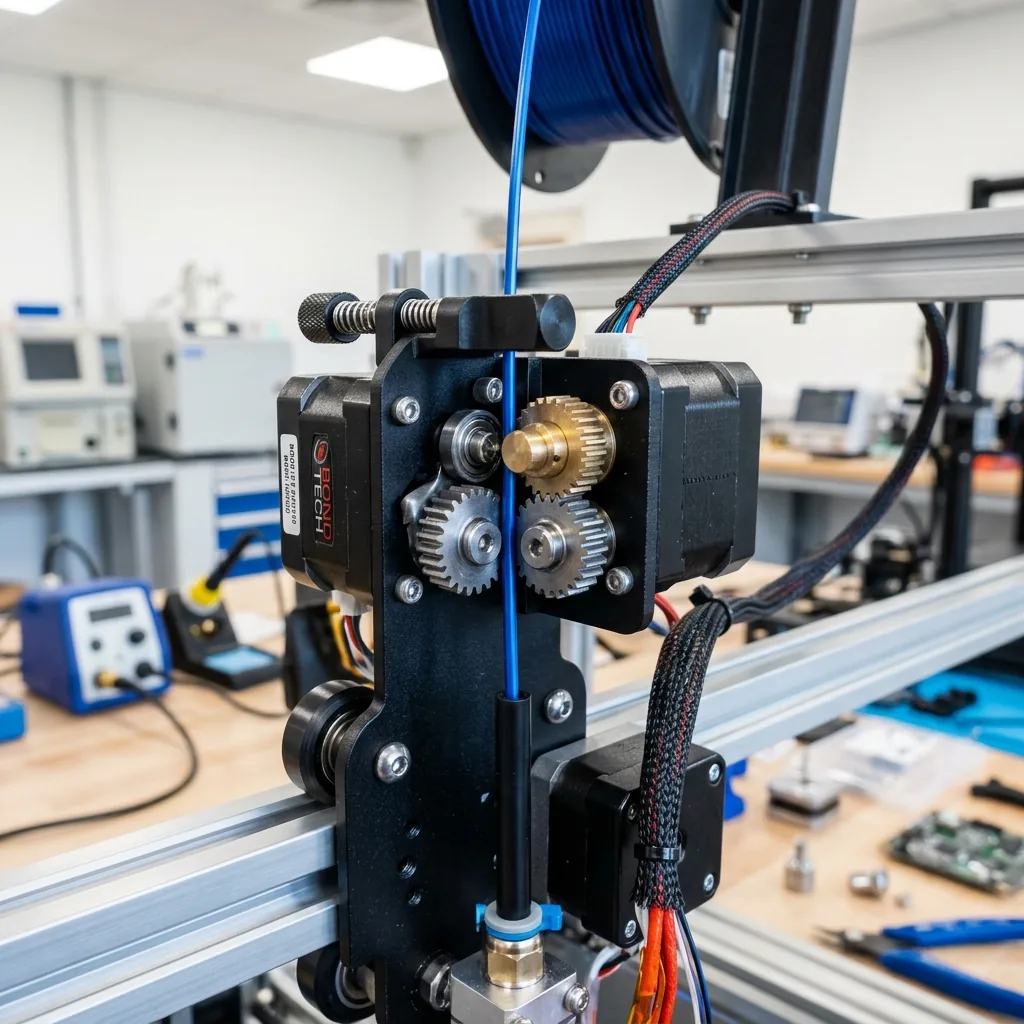
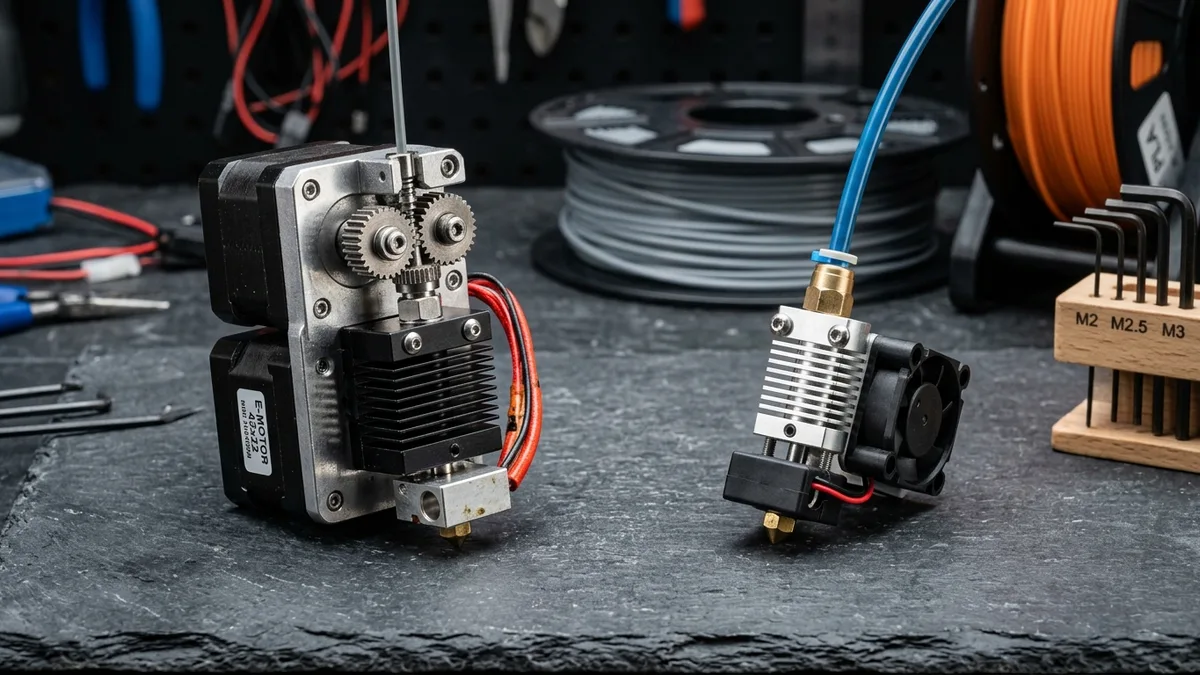
To prepare a print, Choose a 3D Model Source: CAD, Sculpt, Scan or Download covers where models come from, Mastering 3D Print Part Orientation & Slicer Settings covers placement and supports, and the Slicer Settings Guide: Layer Height, Walls, Infill explains the settings that change strength and print time. Hardware background comes from Direct Drive vs Bowden: A Technical Guide and 3D Printer Enclosures: Temperature Uniformity, Ventilation and Filtration.
Settings in these guides are starting points drawn from manufacturer documentation; your printer’s profile and manual take priority.