
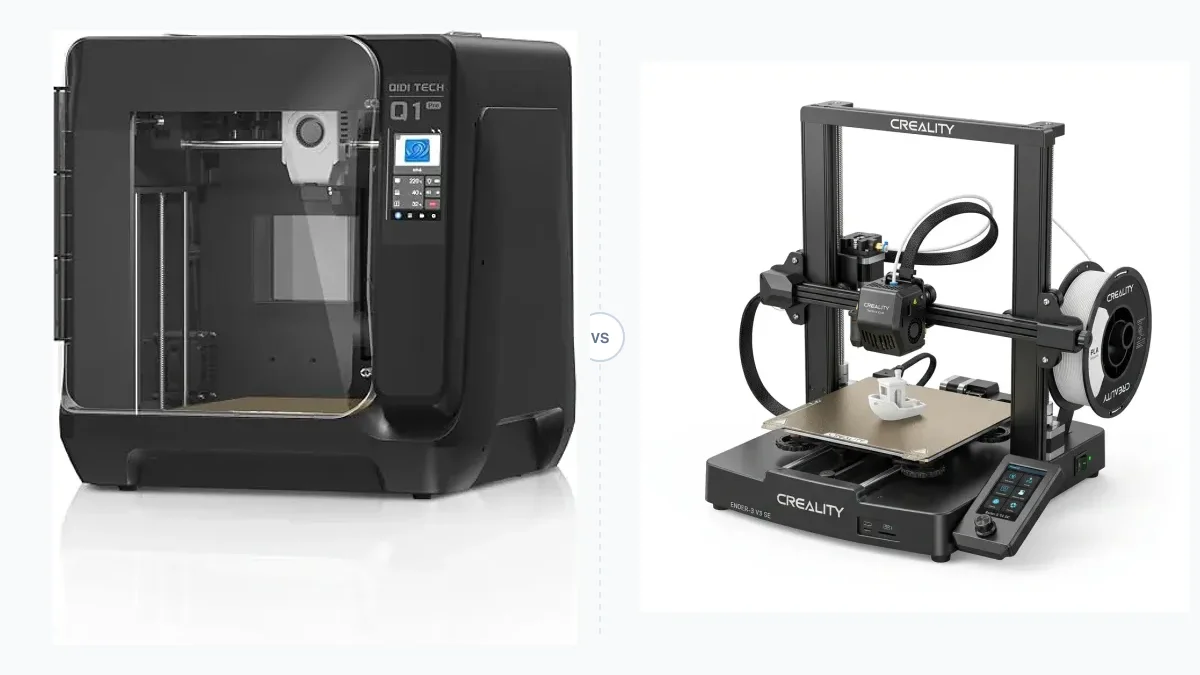
Choosing a desktop 3D printer requires evaluating the core technology format, the available build volume, and the total operational budget. You determine the right machine by matching these hardware specifications directly to the type of models you intend to manufacture. Understanding the differences between extrusion methods and resin curing ensures you select a device that fits your workspace constraints and material requirements. Comparing desktop 3D printer comparisons clarifies which specific models align with these criteria.
What Are the Main Types of 3D Printers for Beginners?
The main types of 3D printers for beginners are Fused Deposition Modeling machines and resin-based systems. You evaluate the physical properties of the printed object to decide which of these two primary formats suits the manufacturing goal. Fused Deposition Modeling offers simplicity and low material costs, while resin platforms prioritize ultra-fine detail resolution.
Fused Deposition Modeling (FDM) Printers
Fused Deposition Modeling printers operate by melting thermoplastic filament and extruding the material layer by layer to construct objects. The nozzle deposits standard materials like Polylactic Acid (PLA), Polyethylene Terephthalate Glycol (PETG), Acrylonitrile Butadiene Styrene (ABS), and Thermoplastic Polyurethane (TPU) onto a heated build plate. This technology is practical for home environments because it produces minimal odors during PLA printing and avoids the chemical cleanup associated with liquid polymers. The extruded layers create strong, rigid parts suitable for mechanical stress, making this format the logical starting point for users focused on utility. When evaluating entry-level budget models, buyers often compare the Creality Ender 3 Vs Ender 5 to understand the differences between classic bed slingers and box frames.
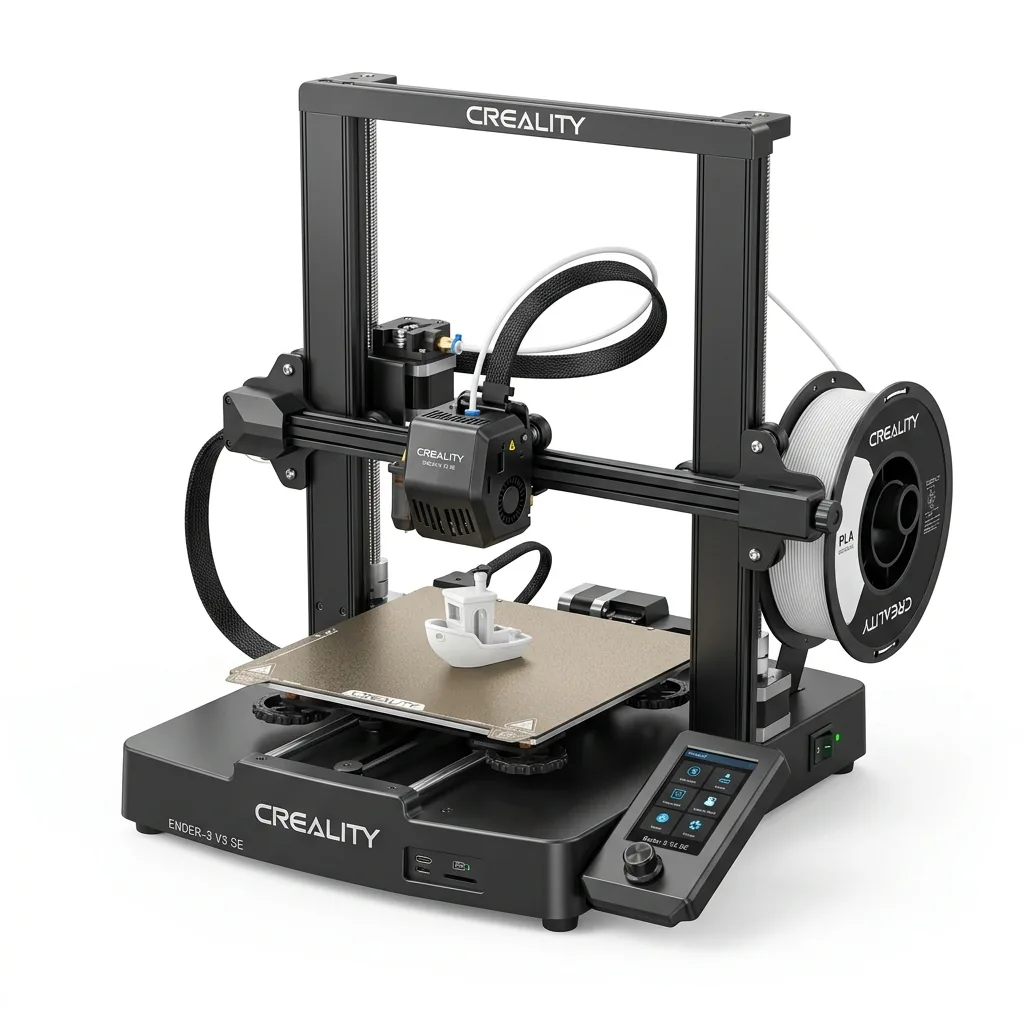
Creality Ender 3 V3 SE 3D Printer
Pros
- Hands-free auto bed leveling and Z-offset calibration
- Reliable Sprite direct drive extruder handles PLA, PETG, and TPU
- Dual Z-axis lead screws ensure high stability
- Incredible sub-$200 value
Cons
- Bowden PTFE inside hotend limits temperature to 250°C
- Open frame not ideal for ABS
Resin (SLA/DLP/MSLA) 3D Printers
Resin 3D printers cure liquid photopolymer with a targeted ultraviolet light source to build solid structures. Stereolithography (SLA) uses a UV laser, Digital Light Processing (DLP) employs a projector screen, and Masked SLA (MSLA) utilizes a monochrome LCD screen to harden the resin. This curing process yields a highly detailed surface finish devoid of visible layer lines. The workflow demands a dedicated, well-ventilated workspace because the liquid resin acts as a skin sensitizer. Operators must wash completed prints in isopropyl alcohol to remove uncured resin and expose the objects to a secondary UV curing station to finalize the hardening process.
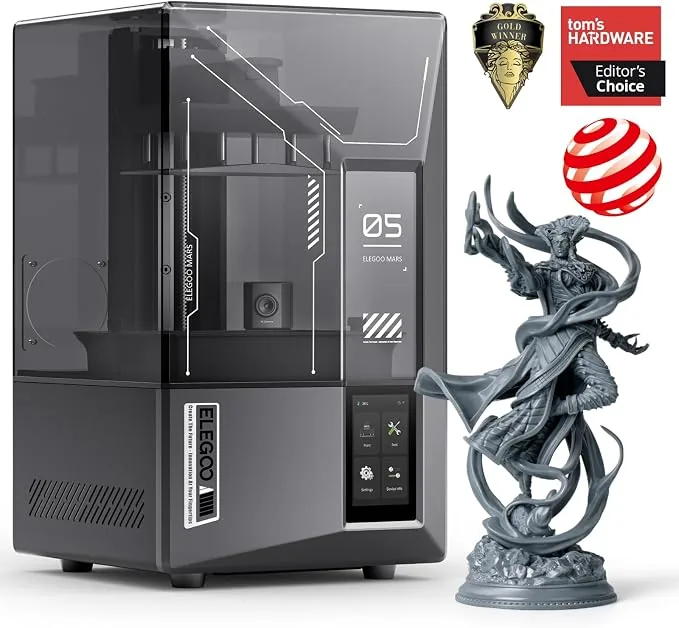
ELEGOO Mars 5 Ultra 9K Resin 3D Printer
Pros
- Tilt-release mechanism brought down to compact desktop form factor, 9K resolution produces razor-sharp tabletop miniatures without layer lines
- One-click self-check and automated mechanical leveling
- Built-in AI camera for real-time monitoring and time-lapse capture
Cons
- Smaller build envelope suited for miniatures rather than large busts
- Requires gentle wash due to delicate high-resolution details
How Does Project Type Influence Your 3D Printer Choice?
The project type dictates the printer choice by defining the required structural durability and surface tolerance of the final output. You match the mechanical demands of the object to the printer format.
Functional Parts and Household Objects
Functional parts require the structural integrity provided by Fused Deposition Modeling machines. Objects like wall brackets, appliance replacement components, and custom tool organizers endure mechanical stress that brittle standard resin cannot survive. FDM machines utilizing tough filaments like PETG or heat-resistant ABS handle continuous wear and impact. Large cosplay armor sets and oversized props also fall into this category, as they demand a large build plate and lightweight, durable thermoplastics.
Miniatures, Figurines, and Jewelry
Miniatures rely on the micron-level precision unique to resin printing technology. Tabletop gaming figures and custom character busts feature facial expressions and textured armor that FDM nozzles fail to resolve cleanly. Jewelry designers use castable resins on these machines to create master molds with perfectly smooth contours. The chemical post-processing overhead is justified by the flawless surface quality required for these complex aesthetic objects.
What Are the Key 3D Printer Specifications to Evaluate?
The key 3D printer specifications include the maximum build volume, the output resolution, and the physical enclosure design. You assess these hardware parameters to confirm the machine meets the constraints of the intended manufacturing space.
Build Volume and Printer Size
Build volume defines the maximum physical dimensions a machine can print in a single operation. Compact printers offer a build envelope between 100 and 200 millimeters, catering to hobbyists focused on small figurines or limited desk space. Medium printers provide a standard 200 to 300 millimeters of printing capacity, serving as the versatile baseline for most general-purpose manufacturing. Large-format printers stretch from 300 to over 500 millimeters, accommodating full-scale cosplay props and industrial enclosures. Buying a machine slightly larger than your current requirement prevents the frustration of sectioning large digital models into multiple small prints. Limitations of compact sizes are detailed in the Flashforge Adventurer 3 Research-Based Review: Specs, Limits and Alternatives.
Print Quality and Resolution
Print quality relies on the layer height resolution, measured in millimeters or microns. FDM printers operate by extruding layers that leave faint horizontal lines across vertical walls. Resin printers generate ultra-smooth surfaces that require zero sanding. Operators test a machine’s ability to handle fine details, overhangs, and bridging by printing a benchmarking model like the 3DBenchy tugboat. High resolution guarantees crisp text and sharp corners but proportionally increases the total print time.
Anycubic lists the Photon Mono 4 as a 10K resolution entry-level 3D printer. The device provides a 7-inch monochrome LCD screen with an X/Y axis resolution of 17 by 17 microns. The manufacturer notes that the unit includes a hinged cover for one-handed operation, but it does not support a dynamic temperature control resin vat or a resin auto-fill unit.
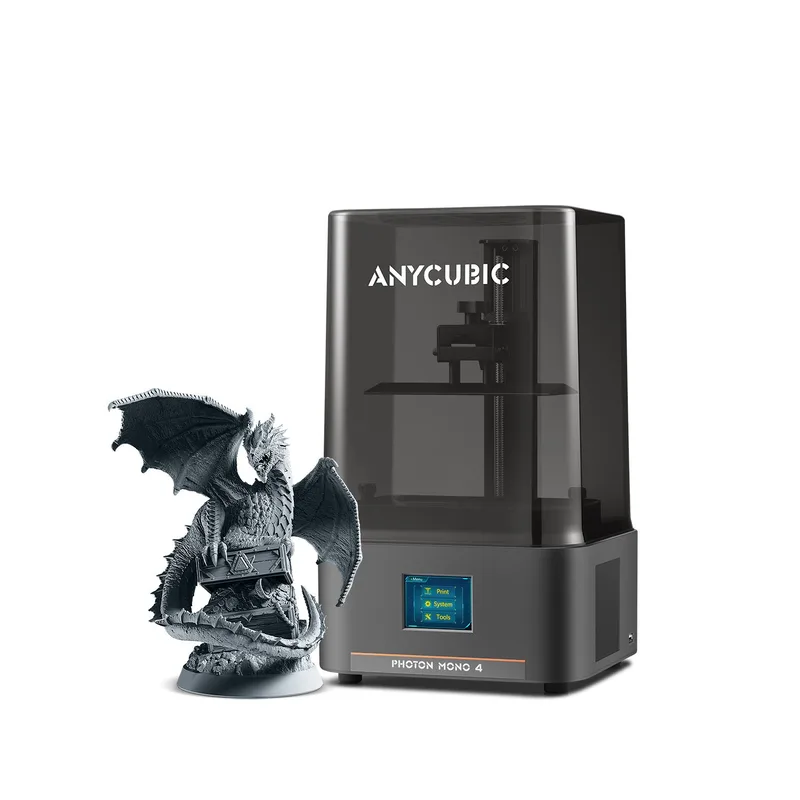
Anycubic Photon Mono 4
Pros
- 10K screen gives 17 x 17 micron pixels, 4-point leveling
- Hinged cover supports one-handed operation
Cons
- Dynamic temperature control resin vat is not supported
- Resin auto-fill unit is not supported
- Activated carbon air purifier is sold separately
Enclosed vs. Open-Frame Designs
Enclosed designs encase the build chamber to trap ambient heat, whereas open-frame models leave the mechanics exposed to the room. An enclosed 3D printer maintains the stable, elevated temperatures necessary to prevent thermal contraction and layer splitting in advanced materials like ABS and ASA. The enclosure also acts as a physical barrier that muffles stepper motor noise and contains fumes, making it appropriate for office or classroom settings. Open-frame printers offer unrestricted access to the extruder and build plate, simplifying maintenance routines and component upgrades. Buyers comparing premium closed systems can read the Bambu Lab P1S vs QIDI Q1 Pro: Which Enclosed CoreXY Wins? analysis.

Bambu Lab P1S Enclosed 3D Printer
Pros
- Fully enclosed CoreXY chassis with auxiliary cooling fan
- Seamless multi-color / multi-material integration with Bambu AMS
- Reliable out-of-the-box first layers with dual automated bed leveling
- Active vibration compensation and belt tension monitoring
Cons
- Proprietary closed ecosystem
- Chamber is passively heated by the bed rather than a dedicated PTC heater
- Upgrading to hardened nozzle for carbon fiber requires separate swap
How Much Does a Good Desktop 3D Printer Cost?
A good desktop 3D printer costs between $300 and $600 for a reliable hobbyist machine. You separate the upfront hardware acquisition from the recurring material and maintenance expenses to calculate the true manufacturing budget.
Upfront Printer Costs
Upfront printer costs span three distinct consumer brackets based on features and stability. Entry-level models cost between $200 and $400, offering capable mechanics but often requiring manual calibration and tinkering. The midrange bracket stretches from $400 to $1,000, introducing advanced quality-of-life features like automatic bed leveling, Wi-Fi connectivity, and rigid frames. Premium prosumer machines exceed $1,000, delivering high-speed CoreXY kinematics, multi-material capabilities, and enclosed heating. Avoiding ultra-cheap kits below $200 prevents the buyer from spending more hours troubleshooting hardware than actually printing.
Total Cost of Ownership (Materials and Maintenance)
The total cost of ownership encompasses the continuous supply of raw printing materials and replacement hardware. A standard one-kilogram spool of PLA or PETG filament costs between $20 and $30, while specialized engineering composites run higher. Liquid photopolymer resin is more expensive, averaging $50 to $100 per liter, supplemented by the recurring cost of isopropyl alcohol and nitrile gloves. FDM maintenance requires periodic investments in fresh brass nozzles, PTFE tubing, and build surface adhesives. Evaluating a machine’s durability over time is covered in comparisons like the Prusa I3 Mk3 Vs Mk3s.
What Essential Features Improve the 3D Printing Experience?
The essential features that improve the 3D printing experience remove manual intervention from the calibration process. You look for electronic safeguards that prevent print failures during long manufacturing runs.
Auto Bed Leveling (ABL)
Auto bed leveling maps the microscopic variations across the print surface using a physical probe or strain gauge. The firmware compensates for these uneven spots by actively adjusting the Z-axis height during the first layer. This automated routine eliminates the tedious process of manually turning mechanical springs under the bed, guaranteeing strong material adhesion for every project.
Filament Runout Sensors and Power Recovery
Filament runout sensors detect the physical absence of material inside the extruder pathway. The printer automatically pauses the active job when the spool empties, allowing the operator to load fresh plastic and resume without losing progress. Power loss recovery logs the exact coordinate of the toolhead to non-volatile memory during an electrical outage, salvaging days of continuous printing upon reboot.
Bambu Lab lists the A1 3D Printer as an open-frame model equipped with a 256-millimeter build volume. The machine integrates both filament tangle and run out sensors alongside power loss recovery support. The manufacturer specifies that the all-metal hot end reaches 300 degrees Celsius, but cautions that ABS and ASA filaments are not recommended for this device.
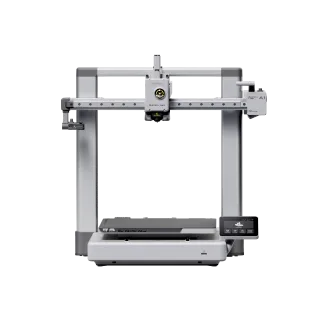
Bambu Lab A1 3D Printer
Pros
- All-metal hot end with stainless steel nozzle
- Filament tangle and run out sensors included
- Power loss recovery supported
Cons
- ABS and ASA filaments are not recommended
- Carbon and glass fiber reinforced polymers are not recommended