
The Flashforge Adventurer 3 is a compact, fully enclosed FDM 3D printer designed for desktop use. This research-based review examines the verified specifications, structural limitations, and modern alternatives for the Flashforge Adventurer 3.
What is the Flashforge Adventurer 3?
The Flashforge Adventurer 3 is a pre-assembled, fully enclosed fused deposition modeling 3D printer. Electromaker reports that the machine arrives ready to use out of the box with zero assembly required. The fully enclosed frame helps retain heat during printing, which improves adhesion and reduces warping for temperature-sensitive materials like acrylonitrile butadiene styrene (ABS). TechGearLab notes that the enclosed design makes the printer safer for classroom environments by shielding moving parts and the heated nozzle. The printer includes a built-in 2-megapixel camera, which Electromaker highlights as a tool for remote monitoring via the FlashCloud or PolarCloud applications.
Key Specifications of the Flashforge Adventurer 3
The Flashforge Adventurer 3 provides a constrained set of specifications tailored for small desktop models. Treatstock and Electromaker list the core technical parameters for the printer. When reviewing the Desktop 3D Printer Comparison Chart: Build Volume, Materials, Workspace and Total Cost, buyers should note these verified metrics.
- Build Volume: Treatstock lists the maximum print dimensions as 150 by 150 by 150 millimeters.
- Print Speed: The maximum listed print speed is 100 millimeters per second, according to Treatstock.
- Extruder Temperature: Electromaker states that the single 0.4-millimeter nozzle reaches a maximum set temperature of 240°C.
- Bed Temperature: The heated platform can reach up to 100°C, as documented by Electromaker.
- Noise Level: Flashforge rates the operational noise level at under 45 decibels, which Electromaker describes as ultra-mute printing.
What Are the Limitations of the Flashforge Adventurer 3?
The primary limitations of the Flashforge Adventurer 3 include its proprietary filament compartment and its restricted build volume. Evaluating these constraints helps buyers conduct proper 3D printer head-to-head comparisons before purchasing an older model.
Internal Spool Holder Size
The built-in filament compartment on the Flashforge Adventurer 3 only accommodates small, proprietary filament reels. Electromaker reports that standard 1-kilogram filament spools do not fit inside the enclosure. Users who wish to print with third-party 1-kilogram spools must use an external spool holder or print a custom adapter bracket. This physical constraint forces users to choose between buying smaller proprietary spools or sacrificing the printer’s streamlined form factor, an issue often discussed when weighing a Prusa I3 Mk3 Vs Mk3s or other open-source designs.
Maximum Print Volume Limits
The Flashforge Adventurer 3 build volume restricts the maximum size of printed parts to 150 by 150 by 150 millimeters. Treatstock documents this cubic dimension, which is significantly smaller than the modern standard of 220 by 220 by 220 millimeters found on current entry-level desktop machines. This compact footprint prevents the production of larger functional prototypes, cosplay helmets, or long structural components without splitting the digital models into smaller interlocking pieces.
Hardware and Quality Assessment
The physical hardware of the Flashforge Adventurer 3 includes specific features aimed at improving ease of use, though print quality results are mixed based on independent evaluations.
Extruder and Nozzle Design
The printer features a removable nozzle module designed for quick maintenance. Electromaker explains that the nozzle can be removed entirely to simplify cleaning or swapped out if downtime becomes an issue. This feature minimizes the mechanical complexity typically associated with clearing hotend clogs on traditional direct-drive or Bowden extruders. Treatstock notes that the machine includes a filament outage detector, which pauses the print automatically when the material runs out.
Build Plate Adhesion
The Flashforge Adventurer 3 utilizes a flexible spring-steel print bed to manage part adhesion and removal. Electromaker confirms that the print bed can be easily removed from the printer, allowing users to bend the steel plate to pop off finished prints without scraping. The platform heats adequately, which Electromaker observes helps hold prints in place without making post-print removal difficult.
Evaluated Print Accuracy
Independent dimensional accuracy tests reveal the baseline capability of the printer. During an Autodesk Kickstarter benchmarking test, Electromaker scored the printer 5 out of 5 points for dimensional accuracy, while noting that fine flow control only scored 2.5 out of 5 points due to stringing at the top of printed spikes. Conversely, TechGearLab observed that a PLA model printed nearly the right size to hold a nickel, but an ABS version of the same dimensional accuracy test had visible gaps and struggled to hold the coin.
Overhang and Bridging Performance
The Flashforge Adventurer 3 demonstrates varying performance when rendering complex geometries. TechGearLab reports that the printer has decent bridging ability, especially with ABS filament, though some longer bridges showed a small amount of sagging. During an overhanging test featuring progressively steeper angles, TechGearLab found that the PLA version succeeded on all but the steepest two overhangs, while the ABS version exhibited warping and drooping on the steeper angles.
Software and Connectivity
The software ecosystem for the Flashforge Adventurer 3 relies on proprietary tools to handle model preparation and machine control.
FlashPrint Slicing Software
Flashforge provides a proprietary slicing program called FlashPrint to prepare models for the Adventurer 3. According to Electromaker, FlashPrint includes advanced support structure generation, particularly a tree-like support setting that builds up branches from small contact points to save material. While some advanced users prefer third-party slicers, TechGearLab notes that using alternatives like Cura with the Adventurer 3 requires manual configuration and workarounds.
Cloud Integration
The printer supports multiple wireless connectivity protocols. Electromaker documents that the machine connects to Wi-Fi and supports cloud-based services including PolarCloud and Flashforge’s own FlashCloud platform. These services allow operators to monitor print progress remotely using the integrated camera and to start prints from cloud-hosted model libraries. Treatstock confirms that the machine also supports standard USB and Ethernet connections for local network management.
Best Flashforge Adventurer 3 Alternatives
The best Flashforge Adventurer 3 alternatives offer larger build volumes and significantly faster print speeds for modern desktop fabrication.
Flashforge Adventurer 5M Pro for Enclosed Speed
The Flashforge Adventurer 5M Pro is a faster, larger enclosed alternative to the Adventurer 3. Flashforge lists the Adventurer 5M Pro with a 220 by 220 by 220 millimeter build volume and a maximum print speed of 600 millimeters per second. This model retains the fully enclosed design while upgrading the mechanical components to support CoreXY motion and high-speed material deposition.
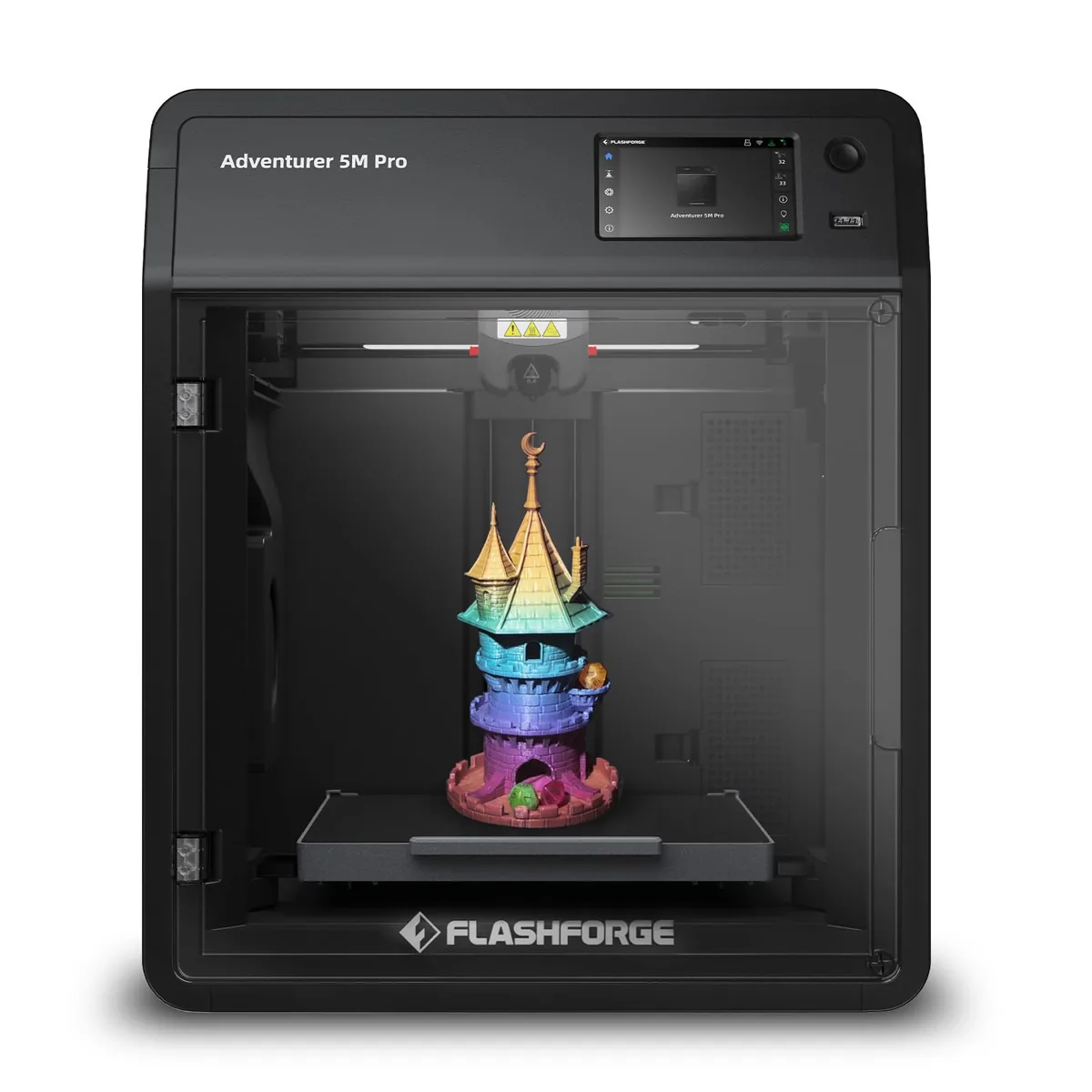
Flashforge Adventurer 5M Pro 3D Printer
Pros
- Dual-channel air filtration (internal recirculation + external exhaust) effectively traps styrene fumes
- Ultra-quiet 50 dBA silent printing mode perfect for bedrooms or classrooms
- Quick-swap nozzle mechanism allows 3-second toolless hotend changes
- Fully automated 1-click calibration with zero manual Z-offset tuning required
Cons
- 280°C max nozzle temp is not designed for ultra-high-temp PEEK or PEKK
- Build volume is 220mm cubic
Another alternative is the Flashforge Adventurer 5M, which Flashforge lists with a 220 by 220 by 220 millimeter build volume and a maximum printing speed of 600 millimeters per second. This model features a CoreXY all-metal structure and a quick-release nozzle that swaps in 3 seconds without tools. However, Flashforge notes that the shell is open by default, requiring a DIY enclosure for high-temperature materials like ABS.
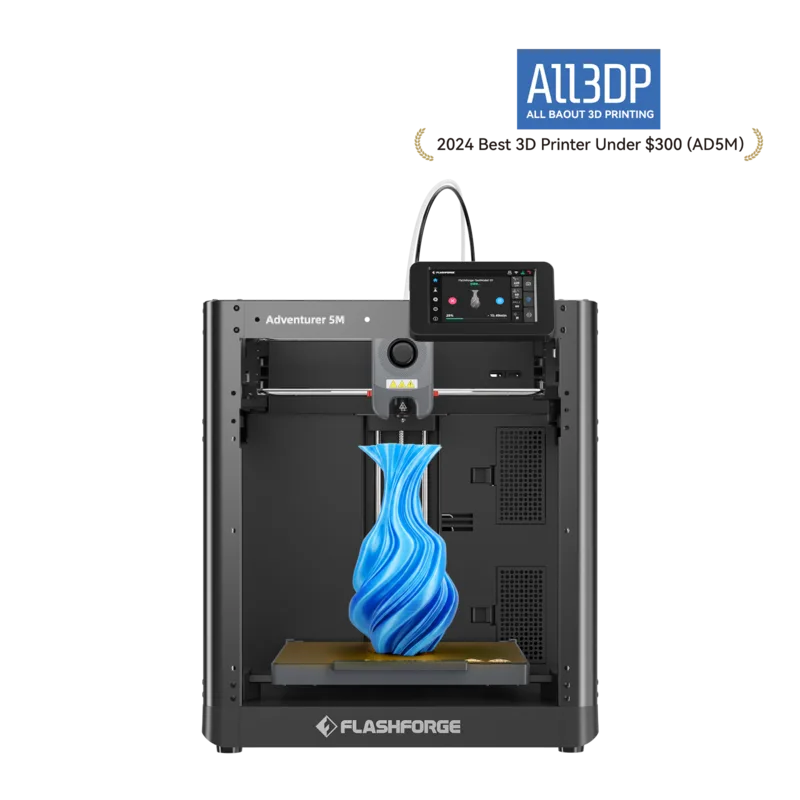
Flashforge Adventurer 5M
Pros
- CoreXY all-metal structure
- Quick-release nozzle swaps in 3 seconds without tools
- Direct-drive nozzle heats to 200 degrees in 35 seconds
Cons
- ABS series filaments are not compatible without an enclosure
- Shell is open by default requiring a DIY enclosure for high temp materials
- Display screen and filament holder require manual installation out of the box
The Flashforge AD5X is a multi-color alternative that Flashforge lists with an Integrated Intelligent Filament System capable of switching between 4 colors. The manufacturer lists a maximum travel speed of 600 millimeters per second and a build volume of 220 by 220 by 220 millimeters. Flashforge indicates the machine utilizes a CoreXY motion system and includes power-loss print recovery for added reliability.
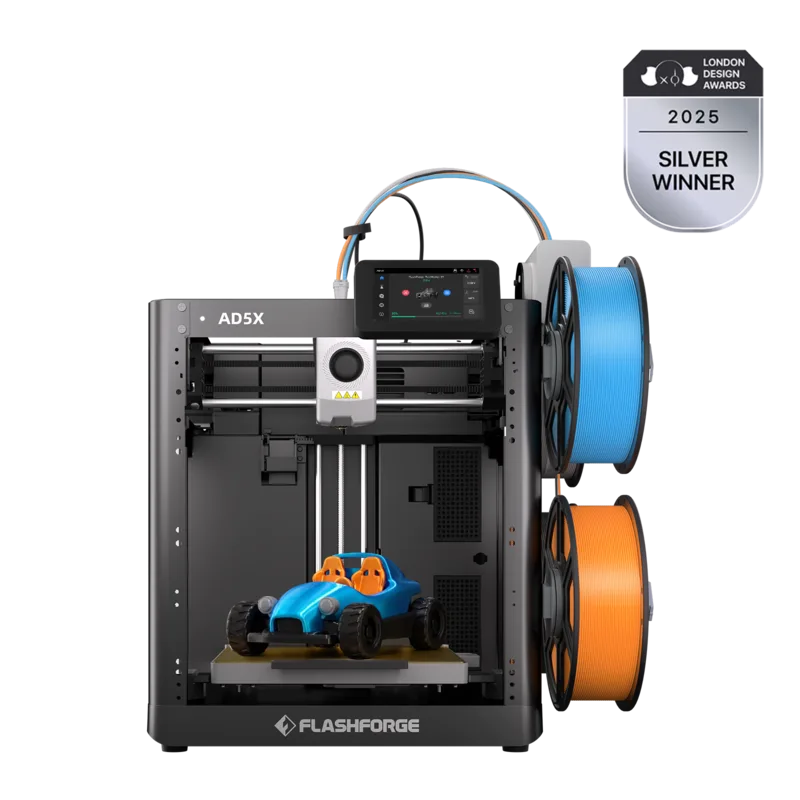
Flashforge AD5X
Pros
- Intelligent Filament System switches between 4 colors
- Power-loss print recovery
- CoreXY motion system
Cons
- IFS module is not compatible with older AD5M models
- Filament jams can occur when ABS sits in the nozzle overnight
Creality Ender 3 V3 SE for Budget Open-Frame
The Creality Ender 3 V3 SE is a budget-friendly open-frame alternative that provides a larger workspace. Creality lists the build volume at 220 by 220 by 250 millimeters. While it lacks the heated enclosure of the Adventurer 3, it offers an automatic bed leveling system and a direct drive extruder at a lower total cost.
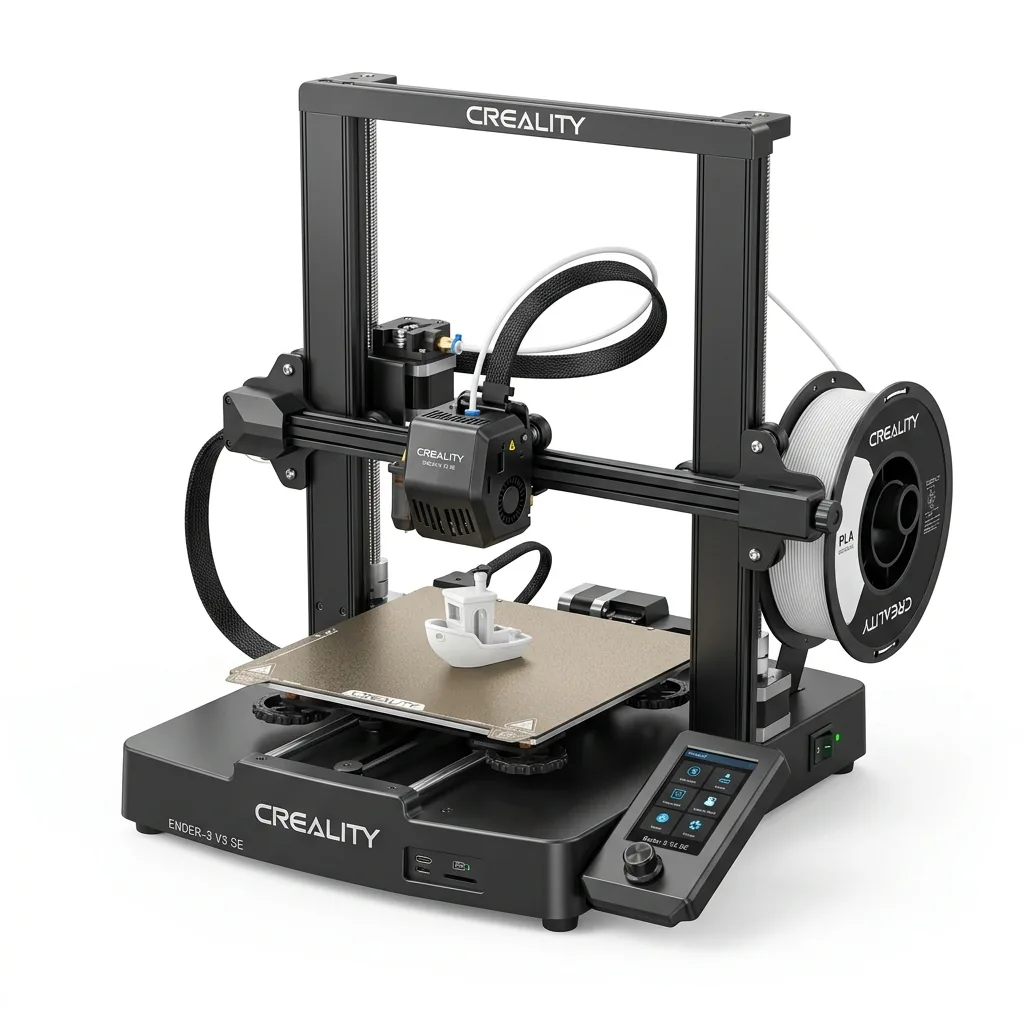
Creality Ender 3 V3 SE 3D Printer
Pros
- Hands-free auto bed leveling and Z-offset calibration
- Reliable Sprite direct drive extruder handles PLA, PETG, and TPU
- Dual Z-axis lead screws ensure high stability
- Incredible sub-$200 value
Cons
- Bowden PTFE inside hotend limits temperature to 250°C
- Open frame not ideal for ABS
Is the Flashforge Adventurer 3 Worth Buying Today?
The Flashforge Adventurer 3 is generally not the best investment today due to the availability of faster, larger printers at similar price points. While TechGearLab noted that the machine was convenient and easy to operate upon release, its 150-millimeter build volume and 100 millimeters per second speed limit its long-term utility. Buyers seeking an enclosed desktop printer will find that newer CoreXY models provide superior speed, standardized spool compatibility, and better overall value.