
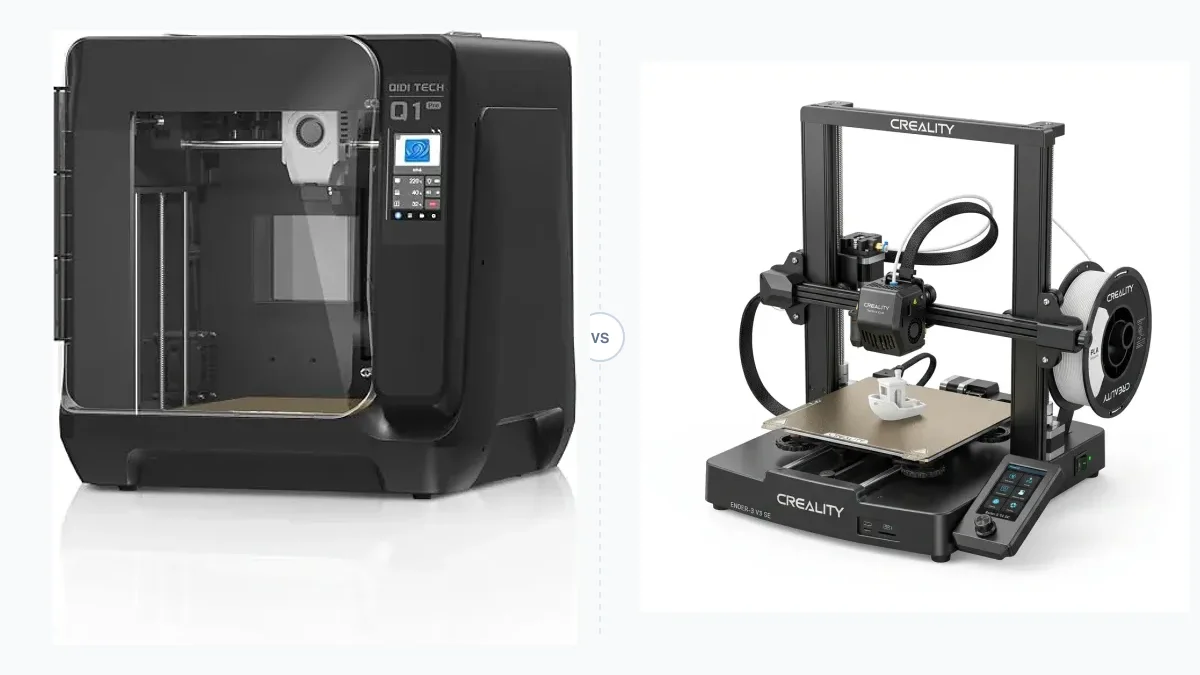
Stop reading the marketing hype. Raw print speed in mm/s means nothing if the parts are dimensionally inaccurate or look like they’re covered in Z-banding. Spec sheets are designed to sell printers, not to inform your purchase. To compare 3D printer models fairly, you need a system. A repeatable, objective, deeply technical scorecard.
This guide outlines the exact scorecard used to evaluate machines objectively. Use it to cut through the noise and find the right printer for your needs, based on evidence, not advertising.
The 3D Printer Comparison Scorecard (100 Points Total)
Forget cherry-picked Benchy photos. A real evaluation requires a structured approach. This scorecard breaks down the evaluation into six key areas that reflect what actually matters during day-to-day operation.
1. Output Quality (40 Points)
This is the most heavily weighted category. It is the fundamental purpose of the machine. Quality is measured by dimensional accuracy and visual inspection, not just feelings.
- Dimensional Accuracy (15 points): Print a 20mm XYZ calibration cube. Let it cool completely. Measure it with digital calipers. An excellent machine will be within ±0.1mm on all axes. A decent one is within ±0.2mm. Anything more suggests frame squareness issues or poor slicer calibration.
- Surface Finish & Artifacts (15 points): Look for ringing (ghosting) after sharp corners, which indicates motion system vibration. Check for consistent, even layer lines. Inconsistent layers (Z-banding) point to issues with the Z-axis lead screws or frame.
- Overhangs & Bridging (10 points): Use a dedicated overhang test model. A good printer with proper part cooling can handle 60-70 degree overhangs without supports. Test bridging over 25mm, 50mm, and 75mm gaps. Sagging or drooping reveals inadequate cooling.
2. Repeatability & Reliability (20 Points)
A printer that produces one perfect Benchy is a novelty. A printer that produces ten identical, perfect parts without failure is a tool.
- Consecutive Print Test (15 points): Can the printer complete a 5-10 hour print, and then immediately start and complete the same print again, five times in a row? Failures like nozzle clogs, bed adhesion loss, or sensor errors lose points here. This is where build quality of components like hotends and extruders becomes obvious.
- “Cold Start” Performance (5 points): After sitting off for 24 hours, does the printer start up and complete a print without needing new bed leveling (tramming) or Z-offset adjustments? This tests the rigidity of the frame and the reliability of the auto-leveling system.
3. Ecosystem & Workflow (15 Points)
How easy is it to go from a 3D model to a physical part? The software and workflow are a huge part of the user experience.
- Slicer Software (5 points): Is the default slicer powerful and intuitive? Is it a proprietary fork (like Bambu Studio from PrusaSlicer) or a generic version of Cura? Most importantly, are you locked into it, or can you use any open-source slicer you want?
- Filament System (5 points): Is the system open to any brand of filament, or does it push you towards proprietary spools with RFID chips? Open systems are always better for cost and material choice.
- Connectivity & Remote Operation (5 points): Does it have WiFi? Can you send prints and monitor them remotely via a webcam? A smooth, reliable remote workflow is a massive quality-of-life improvement.
4. Support & Warranty (10 Points)
When something breaks (and it will), how much help will you get?
- Official Support (5 points): Support quality is evaluated by submitting a real support ticket for a common issue, like heat creep. How long does it take to get a non-automated response? Do they provide clear, actionable steps or replacement parts?
- Community & Documentation (5 points): Is there a large, active community on Discord, Reddit, or forums? Does the company provide a detailed wiki with part diagrams and repair guides? Strong community support can often be faster and more effective than official channels.
5. Serviceability & Modding (10 Points)
A 3D printer is a machine you will eventually need to repair or upgrade. How easy did the manufacturer make it?
- Access to Consumables (5 points): How easy is it to change a nozzle? A proprietary, integrated hotend-nozzle assembly might be easy to swap, but it is expensive. A standard V6 or MK8 nozzle is cheap and widely available. Availability of belts, PEI sheets, and thermistors is also critical.
- Openness to Modification (5 points): Is the firmware open source (like Klipper or Marlin)? This allows for deep customization. Are the mechanical parts standard sizes? A printer that uses standard linear rails and stepper motors is much easier to upgrade than one with custom-molded plastic parts.
6. Evidence Quality (5 Points)
This is a “meta” category. How do you, the buyer, verify a company’s claims? Look at the quality of evidence provided by independent reviewers. A good review shows caliper readings, close-up photos of print failures, and uncut videos of the printer operating. A bad review only shows glamorous shots of perfect prints.
Scorecard in Action: CoreXY High-Speed Printers
Modern enclosed CoreXY printers are a popular choice, and many score highly on this scorecard. Let’s look at two of the top contenders.
The Bambu Lab P1S excels in ecosystem and repeatability. Its workflow is incredibly polished, making it a “just works” machine. The optional AMS system for multi-color printing is a major workflow advantage, though it does lock you into a more proprietary system.

Bambu Lab P1S Enclosed 3D Printer
Pros
- Fully enclosed CoreXY chassis with auxiliary cooling fan, Smooth multi-color / multi-material integration with Bambu AMS, Reliable out-of-the-box first layers with dual automated bed leveling, Active vibration compensation and belt tension monitoring
- Polished software and remote workflow
- Multi-material printing with AMS unit
Cons
- Proprietary closed ecosystem
- Chamber is passively heated by the bed rather than a dedicated PTC heater
- Upgrading to hardened nozzle for carbon fiber requires separate swap
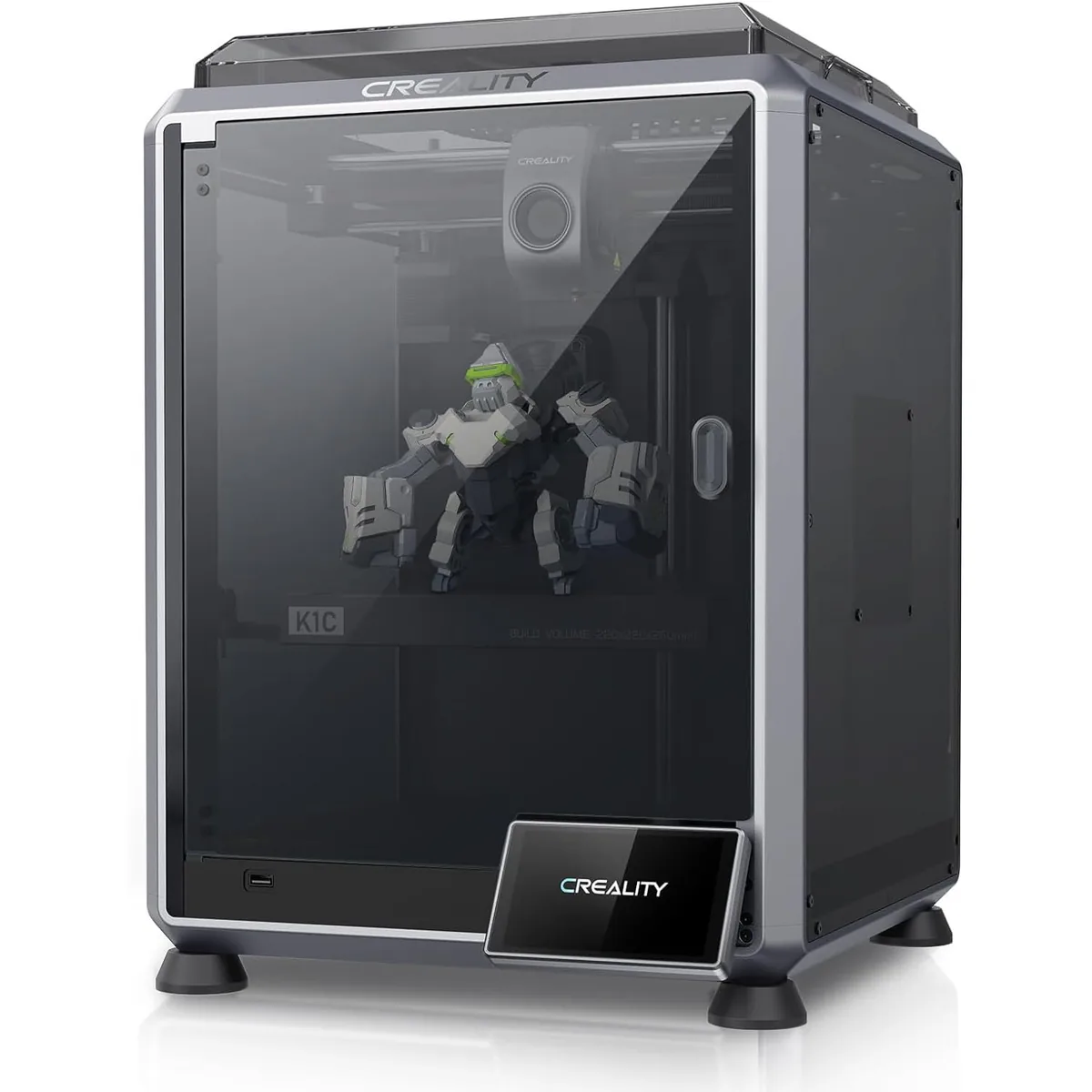
The Creality K1C represents a huge step forward for Creality, addressing early issues from the K1. It focuses on serviceability and openness with its Klipper-based firmware and new “Unicorn” quick-swap nozzle. It’s a powerful machine for users who want top-tier speed with more room for tinkering.
Creality K1C Carbon Fiber 3D Printer
Pros
- Hardened steel tri-metal Unicorn nozzle handles abrasive PA-CF and PET-CF without wear, Integrated AI camera provides automated spaghetti failure detection and time-lapses, 600mm/s CoreXY speed with 20,000mm/s² acceleration, Open-source Klipper-based Creality OS allows custom macros and root access
- “Unicorn” tri-metal nozzle handles carbon fiber filaments
- Open-source Klipper firmware for advanced tuning
Cons
- Build volume (220x220x250mm) is slightly smaller than Bambu P1S
- Passive chamber relies on bed heat to reach ~48°C
Performance Baseline Table
Use this table to score your potential printer. Compare the specs and verified user results against these benchmarks.
| Metric | Basic (Avoid) | Good (Acceptable) | Excellent (Target) |
|---|---|---|---|
| Dimensional Accuracy | > ±0.4mm | ±0.2mm | ≤ ±0.1mm |
| Print Speed (Quality) | < 80 mm/s | 150-300 mm/s | 300-500 mm/s |
| Frame Type | Acrylic / Cantilever | Aluminum Extrusion | All-Metal CoreXY/Cube |
| Motion System | POM Wheels | V-Slot Wheels | Linear Rails / Rods |
| Hotend Max Temp | ~240°C | ~260°C | 300°C+ (All-Metal) |
| Firmware | Proprietary Closed | Marlin | Klipper |
| Bed Surface | Glass / BuildTak | PEI Coated Spring Steel | Textured PEI Sheet |
Your Final Decision Framework
Choosing a printer isn’t about finding a “perfect” score. It’s about finding the machine whose strengths match your priorities and whose weaknesses you can tolerate.
-
If you prioritize a smooth, out-of-the-box experience and reliability above all else, a printer with a strong, integrated ecosystem (like the Bambu P1S) is likely your best choice. The trade-off is often cost and repair complexity.
-
If you prioritize customization, upgradability, and open-source flexibility, a printer built on a platform like Klipper (like the Creality K1C) is a better fit. You will have more control over every aspect of the machine, which requires a greater willingness to learn and tinker.
Open vs Proprietary 3D Printers
Choosing the right ecosystem dictates long-term flexibility and maintenance expenses. Evaluate these factors thoroughly by reading Open vs Proprietary 3D Printers: Cloud, Repair, Cost.
Best Desktop 3D Printers for Beginners by Project and Workspace
New users must balance ease of use with the physical constraints of their environment. Find the right starting point in Best Desktop 3D Printers for Beginners by Project and Workspace.
There is no single “best” 3D printer. There is only the best 3D printer for your specific projects, budget, and technical comfort level. Use this scorecard, trust the data, and you will make a much better choice than just picking the one with the highest speed on the box. Applying this systematic approach allows you to evaluate all desktop 3D printer comparisons effectively.