
Open-source and proprietary 3D printer ecosystems trade different amounts of cloud dependence, repair access, upgrade freedom and operating cost. This comparison defines the spectrum, examines software and offline use, evaluates parts and repairability, builds a cost model, compares two current approaches, and closes with a decision framework. Reading other printer comparison articles helps clarify which ecosystem matches your operational needs.
Open, proprietary and hybrid ecosystems
Open, proprietary and hybrid ecosystems describe separate layers of a 3D printer rather than one permanent label for the whole machine.
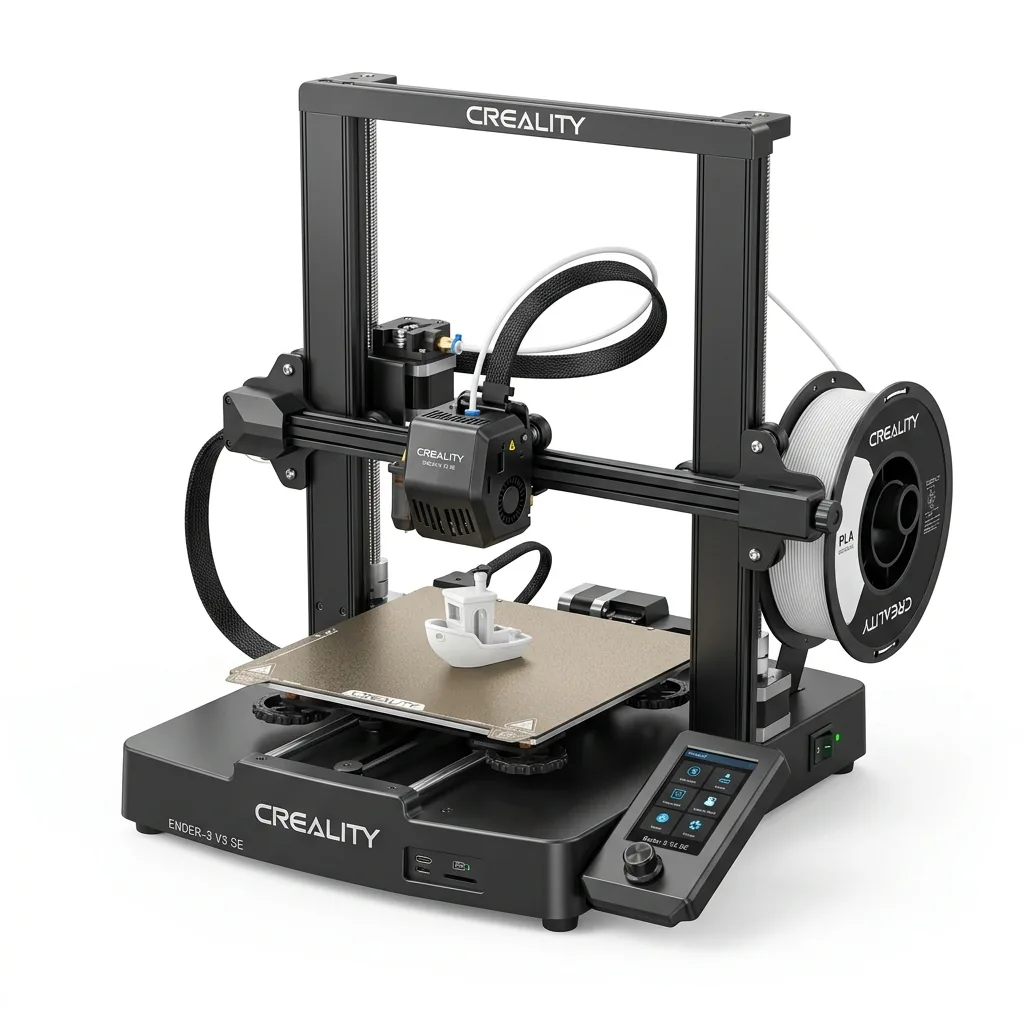
An open-source firmware license does not prove that the hotend, mainboard files, cloud API or replacement modules are open. A proprietary motion system does not prove that the printer requires the cloud. Evaluate these layers independently:
| Ecosystem layer | Questions to verify |
|---|---|
| Firmware | Is source code published under a named license? Can owners install modified builds? |
| Slicer | Is another slicer supported? Are printer and filament profiles exportable? |
| Connectivity | Do LAN, USB or removable-media workflows function without a vendor server? |
| Hardware | Are drawings, pinouts and service procedures available? |
| Parts | Are nozzles, heaters, sensors, boards and motion parts standard or model-specific? |
| Data | What files and telemetry leave the local network? Can remote features be disabled? |
| Warranty | Which owner repairs or modifications affect coverage? |
A closed or proprietary system coordinates these layers through one vendor. That integration can reduce configuration work. An open system exposes more layers for inspection and modification, which transfers more validation and support work to the owner. A hybrid system opens selected layers while retaining model-specific hardware or services.
Cloud control and offline printing
Cloud control and offline printing differ in where slicing, job transfer, monitoring and account authentication occur.
A cloud workflow can start or monitor jobs away from the local network. It can also create a dependency on internet access, vendor account status and continued service. A local workflow transfers the file through LAN, USB or removable media and keeps operation inside the owner’s network.
Before choosing a printer, test the current documentation against these questions:
- Can the printer receive a job without a cloud account?
- Does LAN-only mode retain camera, queue and notification features?
- Can profiles and configuration files be exported and restored?
- Does the printer continue locally during an internet outage?
- Are firmware files and release notes available outside the automatic updater?
- What model, telemetry and diagnostic data reaches the vendor?
Businesses handling client models or unreleased products need a data policy that matches their contracts. Hobby users still benefit from a local recovery path when a server, account or network is unavailable.
Material and slicer freedom
Material and slicer freedom depends on profile access, spool compatibility, nozzle support and the ability to save validated settings.
RFID or automatic material recognition can load a vendor profile without manual entry. Third-party filament may still work, but the owner must identify the material, confirm spool fit and create or select a suitable profile. That is an automation difference, not proof that generic filament is prohibited.
Slicer choice matters when an owner needs a feature, local workflow or backup outside the vendor application. Confirm whether Cura, PrusaSlicer, OrcaSlicer or another tool has an official or documented community profile for the exact printer. A profile that merely shares a build volume may still contain unsafe machine limits or start G-code.
The Bambu Lab P1S and Creality K1C comparison reviews two ecosystem implementations at the machine level.
Repairability and parts supply
Repairability is the ability to diagnose a fault, obtain the correct part, complete the documented repair and restore the printer without unreasonable downtime.
Standard parts create multiple supply options, but compatibility still requires the correct voltage, connector, sensor type, dimensions and firmware configuration. Proprietary modules can reduce installation steps, but supply is concentrated in the vendor and its authorized channels.
Before purchase, compare the following repair attributes.
- Exploded diagrams, service manuals and diagnostic codes.
- Replacement-part availability in the owner’s country.
- Separate availability of nozzles, heater cartridges, thermistors, fans and boards.
- Connector and voltage documentation.
- Firmware recovery and configuration backup procedures.
- Warranty terms for owner-installed parts.
- Expected downtime when a vendor-specific module is unavailable.
Routine 3D printer maintenance applies to either ecosystem, but a maintenance task is only practical when the correct service procedure and part remain available.
Upgrade paths and modification risk
Upgrade paths expand hardware or software capability, while modification risk includes lost support, configuration errors and unverified thermal or electrical changes.
Open systems may permit a different hotend, extruder, mainboard or interface. Each change still needs mechanical, electrical, thermal and firmware validation. A higher-rated heater or added chamber heater is not safe merely because configuration files are editable.
Proprietary systems usually limit upgrades to documented modules. That limit can preserve a validated configuration and support path. It can also prevent component-level improvements after the vendor stops selling an accessory.
Treat reversibility as an upgrade criterion. Save the original configuration, keep the stock part, document each change and confirm a recovery method before modifying firmware.
Long-term cost of the ecosystem
Long-term ecosystem cost combines purchase price, operating expense, repair expense, downtime and owner labor over the planned ownership period.
Use this worksheet instead of an unsupported universal percentage:
Total ownership cost = printer + consumables + replacement parts + services + downtime + operator labor
Consumables include nozzles, build surfaces, filters and material. Services include optional cloud subscriptions or support plans. Downtime includes delayed work while a part ships or a configuration is rebuilt. Operator labor includes calibration, profile development, diagnosis and repair.
A proprietary module can cost more than a standard component but take less time to replace. An open repair can cost less in parts but require diagnosis and configuration. Assign a value to operator time before concluding that either path is cheaper.
Two ecosystem examples
The Bambu Lab P1S and Creality K1C illustrate proprietary and hybrid choices without representing every printer in either category.
Creality K1C as a hybrid example
The Creality K1C combines model-specific hardware with a Klipper-based software stack and documented root-access options.
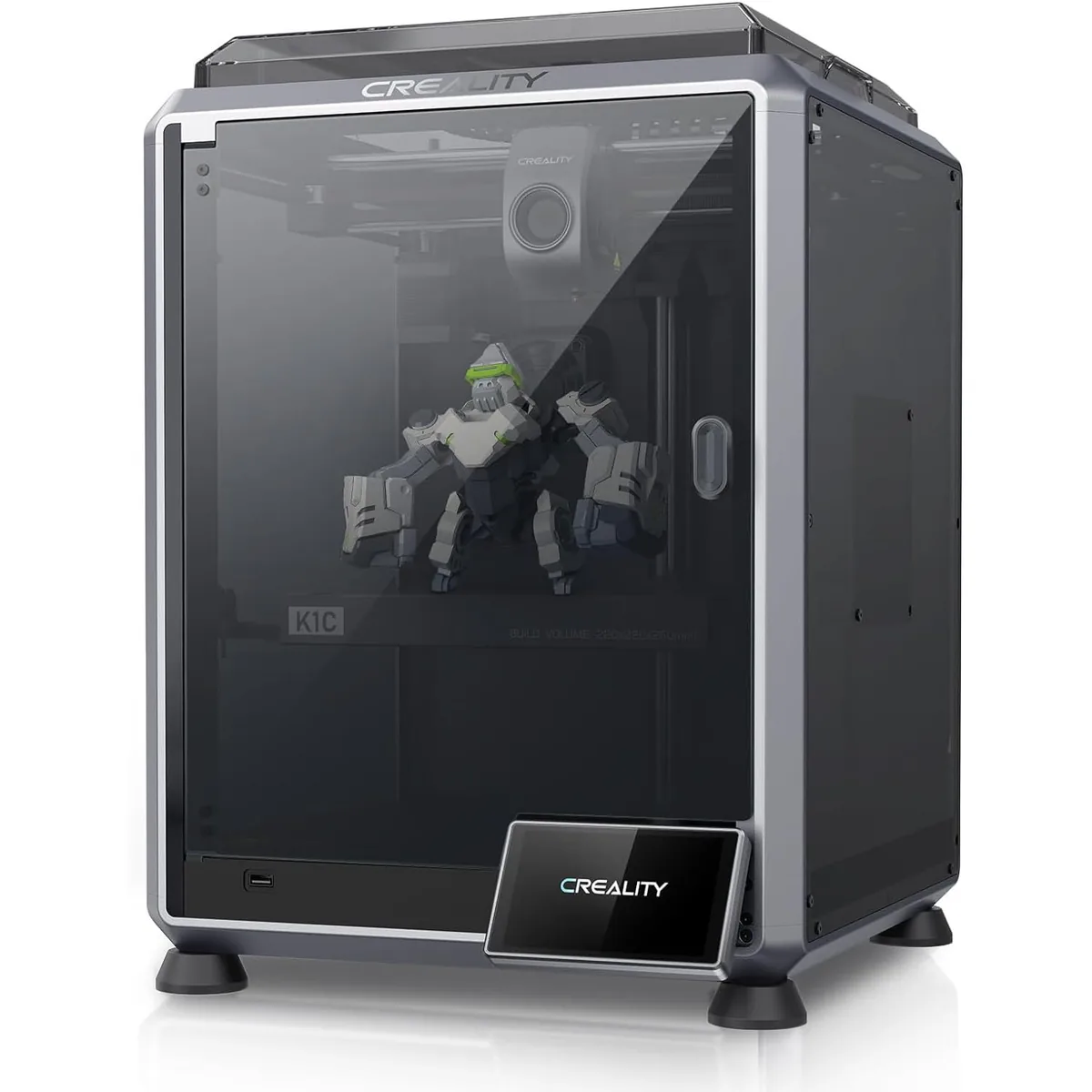
Creality K1C Carbon Fiber 3D Printer
Pros
- Hardened steel tri-metal Unicorn nozzle handles abrasive PA-CF and PET-CF without wear, Integrated AI camera provides automated spaghetti failure detection and time-lapses, 600mm/s CoreXY speed with 20,000mm/s² acceleration, Open-source Klipper-based Creality OS allows custom macros and root access
- Excellent performance that rivals more expensive, closed systems.
- Less reliance on proprietary parts compared to direct competitors.
Cons
- Build volume (220x220x250mm) is slightly smaller than Bambu P1S
- Passive chamber relies on bed heat to reach ~48°C
The K1C owner can evaluate local interfaces and configuration access, but the Unicorn hotend and other assemblies remain model-specific. That mixture is why the K1C fits the hybrid category better than a fully open label.
Bambu Lab P1S as a proprietary example
The Bambu Lab P1S integrates printer hardware, Bambu Studio, optional AMS functions and vendor-specific replacement assemblies.

Bambu Lab P1S Enclosed 3D Printer
Pros
- Fully enclosed CoreXY chassis with auxiliary cooling fan, Smooth multi-color / multi-material integration with Bambu AMS, Reliable out-of-the-box first layers with dual automated bed leveling, Active vibration compensation and belt tension monitoring
- Extremely easy to set up and use; ideal for production.
- Robust LAN-only mode for secure, offline printing.
Cons
- Proprietary closed ecosystem
- Chamber is passively heated by the bed rather than a dedicated PTC heater
- Upgrading to hardened nozzle for carbon fiber requires separate swap
The P1S buyer gains an integrated workflow and a documented LAN-only option. The same buyer should check feature availability in LAN mode, export options and current parts supply before treating local operation as equivalent to the cloud workflow.
Which 3D printer ecosystem should you choose?
The 3D printer ecosystem to choose is the one whose control, repair path and total cost match the owner’s work, privacy rules and technical capacity.
Choose a more proprietary system when integrated profiles, centralized support and module replacement reduce enough operator time to justify vendor dependence. Choose a more open system when local control, component choice, modification and long-term parts substitution justify the added validation work. Choose a hybrid when offline access and selected firmware control matter, but a complete self-built platform does not.
The final comparison returns to four documents: the license, offline workflow, service manual and parts catalog. Those records show whether the printer’s cloud, repairability and cost fit the ownership plan better than an open or proprietary label alone.
Related 3D Printer Comparisons
3D Printer Speed vs Throughput, Quality and Reliability
Ecosystem choices often affect actual printing speed and total output. Understanding how 3D Printer Speed vs Throughput, Quality and Reliability interact helps you evaluate whether a proprietary speed claim results in higher real-world production.