
3D printer speed is a motion specification, while throughput is the accepted output produced with controlled quality, reliable completion and known operator time. This guide separates motion and extrusion limits, defines accepted quality, counts failures and labor, compares two machine approaches, builds a benchmark, and ends with a purchasing framework.
Speed and throughput are different metrics
3D printer speed measures motion or extrusion at a moment, while throughput measures acceptable parts over a complete workflow.
A maximum speed such as 500 or 600 mm/s describes the upper limit listed for selected moves or profiles. A real model contains short segments, corners, bridges, overhangs, top surfaces and first layers that use lower speeds. Acceleration and deceleration consume much of a short path before the toolhead reaches the listed maximum.
Throughput begins before extrusion and ends after inspection. It includes file preparation, machine setup, material conditioning, printing, cooling, part removal, inspection and any recovery from a failed attempt.
Use a clear acceptance rule. A completed object is not an accepted part if it misses a required dimension, layer bond, surface condition or assembly fit.
Motion speed depends on acceleration and geometry
Motion speed depends on how quickly the printer accelerates, how long each move lasts and how the slicer limits different feature types.
CoreXY systems keep more bed mass stationary than a bed-slinger, which can support higher acceleration on compatible frames. That architecture does not make every CoreXY print faster. Toolhead mass, frame rigidity, belt path, resonance control and the selected acceleration values still affect usable motion.
Inspect the sliced speed view rather than the product-page maximum. The speed view shows where the profile reduces velocity for outer walls, bridges, small perimeters, overhangs, the first layer and top surfaces. Compare estimated print time only after both machines use equivalent quality and material conditions.
Volumetric flow limits extrusion speed
Volumetric flow limits extrusion speed because the hotend must melt and deliver the material volume demanded by layer height, line width and motion speed.
The relationship is:
Required flow (mm³/s) = layer height (mm) x line width (mm) x print speed (mm/s)
If required flow exceeds the tested material and hotend limit, the printer can under-extrude even when the gantry follows the requested motion. The relevant maximum changes with polymer, nozzle, temperature, heater, melt-zone geometry and test method.
Use a manufacturer profile or a documented material-specific flow calibration. Do not copy one flow value between PLA, PETG, ABS, ASA, nylon or filled composites without evidence that the same extrusion system and conditions support it.
Quality defines a successful part
Quality defines a successful part through measurable requirements set before the speed comparison begins.
Acceptance criteria can include:
- Dimensions at named features, measured after the part cools.
- Fit with the mating component or a documented gauge.
- Required wall, top and bottom toolpaths in slicer preview.
- No missing layers, shifts, splits, severe ringing or unsupported islands.
- Surface requirements on named faces.
- Functional or load validation appropriate to the application.
High speed can expose cooling limits, resonance, weak first-layer adhesion, heat creep and insufficient melt flow. Those are mechanisms to inspect, not proof that one advertised speed always causes a specific failure.
Reliability includes failure and recovery
Reliability is the proportion of attempts that produce accepted parts under the recorded material, profile and maintenance state.
Record every attempt, including the failure stage and recovery work. A part that detaches near completion consumes material and machine time. A hotend blob can add cleaning, replacement and recalibration time. A small first-layer cancellation has a different cost, so log time and material rather than reporting one unsupported failure percentage.
Classify the cause as hardware, material, model, slicer or environment before changing the speed.
Operator time exposes hidden overhead
Operator time exposes setup and recovery work that print-duration comparisons omit.
A useful local metric is successful parts per operator hour:
Successful parts per operator hour = accepted parts / operator labor hours
Operator labor includes assembly changes, bed preparation, slicing, loading material, starting jobs, active intervention, removal, inspection, cleaning, maintenance and failure recovery. Keep machine hours separate so a queue manager can see whether the bottleneck is equipment capacity or labor.
This metric is a local planning tool, not an industry certification. Define what counts as an accepted part and operator activity before comparing printers or work periods.
Two high-speed printer approaches
The Creality K1C and Bambu Lab P1S show why maximum speed alone does not decide throughput.
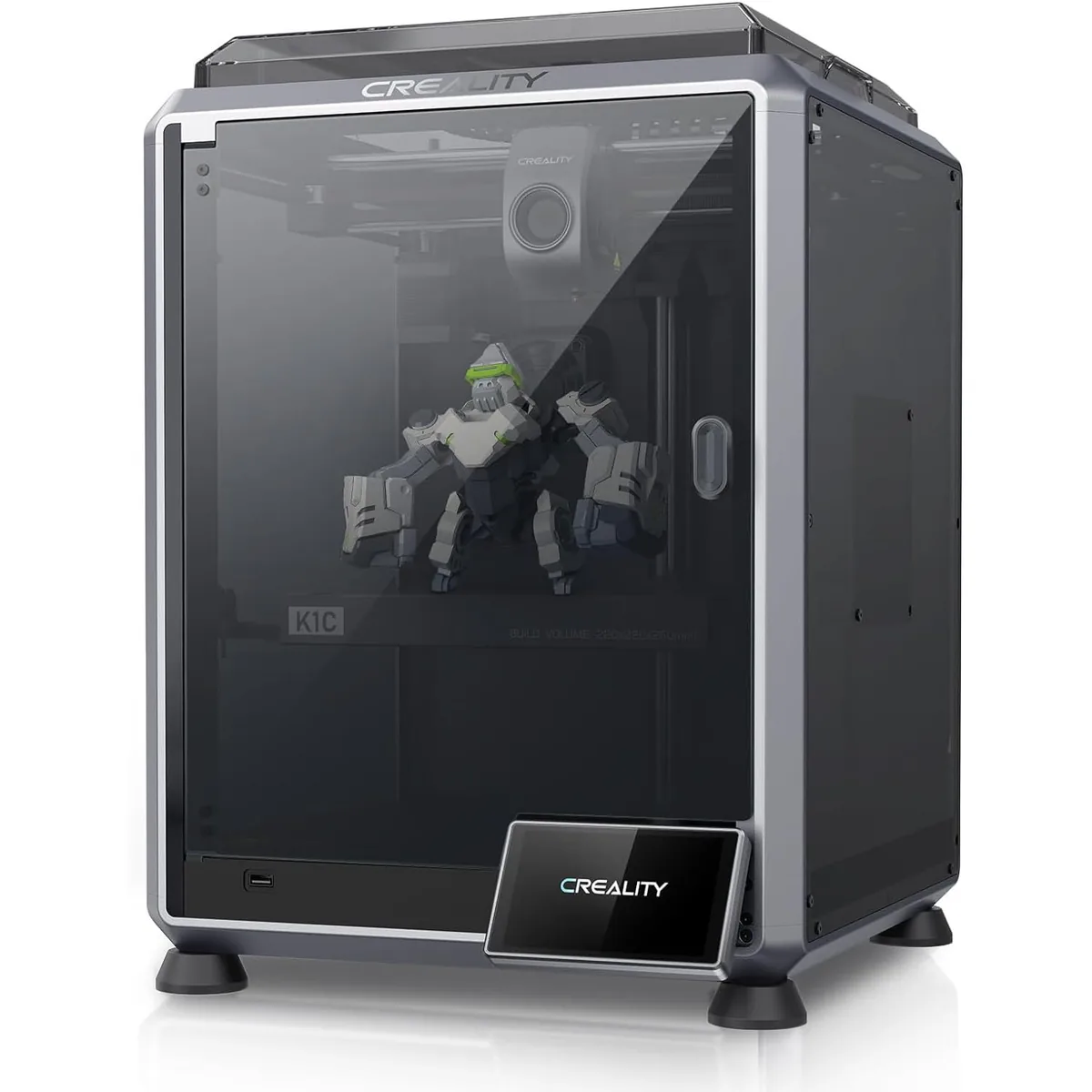
Creality K1C extrusion and motion limits
The Creality K1C lists a 600 mm/s maximum speed and 20,000 mm/s² acceleration in the preserved product specification.
Creality K1C Carbon Fiber 3D Printer
Pros
- Hardened steel tri-metal Unicorn nozzle handles abrasive PA-CF and PET-CF without wear, Integrated AI camera provides automated spaghetti failure detection and time-lapses, 600mm/s CoreXY speed with 20,000mm/s² acceleration, Open-source Klipper-based Creality OS allows custom macros and root access
- Hardened steel nozzle tip is ready for abrasive filaments like carbon-fiber PLA.
- Active part cooling fan on the toolhead improves overhangs at speed.
Cons
- Build volume (220x220x250mm) is slightly smaller than Bambu P1S
- Passive chamber relies on bed heat to reach ~48°C
Those values define available machine settings. The accepted output still depends on the K1C profile, material-specific flow, cooling, part geometry and inspection rule.
Bambu Lab P1S workflow integration
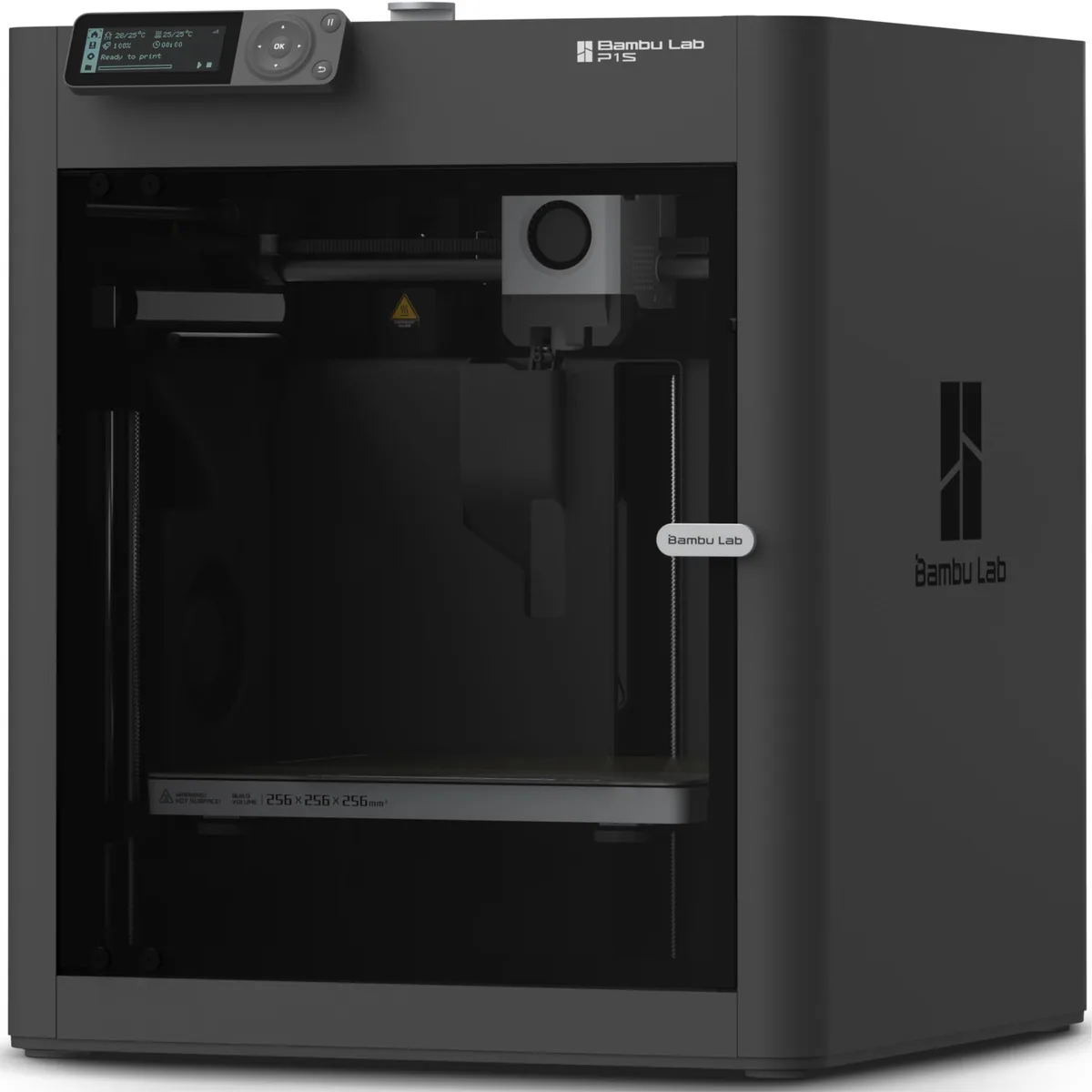
The Bambu Lab P1S combines an enclosed CoreXY machine with automated calibration features and an integrated slicer workflow.

Bambu Lab P1S Enclosed 3D Printer
Pros
- Fully enclosed CoreXY chassis with auxiliary cooling fan, Smooth multi-color / multi-material integration with Bambu AMS, Reliable out-of-the-box first layers with dual automated bed leveling, Active vibration compensation and belt tension monitoring
- Fully automated calibration for hands-off printing.
- Enclosure is great for ABS/ASA and keeps dust out.
Cons
- Proprietary closed ecosystem
- Chamber is passively heated by the bed rather than a dedicated PTC heater
- Upgrading to hardened nozzle for carbon fiber requires separate swap
The P1S specification lists a lower maximum motion speed than the K1C block. A fair throughput comparison must still log accepted parts and operator time under the same task instead of assuming that either listed maximum predicts the result.
The Bambu Lab P1S and Creality K1C comparison covers their documented hardware and ecosystem differences.
Run a fair throughput comparison
A fair throughput comparison changes the printer while holding the task and acceptance rule constant.
- Use the same source model, orientation and required dimensions.
- Use the same material identity and condition.
- Use equivalent nozzle size, layer height, line width and infill requirement.
- Start from supported printer profiles and document every change.
- Record slice estimate, actual machine time and operator labor separately.
- Inspect every part against the same acceptance criteria.
- Log failed attempts, recovery time and material loss.
- Repeat enough jobs to expose routine setup and maintenance, then report the complete sample.
Do not increase one printer’s speed until its quality fails and leave the other at a conservative default. That test compares tuning choices, not machines.
Improve throughput without hiding failures
Throughput improves when the workflow removes a measured bottleneck without weakening the acceptance criteria.
If operator time dominates, standardize profiles, material preparation, job naming and inspection. If machine time dominates, examine layer height, nozzle diameter, batch layout and supported acceleration. If failures dominate, diagnose adhesion, extrusion, motion or model errors before increasing speed.
Which speed metric should guide a purchase?
The purchase metric should be accepted output for the buyer’s actual model, material, quality rule and operator capacity.
Maximum speed and acceleration show available motion. Volumetric flow shows an extrusion constraint. Estimated print time shows the slicer’s plan. Reliability and operator hours show whether that plan becomes usable output. Choose the printer that completes the whole workflow with the required quality and lowest acceptable combined machine and operator cost. You can explore other 3D printer versus guides to find a machine that matches your production goals.
Desktop 3D Printer Comparison Chart
Evaluating true throughput requires looking past peak velocity numbers. Performing a side-by-side 3D printer comparison helps you weigh acceleration and volumetric flow against your actual needs.
3D Printer vs. 3D Pen
Understanding equipment types helps you match the tool to the task’s required precision. Reading 3D Printer vs. 3D Pen: Which Tool Is Right For You? clarifies when automated throughput outpaces manual control.