
The Bambu Lab P1S is the stronger fit for a larger build volume and optional AMS integration, while the Creality K1C is the stronger fit for stock hardened composite-printing components and root access to Creality OS. The comparison covers specifications, motion architecture, abrasive materials, build volume, firmware, thermal design, product trade-offs, and the final choice in that order.
Core Specifications Comparison
The core specifications comparison uses manufacturer-listed dimensions, temperatures, speeds, hardware, and software features; the figures are not independent measurements.

Before looking at motion dynamics and firmware choices, examine the physical baseline specifications of each platform:
| Specification | Bambu Lab P1S | Creality K1C |
|---|---|---|
| Build Volume (X×Y×Z) | 256 x 256 x 256 mm (16.7 L) | 220 x 220 x 250 mm (12.1 L) |
| Motion Architecture | CoreXY (Carbon Rods X, Steel Rods Y) | CoreXY (Steel Linear Rods X & Y) |
| Max Print Speed | 500 mm/s | 600 mm/s |
| Max Acceleration | 20,000 mm/s² | 20,000 mm/s² |
| Hotend Max Temperature | 300°C | 300°C |
| Stock Nozzle Material | Stainless Steel (0.4mm) | Hardened Steel Tip + Copper Body (Unicorn) |
| Extruder Gears | Stainless Steel (Hardened upgrade optional) | Dual-Gear Direct Drive (Hardened Steel) |
| Bed Max Temperature | 100°C | 100°C |
| Enclosure Environment | Enclosed (Passive Bed Heating + Fan) | Enclosed (Passive Bed Heating + Fan) |
| Firmware Platform | Proprietary Closed Bambu OS | Creality OS (Klipper with Open Root Access) |
| Multi-Color System | Compatible with Bambu AMS (up to 16 colors) | Single-spool only (No native AMS support) |
| Camera & AI | Low-framerate chamber camera (0.5 fps) | 1080p AI Camera with Spaghetti Detection |
For more information on these metrics, see our 3D printer comparison methodology.
Motion Architecture: Carbon Rods vs. Steel Gantry
The motion architecture differs at the X-axis carriage: the P1S uses carbon rods, while the K1C uses steel rods and graphite bushings.
The Bambu Lab P1S uses lightweight carbon fiber rods for the X-axis. Bambu Lab lists acceleration up to 20,000 mm/s² and provides rod-cleaning instructions in its maintenance documentation.
The Creality K1C uses polished steel rods with graphite bushings. Both machines use resonance compensation, and the input shaping guide explains how calibration settings affect ringing without claiming a measured result for either printer here.
Creality lists a maximum speed of 600 mm/s for the K1C, while Bambu Lab lists 500 mm/s for the P1S. These maxima do not establish print time or quality for a specific model because acceleration, geometry, material flow, cooling, and the selected profile set usable speed.
Abrasive Carbon Fiber and Composite Printing
The abrasive-material comparison favors the K1C in stock form because Creality lists a “Unicorn” nozzle with a hardened steel tip and hardened extruder drive gears.
The K1C documentation lists composite profiles such as PLA-CF, PETG-CF, and PA-CF for the stock hardened filament path. The carbon fiber filament technical guide explains why abrasive fibers require wear-resistant nozzle and drive components.
The Bambu Lab P1S comes with a stainless steel nozzle and stainless extruder gears. Bambu Lab directs users toward its hardened hotend and hardened extruder gear for abrasive filament support; installation must follow the current service instructions.
Build Volume and Form Factor
The build-volume comparison favors the P1S. Bambu Lab lists 256 x 256 x 256 mm, while Creality lists 220 x 220 x 250 mm for the K1C.
That 36mm difference along the X and Y axes is critical for functional manufacturing:
- On the P1S, the larger X and Y dimensions provide more room for electronics housings, drawer organizers, and diagonally oriented parts.
- On the K1C, larger parts must often be split into segments, dovetailed, and bonded post-print.
If your primary goal is printing larger prototypes or multiple components in a single batch, the P1S justifies its larger footprint.
Firmware Freedom: Bambu Studio vs. Open Klipper Root
Firmware access separates the two machines: the P1S uses Bambu’s managed ecosystem, while the K1C offers documented root access to its Klipper-based Creality OS.
The Bambu Lab P1S operates within Bambu’s proprietary software ecosystem. Bambu Studio and the Bambu Handy mobile app support network sending, slicing, automated leveling, and resonance calibration. The firmware does not offer the same root-level configuration path as Creality OS.
The Creality K1C runs Creality OS, which is an optimized distribution of Klipper. Crucially, Creality provides an official menu toggle to enable full SSH root access. With root access, makers can:
- Install Mainsail or Fluidd web interfaces directly.
- Configure custom macros for specialized filament purging and bed probing routines.
- Connect third-party sensors and customize camera recording streams.
- Integrate the printer into local Home Assistant instances without third-party cloud dependence.
For users who view a 3D printer as a closed production appliance, the P1S is undeniably convenient. For engineers, tinkerers, and print farm administrators who demand complete network ownership and configuration control, the K1C’s open root environment is a significant asset.
Thermal Management and Chamber Performance
Thermal management is passive in both printers: neither includes a dedicated chamber heater like the actively heated QIDI Q1 Pro. Their enclosures retain heat from the bed and hotend, subject to room conditions and the selected profile.
This page does not claim a measured chamber-temperature range or a universal warp-free part size. Room temperature, bed setting, material, geometry, and enclosure leakage change the result. The guide to wet-filament print failures covers moisture as a separate material-handling variable.
For users evaluating enclosed architectures specifically for warping-prone industrial polymers, check our roundup of the top enclosed 3D printers for technical materials.
Detailed Product Verdicts
The product verdicts consolidate the documented hardware differences without assigning test scores.
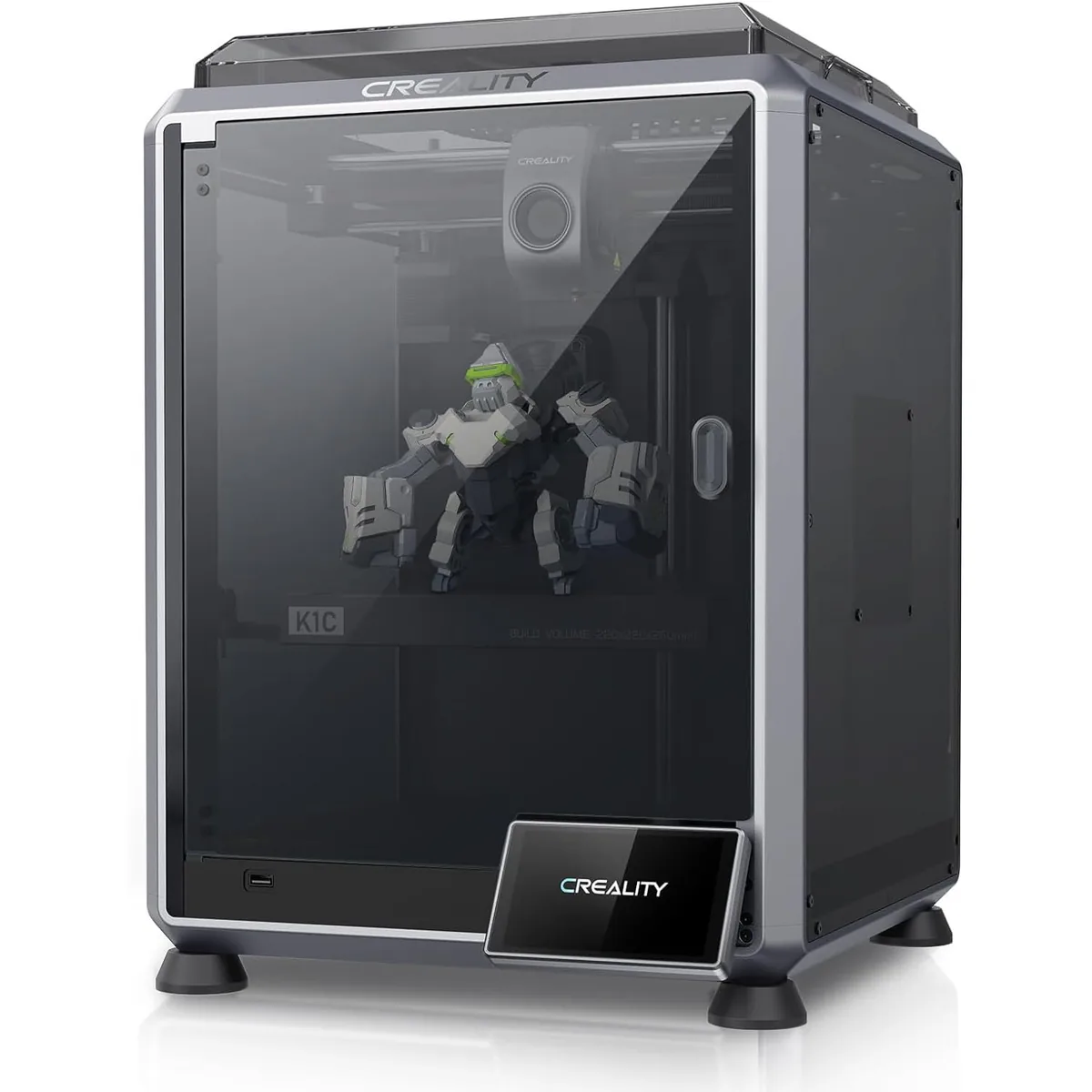
Creality K1C Carbon Fiber 3D Printer
Pros
- Hardened steel tri-metal Unicorn nozzle prints abrasive PA-CF and PET-CF out of the box.
- Open-source Klipper-based Creality OS allows root SSH access and custom macros.
- Integrated AI camera provides automated spaghetti failure detection and time-lapses.
Cons
- Build volume (220x220x250mm) is smaller than the Bambu P1S.
- No native multi-color AMS system available for this specific chassis.

Bambu Lab P1S 3D Printer
Pros
- Larger 256x256x256mm build volume fits bigger functional parts.
- Integrated multi-color and multi-material support through the Bambu AMS unit.
- Intuitive out-of-the-box setup with automated resonance calibration and motor noise cancellation.
Cons
- Proprietary closed-source firmware without root access.
- Requires purchasing a hardened steel nozzle and extruder gears separately for carbon fiber.
Final Recommendation: Which Machine Should You Choose?
Choose the Bambu Lab P1S for its larger build volume and optional AMS integration; choose the Creality K1C for stock hardened composite-printing components and root access to Creality OS.
Choose the Bambu Lab P1S if:
- You want the option for reliable multi-color or multi-material printing via the AMS.
- You need the extra build volume of a 256mm cube for larger prototypes.
- You prefer a quiet, appliance-like experience that works out of the box with minimal tuning.
Choose the Creality K1C if:
- You frequently print abrasive carbon fiber, glass fiber, or composite materials and want hardened components straight from the factory.
- You value open-source Klipper firmware, root SSH access, and local network control without cloud dependencies.
- You want an enclosed high-speed CoreXY machine at a competitive sub-$500 entry price.
For more side-by-side hardware evaluations, explore our full library of 3D printer comparisons.