
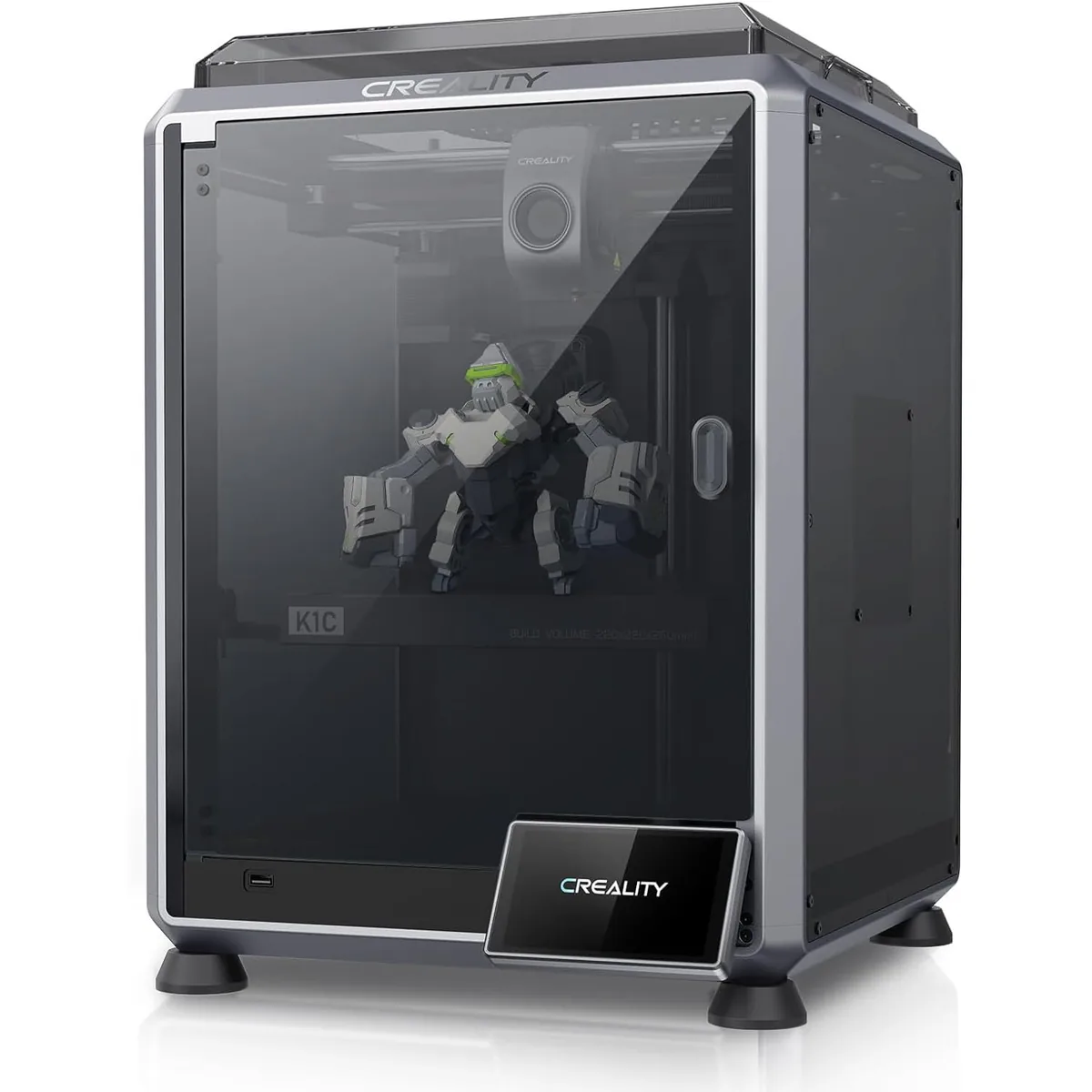
The best desktop 3D printer for beginners is a machine that matches the user’s intended projects, fits the available workspace, and fits within the initial budget. Modern desktop 3D printers have shifted from complicated kits to pre-assembled devices that require minimal calibration. When selecting a machine, beginners must evaluate the print volume, material compatibility, and overall safety features. This guide covers what makes a printer beginner-friendly, reviews top models categorized by project type and workspace, breaks down the total cost of ownership, and answers common questions about home printing.
What Makes a Desktop 3D Printer Good for Beginners?
A desktop 3D printer is good for beginners when it includes automatic bed leveling, a straightforward user interface, and out-of-the-box compatibility with standard filaments. Automatic bed leveling uses sensors to measure the distance between the nozzle and the print bed, eliminating the frustrating manual calibration process that often causes failed first layers. A clear interface, such as a touchscreen or LCD with a control knob, allows new users to load filament and start prints without navigating complex menus. Tom’s Hardware reports that older manual leveling machines are no longer the standard, and modern entry-level units offer guided setups directly on the screen.
Material compatibility is another crucial factor. Most beginners start with PLA (Polylactic Acid) because it melts at a lower temperature and emits minimal odors. If you want to know How to Choose a Desktop 3D Printer, you must also check the physical build volume. A build volume of around 220 x 220 x 250 millimeters provides enough space for most household items and small decorative pieces without occupying too much desk space. Finally, safety features such as enclosed chambers and power loss recovery protect the printer and the user during longer operations. StlDenise3D states that an open-frame machine works well for PLA, but enclosed machines are necessary to tackle ABS, ASA, or nylon.
Top Desktop 3D Printers for Beginners by Project and Workspace
Top desktop 3D printers for beginners are categorized below based on their budget suitability, workspace requirements, and project capabilities. The models are listed by their primary advantage for new users, starting with the most affordable option.
1. Creality Ender 3 V3 SE
The Creality Ender 3 V3 SE is the best budget-friendly 3D printer for beginners due to its low entry price and automated calibration features. Creality lists the build volume at 220 x 220 x 250 millimeters, which accommodates most standard prints. The machine reaches a maximum printing speed of 250 millimeters per second, making it faster than previous generations in the Ender series.
A major advantage for new users is the CR Touch auto-leveling system combined with a strain gauge for automatic Z-offset calibration, which ensures the first layer adheres correctly without manual adjustments. The Sprite direct drive extruder reliably handles standard materials like PLA, PETG, and TPU. StlDenise3D reports that the machine is simple to build and features step-by-step instructions directly on the display screen. However, the machine lacks Wi-Fi connectivity, requiring users to transfer files via a full-size SD card. The open frame design also means it is less suitable for temperature-sensitive materials like ABS. If you are comparing entry-level models, the Best 3D Printers Under $300 for Beginners: 2026 Guide provides further details on similar machines.
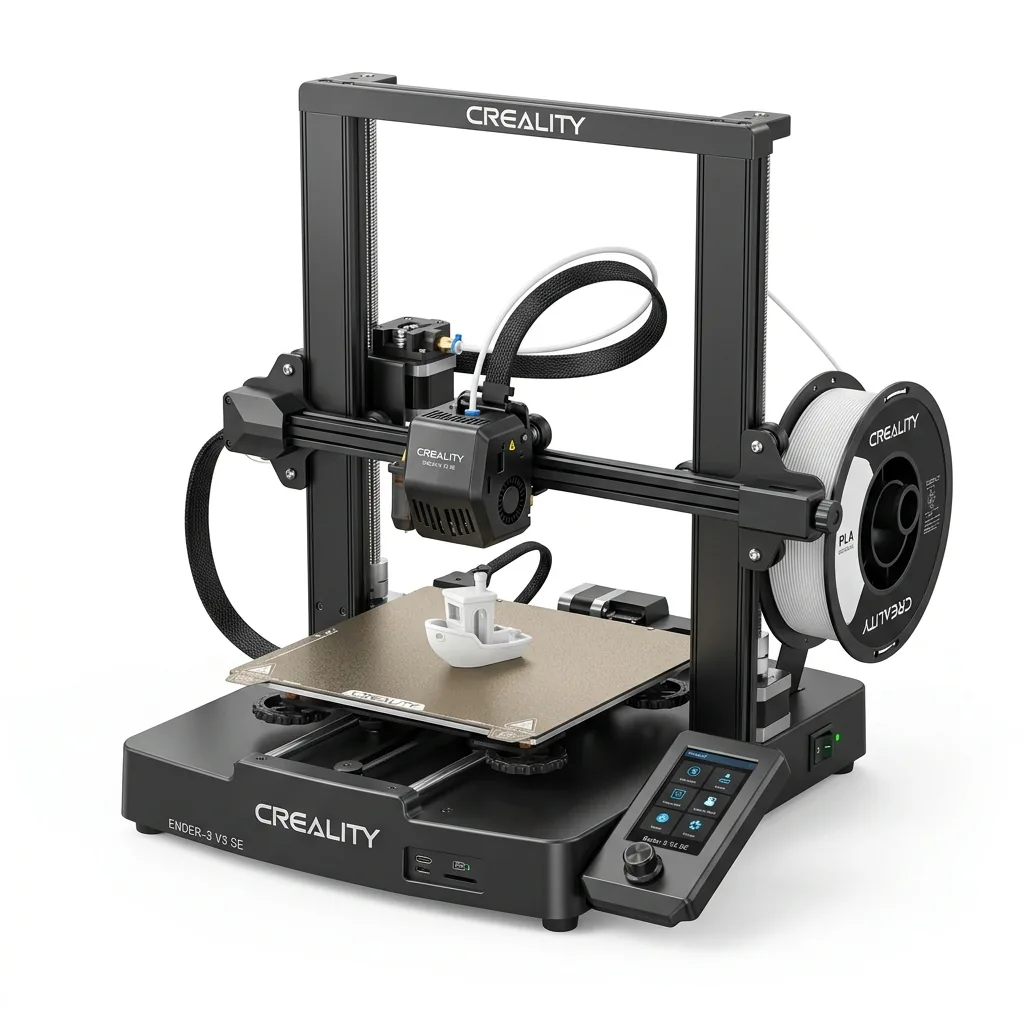
Creality Ender 3 V3 SE 3D Printer
Pros
- Hands-free auto bed leveling and Z-offset calibration
- Reliable Sprite direct drive extruder handles PLA, PETG, and TPU
- Dual Z-axis lead screws ensure high stability
- Incredible sub-$200 value
Cons
- Bowden PTFE inside hotend limits temperature to 250°C
- Open frame not ideal for ABS
2. Flashforge Adventurer 5M Pro
The Flashforge Adventurer 5M Pro is a fully enclosed 3D printer designed for safe operation in home offices and classrooms. Flashforge specifies a build volume of 220 x 220 x 220 millimeters and a maximum print speed of 600 millimeters per second. The enclosed chamber includes a dual-channel air filtration system with HEPA13 and activated carbon filters, which effectively traps odors and particles when printing materials like ABS. Tom’s Hardware highlights that the Adventurer 5M Pro provides an enclosed everyday workflow that suits practical home projects.
Beginners benefit from the fully automated one-click calibration system that requires zero manual tuning before the first print. The quick-swap nozzle mechanism allows users to change hotends in seconds without specialized tools. The printer also features an ultra-quiet 50 dBA silent printing mode, making it ideal for shared spaces. While Flashforge specifies a 280°C maximum nozzle temperature that supports most common filaments, it is not designed for ultra-high-temperature engineering plastics like PEEK.
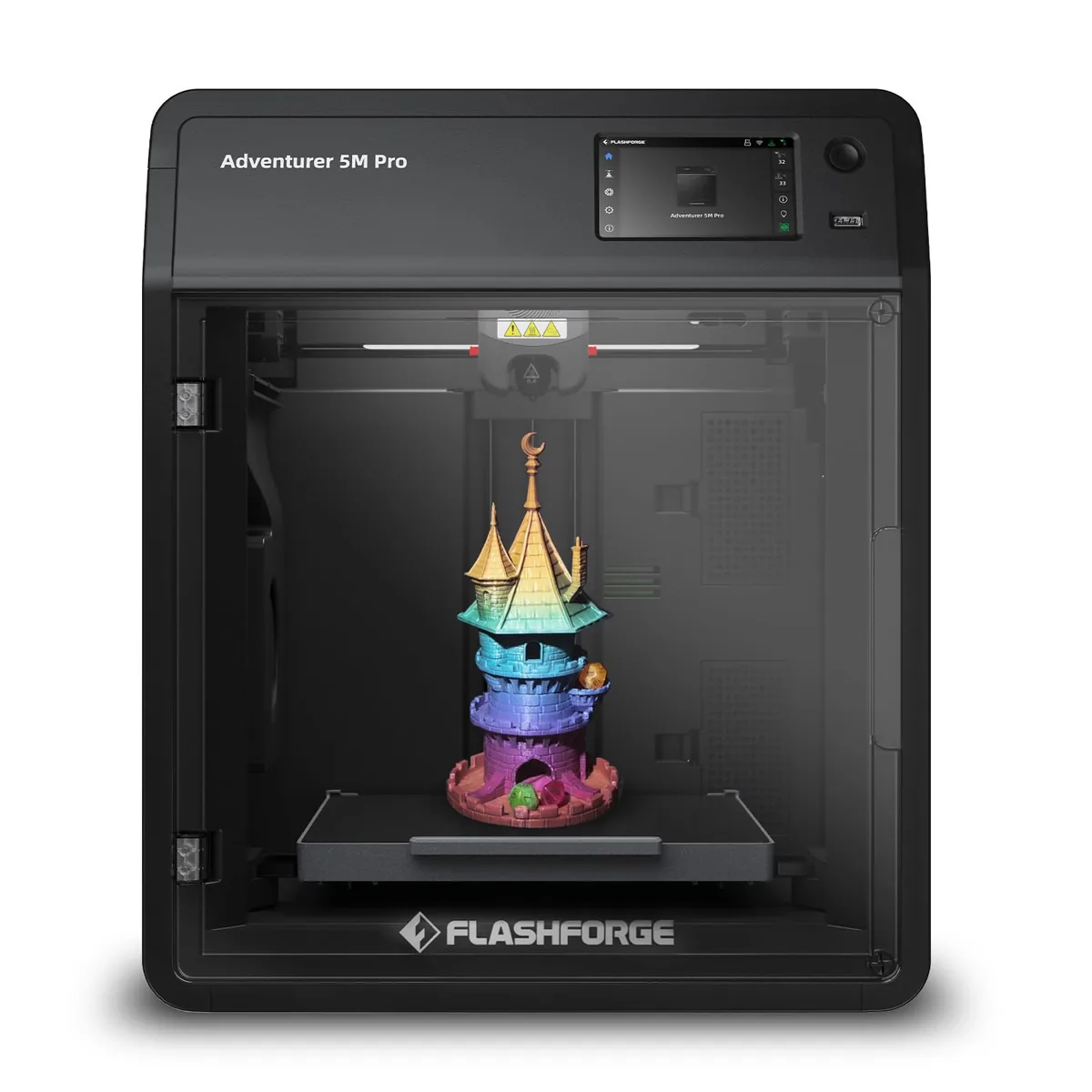
Flashforge Adventurer 5M Pro 3D Printer
Pros
- Dual-channel air filtration (internal recirculation + external exhaust) effectively traps styrene fumes
- Ultra-quiet 50 dBA silent printing mode perfect for bedrooms or classrooms
- Quick-swap nozzle mechanism allows 3-second toolless hotend changes
- Fully automated 1-click calibration with zero manual Z-offset tuning required
Cons
- 280°C max nozzle temp is not designed for ultra-high-temp PEEK or PEKK
- Build volume is 220mm cubic
3. Bambu Lab P1S
The Bambu Lab P1S is an enclosed CoreXY 3D printer that offers high-speed performance and multi-material capabilities for users willing to invest in a premium ecosystem. Bambu Lab lists the build volume at 256 x 256 x 256 millimeters, providing slightly more space than standard entry-level machines. The printer achieves speeds up to 500 millimeters per second while maintaining print quality through active vibration compensation and belt tension monitoring.
The fully enclosed chassis includes an auxiliary cooling fan, which helps regulate chamber temperatures for materials prone to warping. Beginners appreciate the reliable out-of-the-box experience delivered by the dual automated bed leveling system. The printer also directly integrates with the Bambu AMS for automated multi-color and multi-material printing. However, the chamber is passively heated by the print bed rather than a dedicated active heater, and upgrading to a hardened nozzle for abrasive filaments requires a separate purchase.

Bambu Lab P1S Enclosed 3D Printer
Pros
- Fully enclosed CoreXY chassis with auxiliary cooling fan
- Seamless multi-color / multi-material integration with Bambu AMS
- Reliable out-of-the-box first layers with dual automated bed leveling
- Active vibration compensation and belt tension monitoring
Cons
- Proprietary closed ecosystem
- Chamber is passively heated by the bed rather than a dedicated PTC heater
- Upgrading to hardened nozzle for carbon fiber requires separate swap
Bambu Lab lists the Bambu Lab A1 Mini Combo with a 180mm by 180mm by 180mm build volume and an all-metal hot end featuring hardened steel extruder gears. It supports a monitoring camera for up to 1080p timelapse and uses closed loop control for the part cooling fan, but the 80 ℃ maximum build plate temperature means ABS and ASA are not recommended.
Bambu Lab A1 Mini Combo
Pros
- All-metal hot end with hardened steel extruder gears
- Monitoring camera supports up to 1080p timelapse
- Closed loop control for part cooling fan
Cons
- Build volume is limited to 180mm cubic
- Max build plate temperature caps at 80 ℃, ABS and ASA are not recommended
Bambu Lab lists the Bambu Lab A1 3D Printer with a 256mm by 256mm by 256mm build volume and a 500 mm/s maximum speed. The machine includes an all-metal hot end with a stainless steel nozzle, filament tangle sensors, and power loss recovery, though carbon and glass fiber reinforced polymers are not recommended.
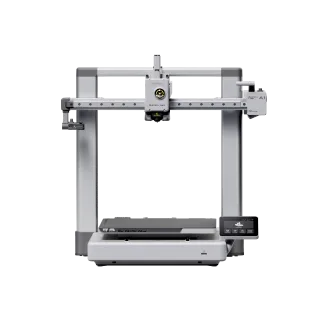
Bambu Lab A1 3D Printer
Pros
- All-metal hot end with stainless steel nozzle
- Filament tangle and run out sensors included
- Power loss recovery supported
Cons
- ABS and ASA filaments are not recommended
- Carbon and glass fiber reinforced polymers are not recommended
Flashforge lists the Flashforge Adventurer 5M with a 220 by 220 by 220 mm build volume and a CoreXY all-metal structure. The printer features a direct-drive nozzle that swaps in 3 seconds and heats to 200 degrees in 35 seconds, although the open shell requires a DIY enclosure for ABS filaments.
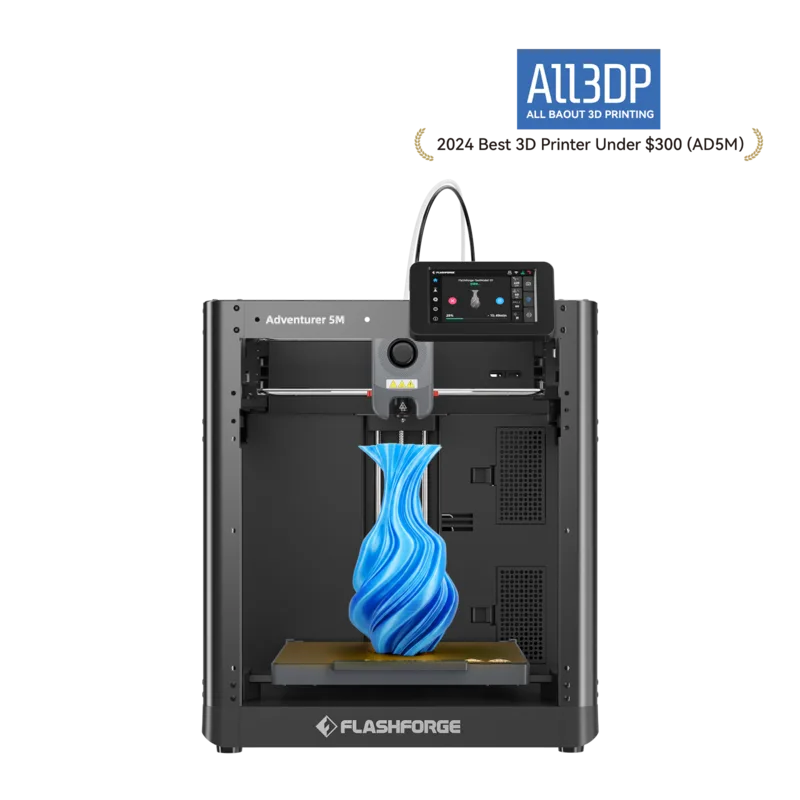
Flashforge Adventurer 5M
Pros
- CoreXY all-metal structure
- Quick-release nozzle swaps in 3 seconds without tools
- Direct-drive nozzle heats to 200 degrees in 35 seconds
Cons
- ABS series filaments are not compatible without an enclosure
- Shell is open by default requiring a DIY enclosure for high temp materials
- Display screen and filament holder require manual installation out of the box
How Much Does a 3D Printer for a Beginner Cost?
A 3D printer for a beginner costs between $200 and $600, depending on the included hardware features and the manufacturer’s software ecosystem. Basic open-frame machines like the Creality Ender 3 V3 SE retail near the $200 mark and provide all the necessary functions to print standard PLA. Fully enclosed models with advanced filtration and faster CoreXY motion systems, such as the Flashforge Adventurer 5M Pro and the Bambu Lab P1S, cost between $400 and $600. Tom’s Hardware notes that an affordable machine allows new users to dive into the hobby without a massive initial investment.
In addition to the printer hardware, beginners must budget for consumable materials. A standard 1-kilogram spool of PLA filament costs approximately $20 to $25. Owners should also anticipate occasional maintenance costs for replacement nozzles, PTFE tubing, and build plates over the machine’s lifespan. To review the total cost calculations across different price tiers, read the Best 3D Printers for the Money: Value, Materials and Ownership Cost analysis.
Are 3D Printers Worth It for Home Use?
3D printers are worth it for home use if the user plans to design custom parts, repair broken household items, or produce personalized decorations on a regular basis. A desktop printer provides the immediate capability to manufacture small plastic components that are either unavailable in stores or too expensive to order individually. The learning process also introduces valuable skills in computer-aided design and basic mechanical troubleshooting. StlDenise3D points out that a smaller machine can easily be stored in a closet and brought out to the kitchen table for weekend projects, proving that the hardware no longer requires a dedicated workshop.
However, a 3D printer is not a traditional household appliance. The machines require regular maintenance, software updates, and occasional part replacements to maintain print quality. The printing process itself takes hours for larger objects, and failed prints are a normal part of the learning curve. If you are prepared for the technical involvement, you can explore more models in our 3D Printer Buying Guides to find the right fit for your home.