
A 3D printer enclosure should stabilize the print environment, contain process air and support a documented filtration or outside-exhaust plan without overheating the machine. This guide explains enclosure functions, temperature uniformity, ventilation and filtration, airflow design, material selection, integrated examples, installation, maintenance, and the final control hierarchy in that order.
What a 3D printer enclosure controls
A 3D printer enclosure controls drafts, heat retention and the path taken by process air around the machine.
An enclosure has three separate jobs:
- Limit rapid room-air movement across a printed part.
- Retain or regulate heat when the material profile requires it.
- Contain airborne process emissions so filtration or outside exhaust can act on a defined air volume.
An enclosure does not set a universal safe chamber temperature. Bed power, hotend heat, room temperature, panel insulation, door leakage, circulation fans, exhaust rate and print duration change the chamber condition. The printer manual defines which components may operate inside that condition.
Do not add a cardboard box, soft plastic cover or unapproved heater around a printer. A cover can trap heat around a power supply or control board, block designed cooling and place combustible material near heaters.
Temperature uniformity and chamber heating
Temperature uniformity is the consistency of chamber air around the part across location and time.
A single sensor reading does not prove uniformity. A sensor near the bed can read warmer than air near the door or chamber roof. A recirculation fan can reduce vertical and side-to-side differences, but excessive airflow can cool the part or disturb the intended thermal boundary.
Passive and active enclosures manage heat differently:
- A passive enclosure retains heat produced by the bed, hotend and motors.
- An active chamber adds a controlled heater, sensor and circulation system.
Use active heat only when the printer and material documentation support it. Motors, belts, electronics, cameras, filters and printed enclosure parts all have temperature limits. Moving the power supply or electronics outside the chamber is a design decision that must follow the printer or enclosure maker’s instructions.
The active and passive chamber guide compares those heat-control methods in more detail.
Check chamber conditions without inventing one target
Chamber conditions should be verified against the exact filament profile and printer limit rather than a generic material table.
Place any permitted sensor where the enclosure maker specifies it. Record room temperature, bed setpoint, material, print duration, fan state and chamber reading. If different sensor positions are part of the documented validation, compare them without placing loose wiring in the motion path.
Large and tall parts expose temperature variation more clearly than a small cube. A calibration object should represent the long walls, corners or height of the intended job.
Ventilation and filtration are different controls
Ventilation removes enclosure air from the workspace, while filtration recirculates air through selected media.
Particle media and gas media perform different tasks. A HEPA-labeled filter needs a documented rating and sealed installation. Activated carbon adsorbs selected gases until its capacity is depleted. Neither label proves whole-system performance when air can bypass the media.
Outside exhaust uses a duct and fan to move enclosure air outdoors. Pulling air from the enclosure creates negative pressure, which helps direct leakage inward. Excessive exhaust can remove the heat needed by ABS, ASA or another shrink-prone material. The design must balance containment with the material’s thermal requirement.
Do not exhaust into an attic, wall cavity, another room or a return-air duct. The outlet location and building penetration must follow local requirements and the equipment instructions.
Design the airflow path
The enclosure airflow path should move air from controlled inlets, across the process zone, through the chosen media or duct, and to the intended return or outside outlet.
The airflow review covers the following design points.
- Door, panel and cable-port leakage.
- Recirculation fan direction and clearance.
- Filter-media area, sealing and bypass gaps.
- Carbon form and compatibility with the filter housing.
- Duct length, bends and outlet restriction.
- Fan position and the pressure it can maintain with the installed filter or duct.
- Exhaust location relative to windows and air intakes.
- Access for filter replacement without contaminating the print area.
Airflow volume listed for a bare fan is not the same as installed flow through a filter and duct. Follow the system maker’s rating and measurement method. Returning odor or falling airflow is a late warning, not a complete exposure monitor.
Match controls to material and workspace
Enclosure controls should be selected from the filament documentation, printer design, print volume and room occupancy.
| Decision factor | Questions to answer |
|---|---|
| Material | What emissions, chamber, fan and drying guidance does the exact spool provide? |
| Part | Is the geometry large, tall or sensitive to uneven cooling? |
| Printer | Which components are rated for enclosure heat and which filters or exhaust modes are supported? |
| Workspace | Is the room occupied, isolated or suitable for outside exhaust? |
| Volume of use | Is the printer used occasionally or repeatedly with the same material? |
| Maintenance | Can seals, filters, fans and ducts be inspected and replaced safely? |
PLA does not normally need a warm chamber for material performance. A closed door can increase hotend or extruder temperature and contribute to heat creep on some machines. Follow the printer profile for door, lid and fan position.
ABS, ASA, nylon and polycarbonate profiles often place greater demands on enclosure and emissions control. The exact spool and machine instructions decide whether passive containment, active heat, filtration, outside exhaust or a combination is appropriate. The safe workspace guide covers placement and handling beyond enclosure hardware. These requirements also play a major role in choosing a desktop 3D printer for advanced materials.
Integrated enclosed printer examples
The Bambu Lab P1S and QIDI Q1 Pro illustrate passive and active chamber approaches without replacing a workspace-specific airflow assessment.
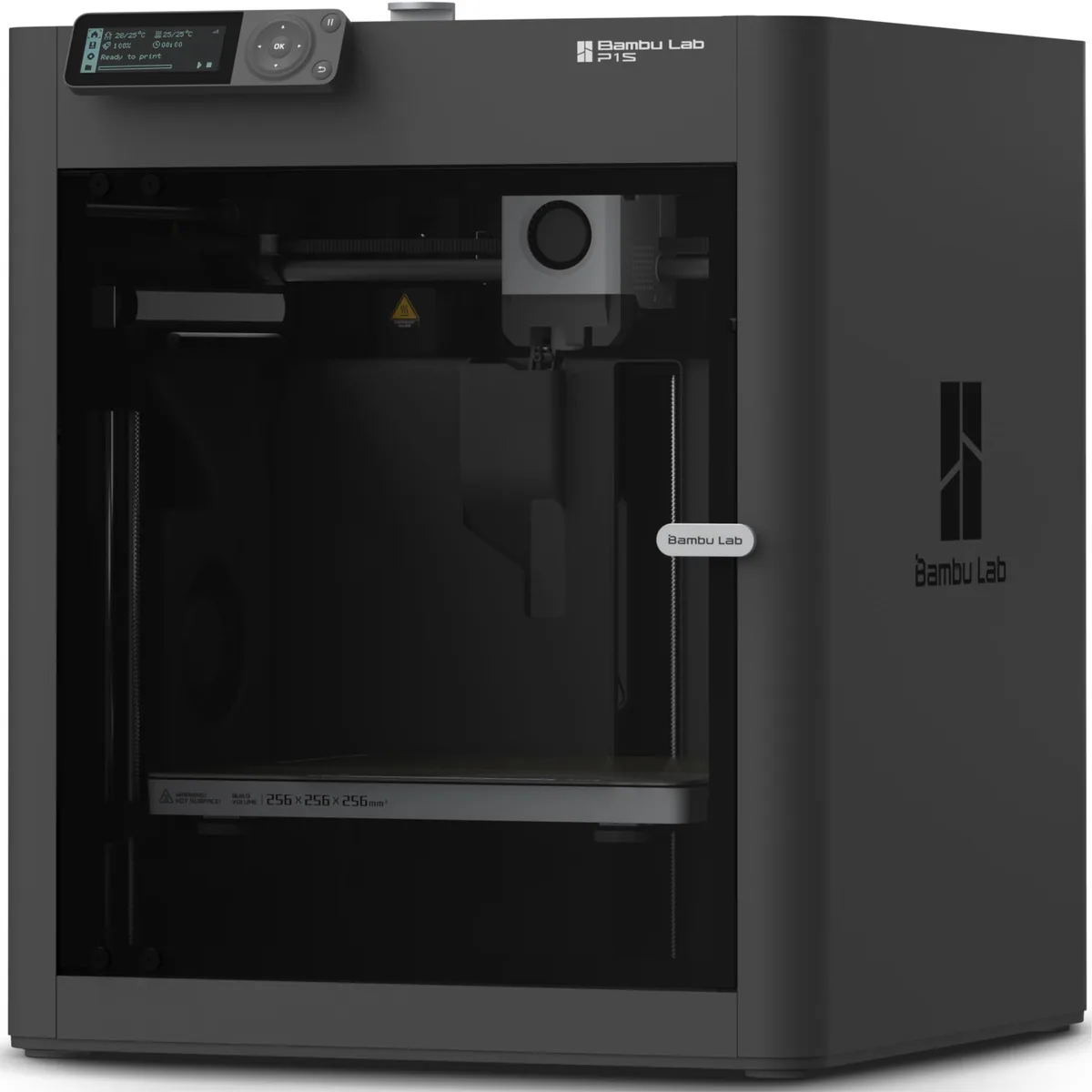
Bambu Lab P1S passive enclosure
The Bambu Lab P1S uses a passively heated enclosure and a listed carbon filter rather than a dedicated chamber heater.

Bambu Lab P1S Enclosed 3D Printer
Pros
- Fully enclosed CoreXY chassis with auxiliary cooling fan
- Smooth multi-color / multi-material integration with Bambu AMS
- Reliable out-of-the-box first layers with dual automated bed leveling
- Active vibration compensation and belt tension monitoring
Cons
- Proprietary closed ecosystem
- Chamber is passively heated by the bed rather than a dedicated PTC heater
- Upgrading to hardened nozzle for carbon fiber requires separate swap
The P1S owner should follow the manual for door, lid, chamber fan and filter use with each material. A carbon filter is not equivalent to outside exhaust.
QIDI Q1 Pro active chamber
The QIDI Q1 Pro lists an active PTC chamber heater up to 60°C for supported material profiles.
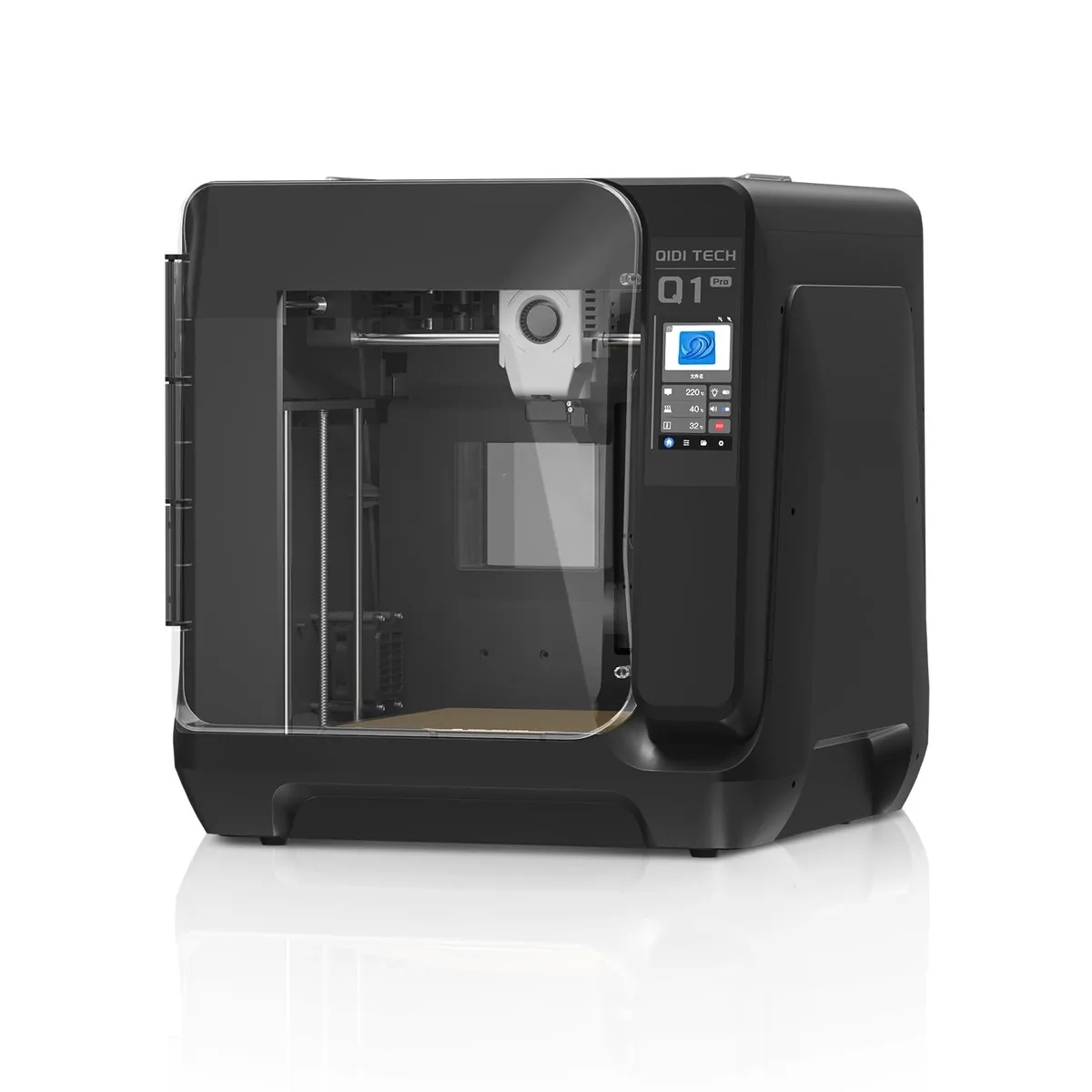
QIDI Q1 Pro High-Temp 3D Printer
Pros
- Manufacturer lists a dedicated 60°C active PTC chamber heater for supported material profiles
- High-temp bimetal nozzle rated up to 350°C for documented materials
- Dual independent Z-axis motors with automated bed tilt compensation
- Dual filament tangle and runout sensors with integrated chamber camera
Cons
- Industrial aesthetics with a bulkier footprint
- QIDI Studio slicer is less beginner-friendly than Bambu Studio
The Q1 Pro’s active heater supplies a setpoint that passive enclosures lack. The material profile still controls whether active heat is needed and which setpoint is suitable.
The Best Enclosed 3D Printers for ABS, ASA and Nylon guide compares these chamber approaches with nozzle, build-volume and workflow requirements.
Install and verify an enclosure system
An enclosure system should be installed through a documented sequence that protects cooling, wiring, motion and airflow.
- Confirm the enclosure is approved for the printer dimensions, bed travel and service access.
- Identify components that must remain outside the warm volume.
- Route cables through strain relief without interfering with axes or doors.
- Seal only the openings the enclosure design identifies; do not block cooling inlets.
- Install particle and gas media in the stated order and airflow direction.
- Route outside exhaust to an approved outlet if the design includes ventilation.
- Test fan direction, door closure and obvious bypass before heating.
- Load the manufacturer profile for the exact material.
- Monitor the first controlled print for chamber condition, unusual odor, fan faults and thermal errors.
- Record the material, room, fan state, filter identity and chamber behavior.
Stop the test if electronics overheat, a heater fault appears, a seal deforms or an exhaust path detaches.
Maintain filters, seals and fans
Enclosure maintenance keeps airflow moving through the intended filter or exhaust path.
Inspect door seals, cable ports, panel joints, fans, ducts and filter seating at the component maker’s interval. Replace carbon and particle media on the installed system’s schedule. Carbon mass, humidity, material, print temperature and airflow prevent one replacement-hour value from fitting every enclosure.
Record the filter part number, installation date, materials printed, fan setting and inspection result. A pressure or airflow method specified by the maker is more useful than appearance alone. Keep spare media sealed according to its storage instructions.
The 3D printer maintenance checklist provides a log format for filters, fans, wiring and safety checks.
Enclosure control hierarchy
The enclosure control hierarchy starts with the correct material and printer, then uses containment, suitable filtration and outside exhaust where the documentation and workspace require them.
Temperature uniformity protects the part, while ventilation and filtration manage process air. These goals interact but are not interchangeable. A controlled enclosure is one whose heat, leakage, airflow, media and maintenance are documented for the actual printer, filament and room. You can find more foundational concepts in our 3D Printing Guides.