
A 3D printing glossary defines essential terms like layer height, infill, supports, retraction, exposure, and curing to help beginners translate 3D models into reliable parts. This guide decodes the core machine instructions for FDM printing (melted plastic) and resin printing (cured light), providing a practical framework and slicer settings cheat sheet.
FDM Printing: The Language of Melted Plastic
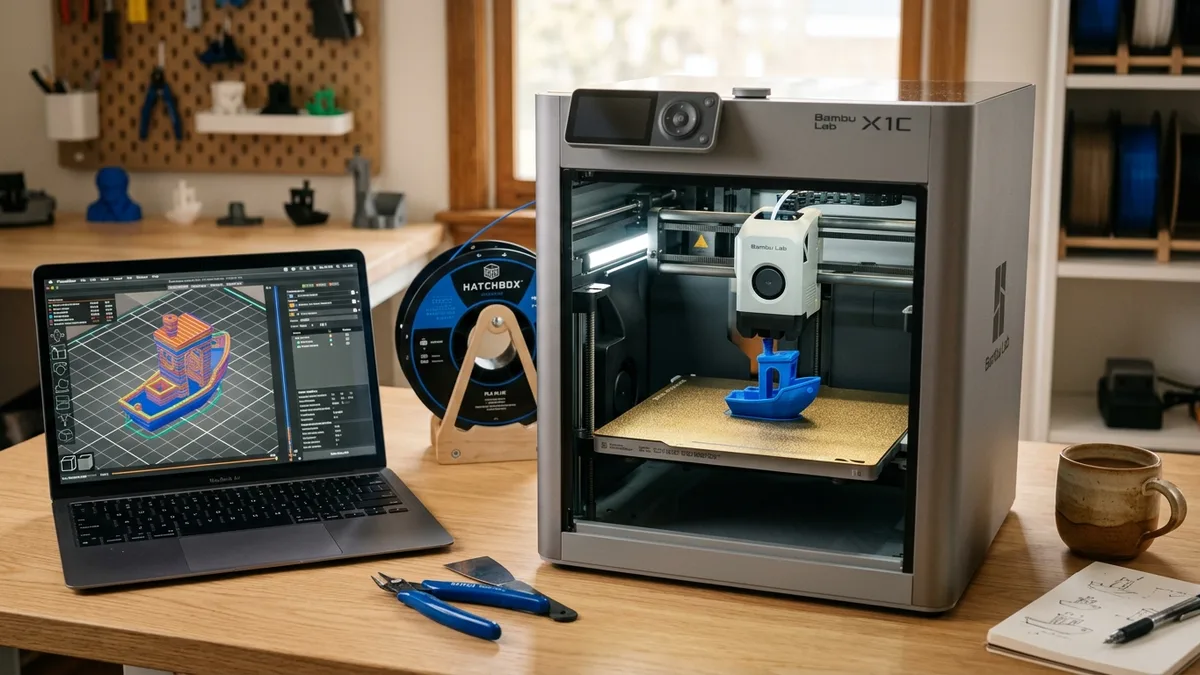
FDM (Fused Deposition Modeling) printing translates digital models into the language of melted plastic, extruding filament layer by layer. Your slicer software translates a 3D model into a set of instructions (G-code) based on these settings.
Layer Height
Layer height is the vertical thickness of each individual layer. It’s a direct trade-off between print speed and surface quality.
- Low Layer Height (e.g., 0.12mm): Creates a smoother, more detailed surface with less visible layer lines. Prints take much longer. Ideal for miniatures or display pieces.
- High Layer Height (e.g., 0.28mm): Creates a rougher surface with very visible layer lines. Prints are significantly faster. Perfect for rapid prototyping or large, simple objects where looks don’t matter.
- Standard (e.g., 0.20mm): The default for most printers with a 0.4mm nozzle. It is a solid balance between speed and quality.
Walls (Perimeters)
Walls, or perimeters, are the outlines that form the outer shell of your print on each layer. The number of walls is a primary factor in a part’s strength, even more so than infill.
- 2 Walls: Standard for aesthetic models. It’s fast but not very strong.
- 3-4 Walls: A good starting point for functional parts that need to withstand some stress.
- 5+ Walls: For heavy-duty mechanical parts where maximum rigidity and durability are required.
Infill
Infill is the internal support structure printed inside the walls of your model. It’s defined by a density percentage and a pattern. Higher density means more material, more strength, and longer print times.
- Infill Density:
- 10-20%: For standard, non-functional models. It provides just enough support for the top surfaces to print cleanly.
- 25-50%: For functional parts that require moderate strength.
- 50-100%: For high-strength parts. Note that 100% infill can sometimes cause over-extrusion issues and isn’t always stronger than 80% with more walls.
- Infill Pattern:
- Grid/Lines: Fast and simple. Good for most applications.
- Gyroid: A unique, three-dimensional pattern that offers good strength in all directions and is very resistant to shearing forces.
- Cubic: A 3D pattern that builds strong, interlocking cubes.
Overhangs and Supports
An overhang is any part of a model that extends outward without anything directly beneath it. Each new layer must be supported by the one below. Most 3D printers can handle overhangs up to about 45-60 degrees without issue. Anything steeper will droop or fail. You can learn techniques to avoid these structures entirely in Design for 3D Printing: Walls, Holes, and Overhangs.
This is where Supports come in. Supports are disposable structures automatically generated by your slicer to hold up steep overhangs and bridges during printing. After the print is finished, you break them away.
- Standard/Grid Supports: A grid-like scaffold. They are strong but can be difficult to remove and may leave marks on the surface.
- Tree/Organic Supports: Branch-like structures that reach up to touch the model only where needed. They use less material, print faster, and are much easier to remove with minimal surface scarring. Most modern slicers offer this option.

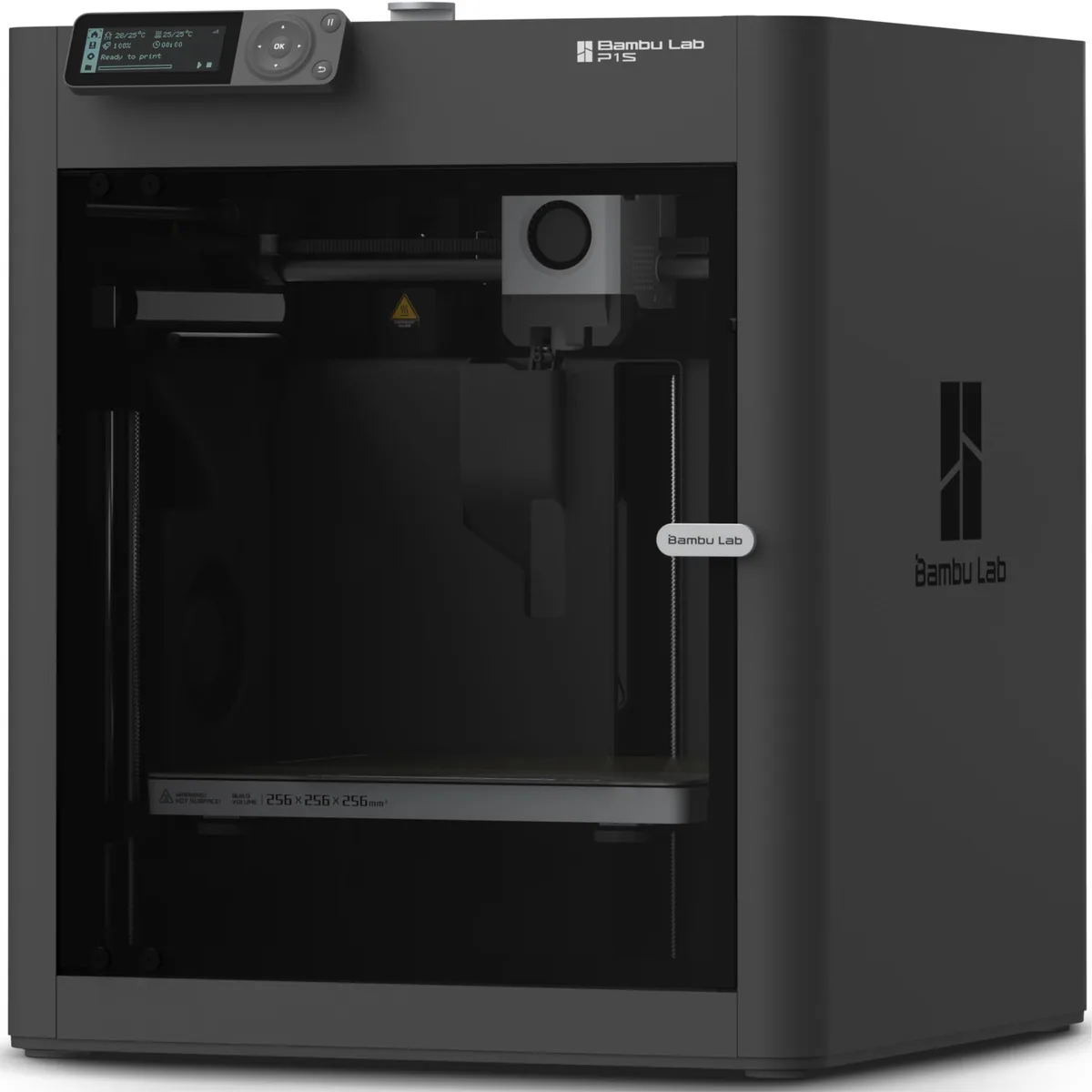
Bambu Lab P1S Enclosed 3D Printer
Pros
- Fully enclosed CoreXY chassis with auxiliary cooling fan, Smooth multi-color / multi-material integration with Bambu AMS, Reliable out-of-the-box first layers with dual automated bed leveling, Active vibration compensation and belt tension monitoring
- Fully enclosed for high-temp materials like ABS and ASA
- Excellent out-of-the-box experience with automatic calibration
Cons
- Proprietary closed ecosystem
- Chamber is passively heated by the bed rather than a dedicated PTC heater
- Upgrading to hardened nozzle for carbon fiber requires separate swap
A printer like the Bambu Lab P1S (ASIN: B0CHDM8VVZ) has advanced motion control and cooling systems that allow it to print overhangs and bridges more cleanly at high speeds, reducing the reliance on heavy supports. For anyone looking for a machine that just works, it is the best 3D printer for beginners who want to focus on creating, not constant tinkering.
Bed Adhesion: Brim, Raft, and Skirt
Bed adhesion methods like brim, raft, and skirt help ensure a successful foundation for the first layer.
- Skirt: An outline printed around the model without touching it. Its main job is to prime the nozzle and get the filament flowing smoothly before the actual print begins. It’s a good way to check bed leveling in the first few moments of a print.
- Brim: A series of concentric lines printed directly off the base of your model, like the brim of a hat. It adds a large surface area to the first layer, dramatically improving bed adhesion and preventing corners from lifting or warping. You cut it off after printing.
- Raft: A complete multi-layer grid that your model prints on top of. A raft uses a lot of material and time, but it’s the ultimate solution for parts with tiny footprints or materials notorious for warping (like ABS) on a less-than-perfect build surface.
Retraction
Retraction pulls the filament backward into the nozzle before a travel move to fight stringing (thin, wispy “spiderwebs”). It happens when the nozzle oozes melted plastic as it travels between two points.
- Direct Drive Extruders: The extruder motor is mounted directly on the print head. The filament path is short, so you need very little retraction. A typical setting is 0.5mm to 2.0mm.
- Bowden Extruders: The extruder motor is mounted on the printer’s frame, pushing filament through a long PTFE tube. There’s more slack in this system, so you need a longer retraction distance. A typical setting is 3.0mm to 7.0mm.
Resin Printing: The Language of Cured Light
Resin printing uses the language of cured light (SLA, DLP, LCD) to offer incredible detail by curing liquid photopolymer resin layer by layer. The terminology is different, but the core concepts are just as important.
Exposure Time
Exposure time is the amount of time (in seconds) that the UV light source is turned on for each layer to cure the liquid resin.
- Normal Layer Exposure: This determines the cure time for the bulk of your model. For standard resins on a modern mono-LCD printer, this is typically between 1.5 and 3.0 seconds. Too little time and the print fails; too much and you lose fine details.
- Bottom Layer Exposure: The first few layers (usually 3-6) are exposed for much longer, typically 20 to 35 seconds. This creates a strong, over-cured base that ensures the print sticks firmly to the metal build plate.
Curing (Post-Curing)
Post-curing exposes the printed part to additional UV light in a controlled environment to fully polymerize the resin. When a resin print comes off the printer, it’s not fully finished. It’s in a “green” state: soft, sticky, and not at its final mechanical strength. The part must be cleaned of excess liquid resin (usually in isopropyl alcohol) before this step.
A dedicated wash and cure station is essential for this. Post-curing fully polymerizes the resin, locking in its final dimensions and maximizing its hardness and strength. Without this step, your parts will be brittle and weak.
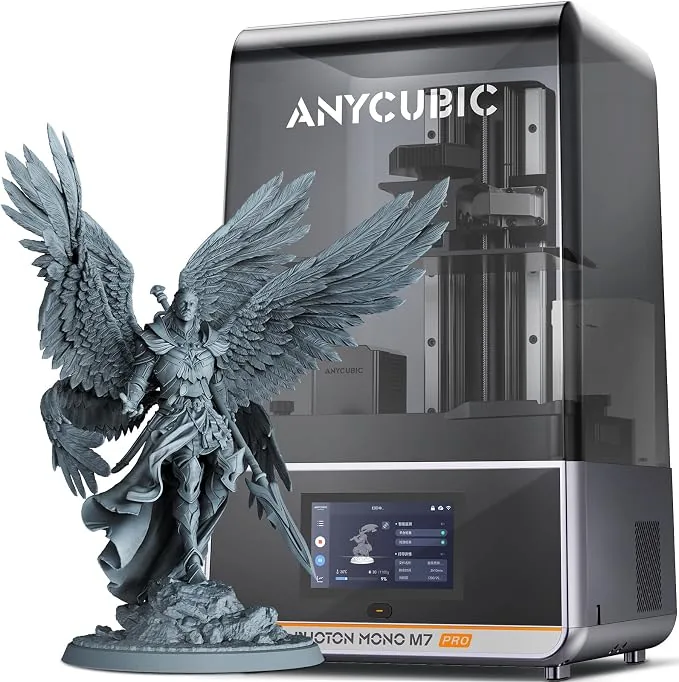
Anycubic Photon Mono M7 Pro 14K Resin 3D Printer
Pros
- Market-leading 14K mono LCD delivers 16.8x24.8 micron precision for miniatures
- Dynamic vat heating maintains optimal 25°C viscosity in cold workshops
- Automated peristaltic resin auto-fill and auto-recycle system
Cons
- Requires dedicated wash-and-cure station and strict chemical PPE
For makers demanding the highest level of detail, a printer like the Anycubic Photon Mono M7 Pro (ASIN: B0CX1WR6ZS) is a benchmark. Its 14K resolution screen means you can dial in your exposure times to capture features that are barely visible to the naked eye, making it one of the best 3D printers for miniatures available today.
Quick Reference: Slicer Settings Cheat Sheet
A quick reference slicer settings cheat sheet provides a starting point for print quality and speed.
| Setting | Baseline (for Speed) | Quality/Strength (Safe Range) | Purpose |
|---|---|---|---|
| Layer Height | 0.28mm | 0.12mm - 0.20mm | Controls detail vs. print time |
| Walls/Perimeters | 2 | 3 - 5 | Increases part strength and rigidity |
| Infill Density | 15% (Grid) | 25% - 80% (Gyroid/Cubic) | Internal support and compressive strength |
| Retraction (Direct) | 1.0mm @ 40mm/s | 0.5mm - 2.0mm | Prevents stringing on direct drive |
| Retraction (Bowden) | 5.0mm @ 40mm/s | 3.0mm - 7.0mm | Prevents stringing on Bowden setups |
| Supports | None / Tree | Standard (for blocky parts) | Supports overhangs greater than 45-60° |
| Bed Adhesion | Skirt | Brim (for most parts) / Raft (for ABS) | Prevents warping and first-layer failure |
Making the Right Call: A Practical Framework
A practical framework for making the right call helps apply glossary terms to daily printing tasks.
- Is this a quick prototype? Use a high layer height (0.28mm), 2 walls, and 15% infill. Use a skirt. The goal is speed.
- Is this a final part that needs to look good? Use a low layer height (0.12mm - 0.16mm), 3 walls, and 20% infill. The goal is surface quality.
- Is this a mechanical part that needs to be strong? Use a standard layer height (0.2mm), 4-5 walls, and 40-60% Gyroid infill. The goal is durability.
- Is my print warping or lifting off the bed? First, clean your build plate with soap and water, then IPA. If it persists, use a brim. If you’re printing ABS or another high-shrinkage material, a raft might be necessary. Keeping up with your machine’s calibration is also key; review our 3D printer maintenance tips to keep your bed level and clean.
This glossary is your foundation. Experiment with these settings one at a time. Change your layer height, print a small test cube. Change your wall count, print another. See the physical results. This iterative feedback loop is the fastest way to become an expert. As you advance, knowing what to look for in a 3D printer helps match hardware to your growing skills. To continue expanding your knowledge, explore our other 3D Printing Guides.