
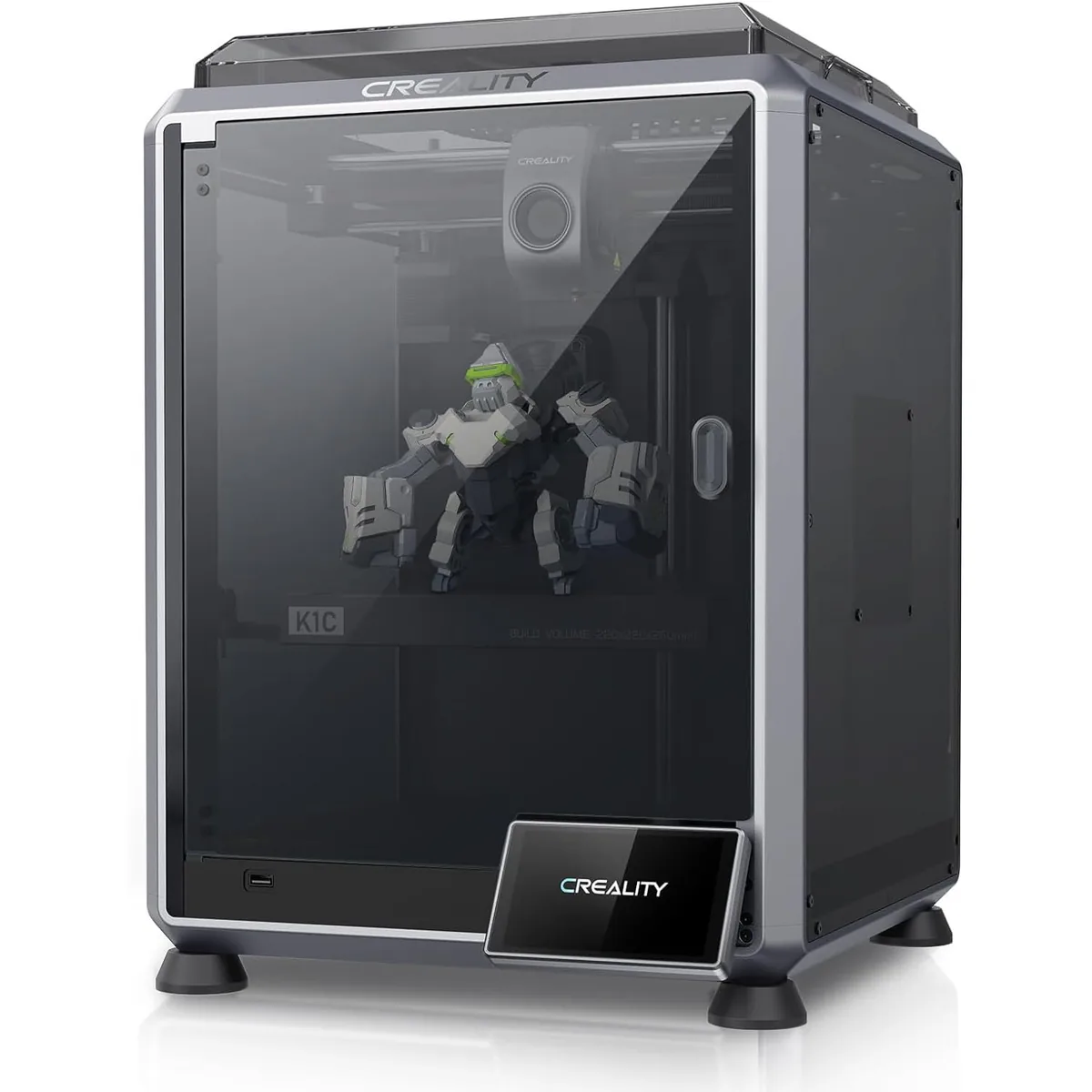
A 3D printer is not a magic box. Let’s get that out of the way. It is not the replicator from Star Trek that materializes a perfect object from thin air.
At its core, a desktop FDM (Fused Deposition Modeling) printer is a G-code-driven, 3-axis CNC machine that extrudes molten plastic layer by layer. Like any manufacturing process, it has fundamental physical constraints. Understanding these limits is the key to going from frustrating failures to successful, functional parts. This is the workshop-floor reality of what your printer can and cannot do.
If you are just starting and need help picking a machine, our guide on how to choose a 3D printer can help you navigate the options.
Size & Build Volume: Think Inside the Box
What a printer can do: A 3D printer can create objects up to the maximum dimensions of its build volume. A common size for printers like the Creality Ender-3 V3 KE is 220 x 220 x 240 mm. This is plenty of space for most functional prints, enclosures, and jigs. For larger projects, you can print parts in sections and assemble them.
What a printer cannot do: It cannot print an object larger than its build volume in one piece. A 250mm cube printer cannot print a 251mm object. This seems obvious, but it has major design implications. You must design your part with the build plate dimensions in mind from the very beginning. Splitting a large model is a core skill. You’ll need to design in alignment features like pins or dovetails and choose a suitable adhesive (like a two-part epoxy or cyanoacrylate for PLA).
Workshop Reality Check:
- Advertised Volume vs. Usable Volume: The advertised build volume is often a theoretical maximum. Printing at the absolute edges can be less reliable due to inconsistent bed heating or lower-quality motion at the extremes of the gantry. Plan for a 5-10mm buffer zone on all sides for critical prints.
- Height is Expensive: Printing tall, thin objects is risky. They have a small footprint on the build plate and can be easily knocked over by the nozzle or peel off due to leverage. Use a wide brim or raft for better adhesion.
Detail & Accuracy: The 0.1mm Reality
What a printer can do: A well-calibrated FDM printer can reliably produce parts with a dimensional accuracy of about ±0.15mm. It can capture significant details and produce functional parts that fit together. With a standard 0.4mm nozzle, you can print with layer heights from a coarse 0.32mm (for fast drafts) down to a fine 0.12mm (for more detailed models).
What a printer cannot do: It cannot achieve the tolerances of a CNC mill or the microscopic detail of a resin printer.
- Dimensional Inaccuracy: Don’t expect ±0.01mm. Holes often print slightly undersized due to plastic shrinkage and filament “sloshing”. A designed 5mm hole might print as 4.85mm. Experienced designers learn to compensate for this in their CAD models, often using a “horizontal hole expansion” setting in the slicer or simply modeling holes 0.15-0.2mm oversized.
- Feature Resolution: A 0.4mm nozzle cannot reliably print a feature smaller than its own diameter. As a rule of thumb, any wall or detail should be at least two nozzle-widths thick (0.8mm for a 0.4mm nozzle) to be structurally sound. Fine, embossed text is often a blurry mess unless it’s very large and bold. Designing for manufacturing requires adjusting geometry for these mechanical limits. Read our complete guide on Design for 3D Printing to adapt your models for fused deposition modeling.
Strength: Anisotropy is a Hard Rule
This is the most misunderstood aspect of 3D printing.
What a printer can do: It can create incredibly strong parts for specific load cases. When you design and orient a part correctly, FDM prints can replace metal components in many jigs, fixtures, and prototype applications. A part printed “flat” (with forces applied across the XY plane) is very strong, as the stress is distributed along continuous extrusion lines.
What a printer cannot do: It cannot create isotropic parts (parts with uniform strength in all directions). The bond between layers is a chemical and thermal weld, but it is always the weakest point.
- The Z-Axis Weakness: A part is fundamentally weaker along its Z-axis. If you print a hook standing up, it will snap easily at the layer lines when you hang something on it. Print it lying flat on its side, and it will be many times stronger. This is not optional; it is a law of FDM printing. Layer adhesion is typically 40-60% of the filament’s base tensile strength.
- Infill is Not Just Filler: Increasing infill percentage helps, but adding more perimeters (walls) is far more effective for increasing part strength. A part with 4 walls and 20% infill is often stronger than a part with 2 walls and 60% infill.
For printing strong parts with engineering-grade materials like ABS or ASA, an enclosed printer is mandatory. It prevents warping and dramatically improves layer adhesion.

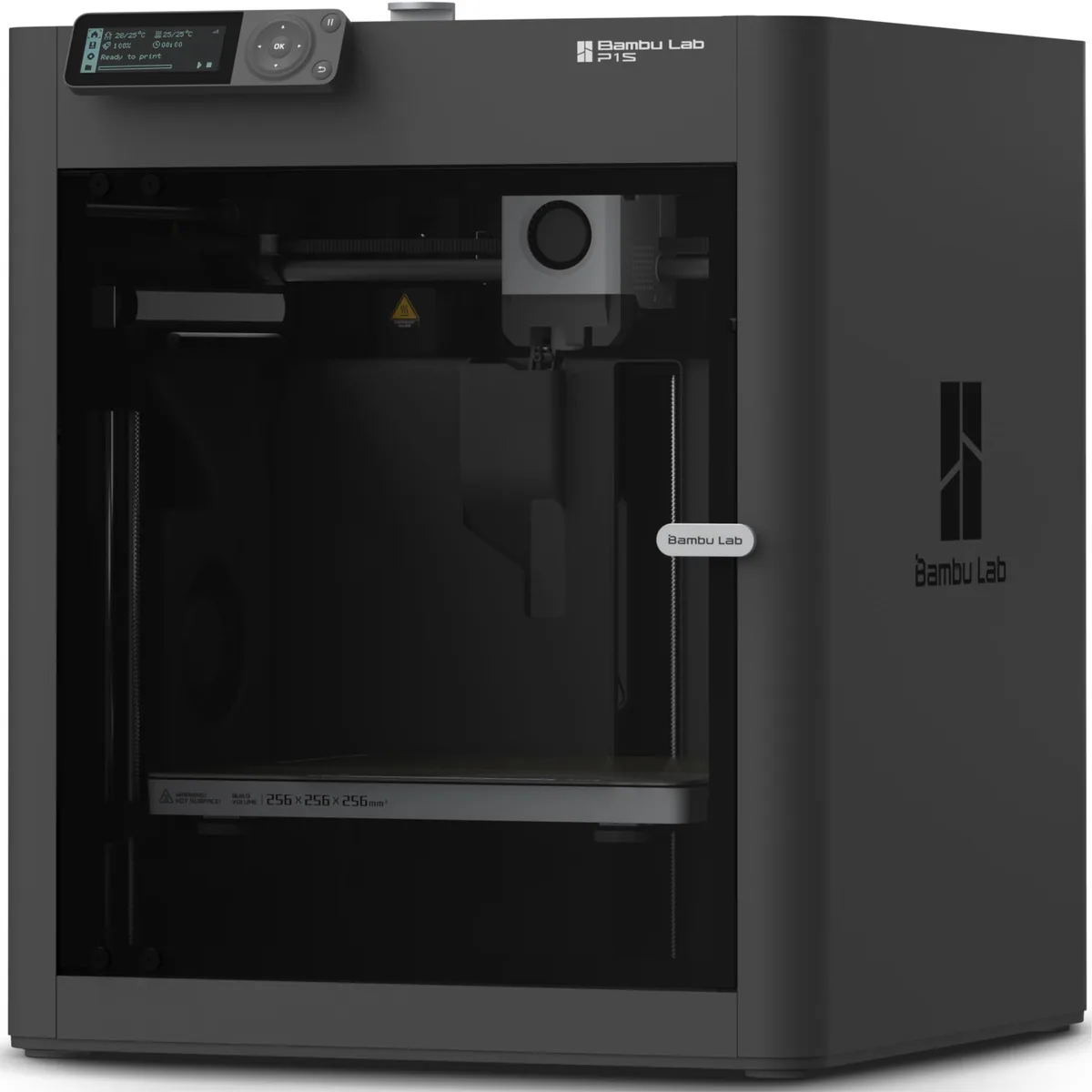
Bambu Lab P1S Enclosed 3D Printer
Pros
- Fully enclosed CoreXY chassis with auxiliary cooling fan, Smooth multi-color / multi-material integration with Bambu AMS, Reliable out-of-the-box first layers with dual automated bed leveling, Active vibration compensation and belt tension monitoring
- Extremely fast and reliable CoreXY motion system.
- Multi-material printing with the AMS add-on.
Cons
- Proprietary closed ecosystem
- Chamber is passively heated by the bed rather than a dedicated PTC heater
- Upgrading to hardened nozzle for carbon fiber requires separate swap
An enclosed system like the P1S traps heat, creating a stable ambient temperature (45-60°C) that allows high-shrinkage materials like ABS to cool slowly and uniformly.
Surface Finish & Aesthetics
What a printer can do: It can produce a consistent, predictable finish defined by its layer height. From a distance of a few feet, a well-printed model at a 0.16mm layer height can look quite smooth. Slicer features like “ironing” can create a much smoother top surface by passing the hot nozzle over the final layer to melt it flat.
What a printer cannot do: It cannot produce a perfectly smooth, injection-molded finish directly off the printer. Layer lines will always be visible under close inspection. Always. This is the “texture” of FDM. Achieving a glass-smooth finish requires significant post-processing:
- Sanding: Start with a low grit (120-220) and work your way up to a high grit (400-600+).
- Filler Primer: Use multiple light coats of an automotive filler primer to fill in the smaller layer lines.
- Final Sanding: Wet sand the primer for a super smooth base.
- Painting: Apply your final color coats.
Production Volume & Speed
What a printer can do: A 3D printer excels at producing one custom part. It can go from a digital file to a physical object in your hand in a matter of hours. This is revolutionary for rapid prototyping and creating things that could not be made any other way. Modern printers can hit speeds of 500 mm/s, but this is a travel speed, not a constant print speed.
What a printer cannot do: It cannot compete with mass manufacturing. Do not buy a 3D printer thinking you will start a factory to rival injection molding.
- Time is the Bottleneck: A single “high-speed” 3DBenchy might take 15 minutes. A fist-sized part with good quality settings will take 4-8 hours. A full-plate, high-detail print can easily run for 24+ hours.
- Small Batches Only: It’s great for making a set of 5 custom brackets. It is a terrible tool for making 5,000. For that, you would print one perfect master pattern and use it to create a mold.
Expectations vs. Workshop Reality
| Feature | The Hype / Expectation | The Workshop Reality |
|---|---|---|
| Speed | “Prints in 15 minutes!” | A small benchmark model prints fast. A large, quality part takes 8-20 hours. |
| Strength | “As strong as plastic!” | Strong in XY plane, weak in Z-axis. Orientation is everything. It’s not isotropic. |
| Accuracy | “Perfect copies” | ±0.15mm is good. Holes need to be oversized in CAD. Not for aerospace tolerances. |
| Finish | “Smooth parts” | Visible layer lines are standard. Smoothness requires hours of sanding and painting. |
| Reliability | “Just press print” | It’s a CNC tool. Requires calibration, maintenance, and troubleshooting. Expect clogs. |
A Maker’s Decision Framework
Use this to decide if a 3D printer is the right tool for your job.
You SHOULD use a 3D printer if:
- You need a one-off custom part.
- You are prototyping a design and need to iterate quickly.
- The part has complex internal geometry that is difficult to machine.
- You are creating jigs, fixtures, or tool organizers for your workshop.
- The part’s strength requirements are understood and can be met through design and orientation.
You should NOT use a 3D printer if:
- You need to produce more than 20-50 identical units.
- The part requires dimensional accuracy better than ±0.1mm without post-processing.
- The part must be perfectly smooth directly from the machine.
- The part will be subjected to high impact or high temperatures (unless you use specialized materials and printers).
- The part’s failure would lead to safety risks (e.g., critical automotive or load-bearing components).
By understanding these fundamental limits, you can use your 3D printer as the powerful tool it is, saving you time, money, and a lot of failed prints. You can browse other step-by-step 3D printing guides to further expand your workshop knowledge.