
The best CoreXY 3D printer under $600 depends on material support, enclosure design, build volume, calibration, and firmware priorities. This comparison starts with a specification matrix, explains CoreXY motion, reviews the Creality K1C, Flashforge Adventurer 5M Pro, and QIDI Q1 Pro in order, compares documented calibration and performance limits, gives a buying framework, and closes with related criteria.
Quick Comparison Matrix: Best CoreXY 3D Printers Under $600
The quick comparison matrix summarizes manufacturer-listed specifications for the Creality K1C, Flashforge Adventurer 5M Pro, and QIDI Q1 Pro; it is not a record of independent measurements.
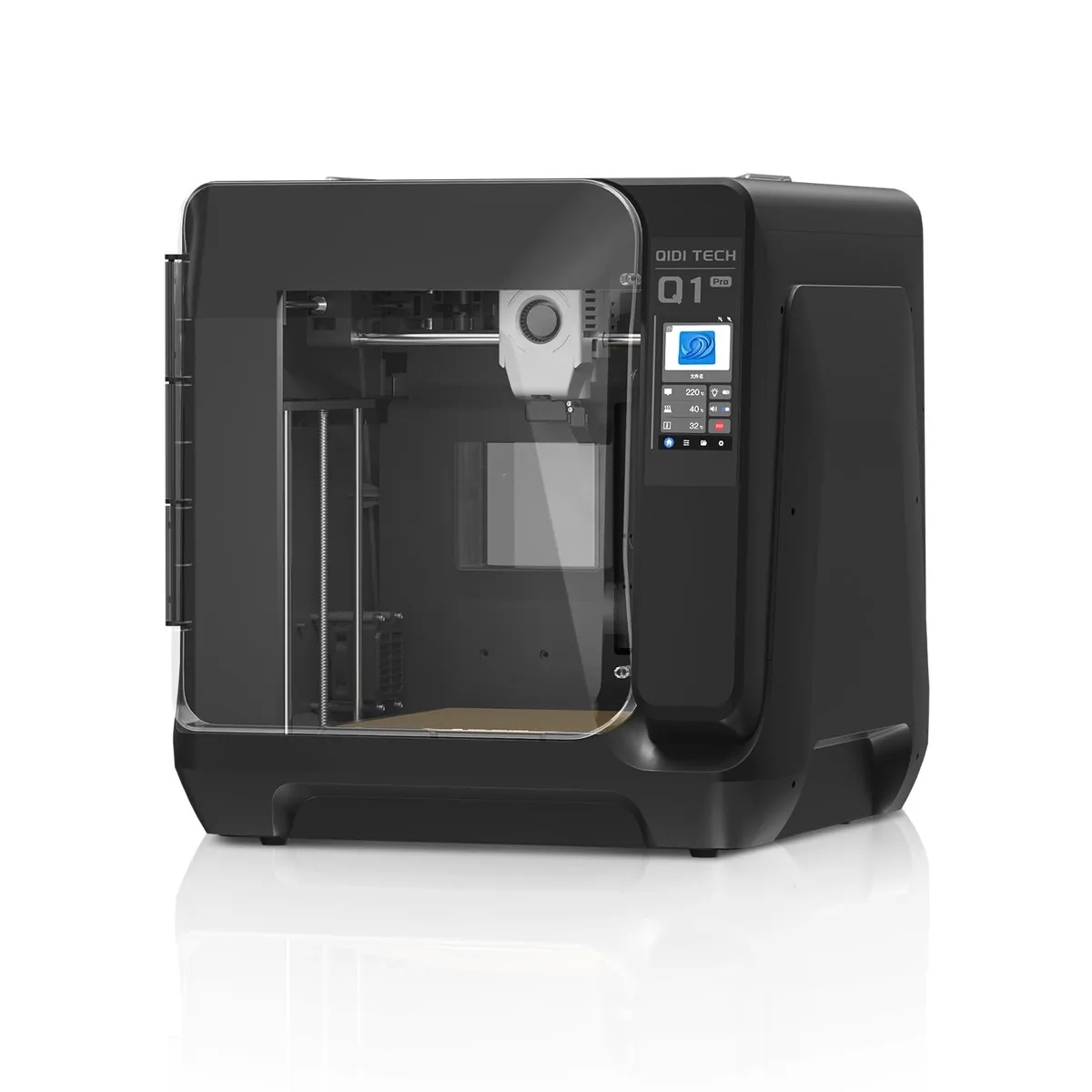
| Feature / Model | Creality K1C | Flashforge Adventurer 5M Pro | QIDI Q1 Pro |
|---|---|---|---|
| Kinematics | CoreXY Enclosed | CoreXY Enclosed | CoreXY Enclosed |
| Max Speed | 600 mm/s | 600 mm/s | 600 mm/s |
| Max Acceleration | 20,000 mm/s² | 20,000 mm/s² | 20,000 mm/s² |
| Build Volume | 220 × 220 × 250 mm | 220 × 220 × 220 mm | 245 × 245 × 245 mm |
| Max Nozzle Temp | 300°C (Unicorn Bimetal) | 280°C (Quick-Swap) | 350°C (Bimetal High-Flow) |
| Chamber Heating | Passive Enclosure | Passive Enclosure | Active 60°C PTC Heater |
| Air Filtration | Active Carbon Filter | Dual HEPA13 + Carbon | Internal Carbon Filter |
| Bed Leveling | Hands-Free Strain Sensor | Hands-Free Load Cell | Dual Z Auto Bed Tilt |
| Integrated Camera | AI Camera Included | Included (Live Monitor) | Included (1080p Monitor) |
| Firmware Base | Klipper (Rootable) | Klipper Custom | Open Klipper (Fluidd) |
| Best For | Carbon Fiber & Modders | Living Spaces & Beginners | ABS / ASA Engineering Parts |
| Amazon Price | |Check Price on Amazon | |Check Price on Amazon | |Check Price on Amazon |
Why CoreXY Architecture Matters in 2026
CoreXY architecture matters because it moves the lighter toolhead in X and Y while the build platform moves on the Z-axis. In legacy Cartesian bed-slingers, such as the machines compared in Creality Ender 3 vs Ender 5, the bed and printed part travel along the Y-axis, adding moving mass as the part grows.
Bed-Slinger (Cartesian i3):
[Heavy Heated Bed Moves Back & Forth on Y-Axis] <---> High Inertia / Ringing at Speed

CoreXY Motion Architecture:
[Print Bed Only Moves Up/Down on Z-Axis] ^ V Zero Bed Inertia
[Two Stationary Motors Control Lightweight Toolhead on X/Y] Fast, Smooth 600 mm/s
CoreXY motion systems solve this physics bottleneck by mounting both X and Y stepper motors permanently to the rigid exterior frame. The motors drive a crisscrossing belt system that moves only the ultra-lightweight printhead on the horizontal plane, while the heavy bed moves slowly and steadily downward on the Z-axis.
Input shaping and material-flow limits still determine usable speed. A manufacturer maximum does not establish the speed, accuracy, or surface quality of every model and profile.
1. Creality K1C: The Carbon-Fiber & Abrasive Filament Specialist
The Creality K1C is the composite-focused choice in this comparison because its manufacturer-listed configuration includes hardened filament-path components and root access to Creality OS.
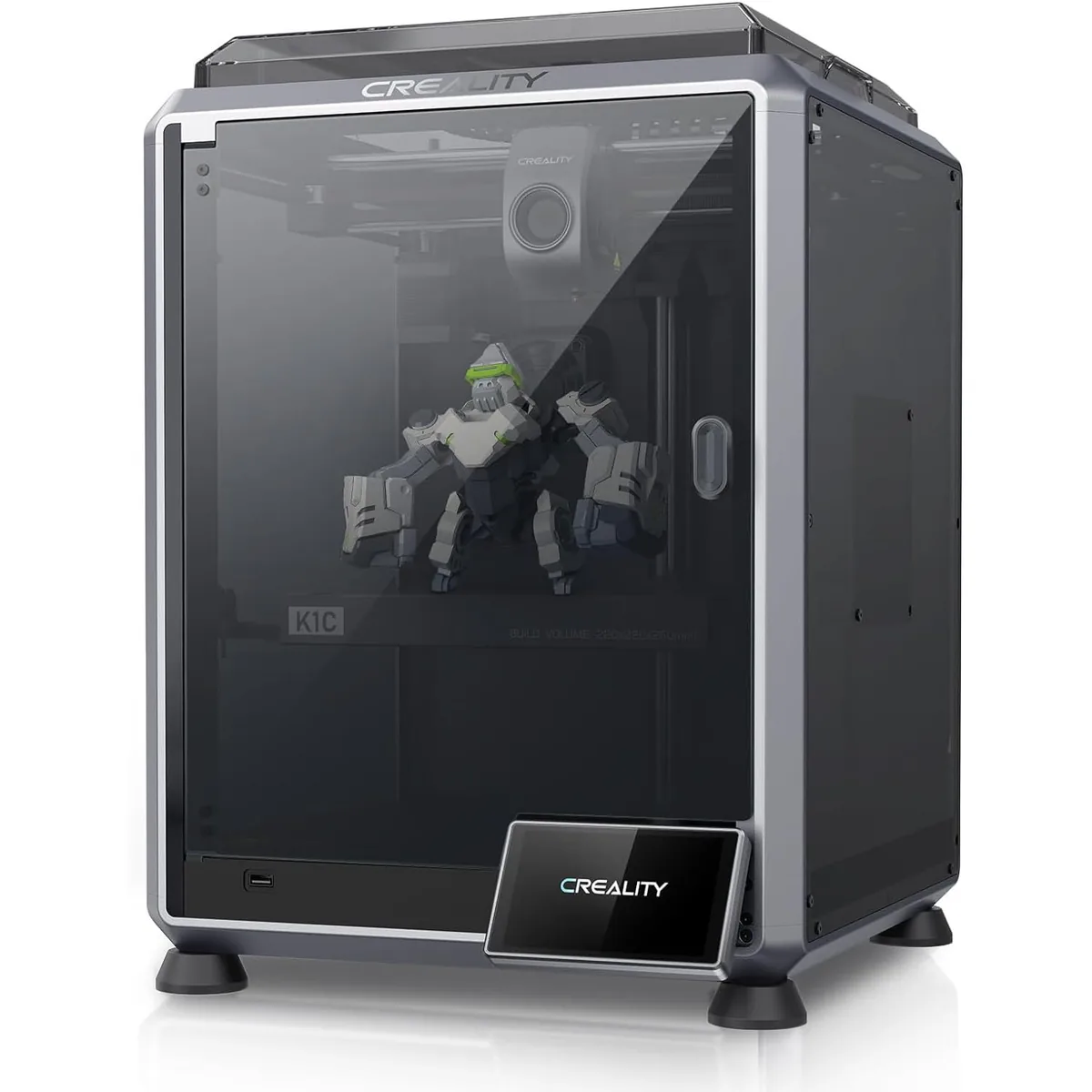
Creality K1C High-Speed 3D Printer
Pros
- All-metal Unicorn bi-metal nozzle resists abrasive carbon fiber
- Integrated AI camera detects spaghetti and foreign debris
- Official root access to open-source Klipper firmware
- Generous 250mm Z-axis build height
Cons
- Auxiliary side cooling fan can be noisy at 100% speed
- Rear filament spool holder requires desktop clearance
Creality answered community feedback from the original K1 launch by releasing the Creality K1C (“C” standing for Carbon). Built around an integrated die-cast aluminum alloy frame, the K1C is specifically hardened for abrasive composite filaments such as PLA-CF, PETG-CF, and PA-CF.
Key Engineering Features
- Hardened “Unicorn” Integrated Quick-Swap Nozzle: Traditional hotends have a separate nozzle screwed into a heat block against a heat break, creating potential gap areas where molten filament can seep and cause leaks. The K1C utilizes Creality’s Unicorn nozzle design: a copper body with a hardened steel tip integrated directly with a titanium alloy heat break. This design prevents hotend clogging and allows easy one-handed swaps.
- AI Camera with Real-Time Error Detection: Positioned inside the upper chamber, the built-in AI camera scans the build plate before printing begins to detect foreign objects or unremoved scrap. During printing, computer vision algorithms monitor for spaghetti failures and automatically pause the job before wasting an entire spool.
- Rootable Creality OS: Unlike closed proprietary systems, Creality embraces the open-source community by including a one-click root toggle in the settings menu. Advanced users can install Moonraker, Mainsail, Fluidd, and custom Klipper macros without voiding their hardware warranty.
For makers who want to print structural carbon-fiber parts or love tweaking firmware configurations, the K1C provides an exceptional price-to-performance balance.
2. Flashforge Adventurer 5M Pro: The Quiet, Plug-and-Play Living Room Pick
The Flashforge Adventurer 5M Pro is the home-oriented choice in this comparison because Flashforge lists an enclosure, quick-swap nozzle, filtration, and a low-noise mode.
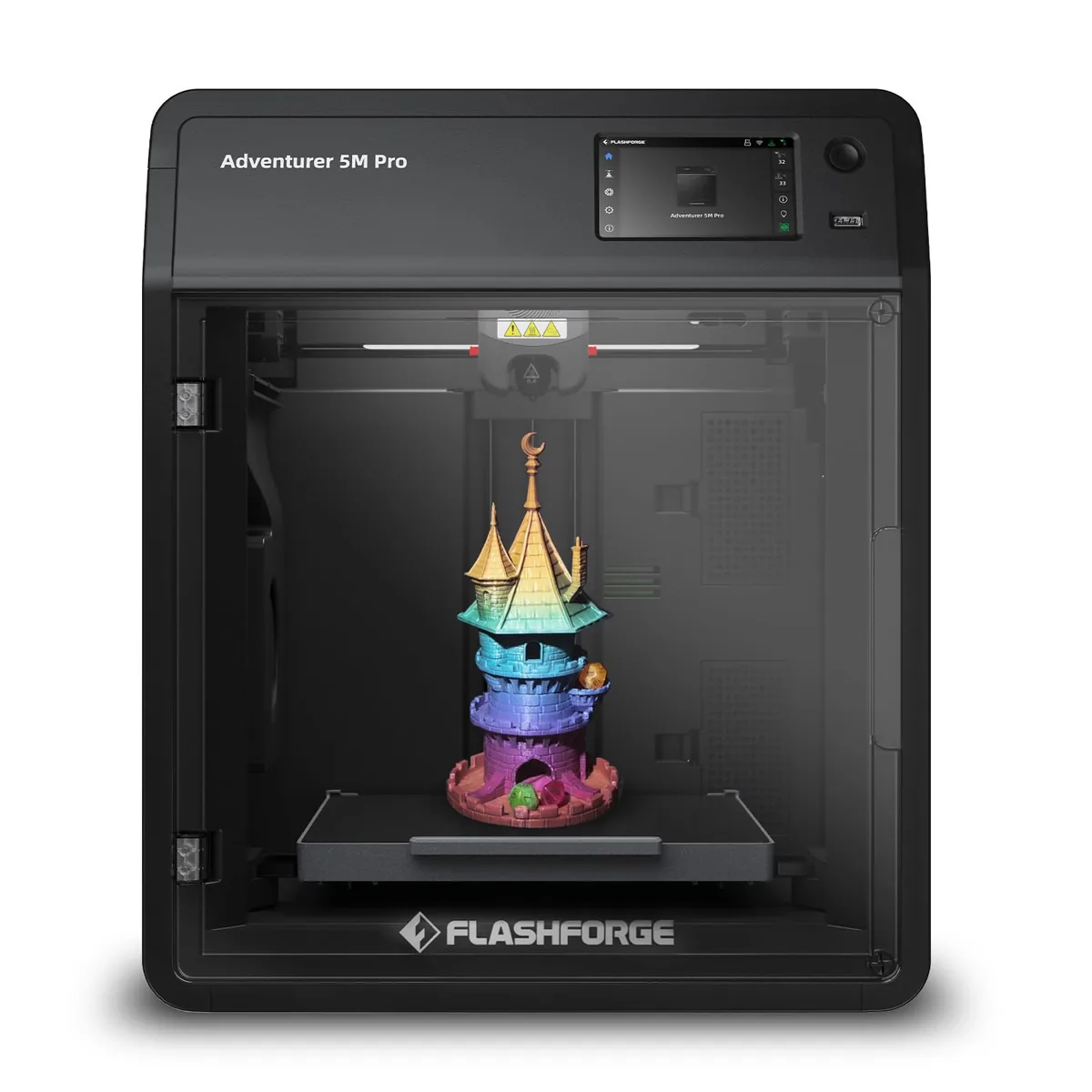
Flashforge Adventurer 5M Pro 3D Printer
Pros
- 3-second toolless quick-swap nozzle mechanism
- Dual-stage HEPA13 and activated carbon air filtration system
- Low-noise mode operates at a quiet 50 dB
- Fully automated 1-click calibration right out of the box
Cons
- 220mm Z-height is slightly shorter than K1C and Q1 Pro
- Hotend temperature maxes out at 280°C
If your primary concern is noise, fumes, and complicated mechanical maintenance, the Flashforge Adventurer 5M Pro stands out as the most refined consumer-friendly machine in the under-$600 bracket. It is tailored for home offices, bedrooms, and school classrooms where open fumes and loud fan whine are dealbreakers.
Key Engineering Features
- 3-Second Toolless Quick-Swap Nozzle: Changing nozzles on 3D printers has traditionally been an intimidating chore involving heated blocks, torque wrenches, and thermal paste. The Adventurer 5M Pro replaces that entire procedure with a dual-clip quick-release mechanism. Press two tabs on the side of the extruder, pull out the entire hotend assembly, and snap in a new one in three seconds without touching a single tool.
- Dual-Stage Internal and External Air Filtration: Flashforge lists HEPA and activated-carbon stages in the enclosure. Filter performance depends on fit, airflow, replacement condition, material, and the ventilation plan.
- Manufacturer-Listed Low-Noise Mode: Flashforge lists a 50 dB low-noise mode. That value is not treated as a matched comparison with the K1C or Q1 Pro on this page.
For beginners or families wanting dependable plug-and-print usability without mechanical headaches, the Adventurer 5M Pro is the easiest machine to recommend.
3. QIDI Q1 Pro: The High-Temperature Engineering Powerhouse
The QIDI Q1 Pro is the active-chamber choice in this comparison because QIDI lists a 60°C heated chamber and a 350°C hotend for its documented material profiles.
QIDI Q1 Pro 3D Printer
Pros
- Active 60°C PTC heated chamber prevents warping on high-temp polymers
- 350°C bi-metal hotend melts advanced nylon and PC blends
- Dual independent Z-axis motors with automatic bed tilt leveling
- Native open Klipper web interface
Cons
- High power draw (up to 700W) when warming the active chamber heater
- Bulkier and heavier frame requires sturdy bench space
The QIDI Q1 Pro is engineered from the ground up for functional prototyping and industrial materials. While most sub-$600 printers offer passive enclosures that trap radiant heat from the heated bed, the Q1 Pro incorporates an active 60°C PTC ceramic heating element with dedicated internal circulation.
Key Engineering Features
- Active 60°C Heated Chamber: QIDI lists an actively regulated chamber up to 60°C. The correct chamber setting and material suitability come from the printer manual and filament profile.
- 350°C Ultra-High Temperature Hotend: Equipped with a hardened bimetal nozzle assembly, the Q1 Pro easily handles abrasive composite blends, Carbon-Fiber Nylon (PA-CF), and high-temperature polymers without needing aftermarket hotend upgrades.
- Dual Independent Z-Axis Motors with Auto Tilt Correction: Rather than tying two Z lead screws together with a synchronization belt, the Q1 Pro drives each side with an independent stepper motor. The documented calibration routine adjusts the two sides before generating a bed mesh.
If your 3D printing goals focus on functional brackets, frames, gears, or outdoor enclosures using ABS or PETG, compare the Q1 Pro material profiles with the required part properties before purchase.
Technical Deep-Dive: Bed Leveling & Calibration Reliability
Bed leveling and calibration reliability depend on the sensor system, gantry alignment, firmware routine, and documented setup procedure. The three manufacturers describe different approaches:
- Creality K1C: Creality documents nozzle-contact sensing and automated bed-mesh calibration.
- Flashforge Adventurer 5M Pro (Full-Surface Auto-Leveling Sensor): Uses a high-sensitivity sensor built into the toolhead and bed frame that measures distance and calculates z-offset automatically. You never need to touch a sheet of paper or set an initial Z-offset manually.
- QIDI Q1 Pro: QIDI documents two Z motors and an automated tilt-adjustment routine before bed-mesh generation.
Automated calibration reduces manual adjustment, but it does not guarantee every first layer. Build-surface condition, material profile, nozzle state, and the manual’s preparation steps still apply.
Manufacturer-Listed Performance Limits
Manufacturer-listed performance limits describe the configured ceiling for each printer; they are not independent speed, flow, noise, thermal, or power measurements.
| Listed specification | Creality K1C | Flashforge 5M Pro | QIDI Q1 Pro |
|---|---|---|---|
| Maximum advertised speed | 600 mm/s | 600 mm/s | 600 mm/s |
| Maximum advertised nozzle temperature | 300°C | 280°C | 350°C |
| Build volume | 220 × 220 × 250 mm | 220 × 220 × 220 mm | 245 × 245 × 245 mm |
| Chamber design | Passive enclosure | Passive enclosure | Active heater, rated to 60°C |
| Noise statement | No matched value used here | Low-noise mode listed at 50 dB | No matched value used here |
How to Interpret the Listed Limits
- Speed: Maximum advertised speed is not a print-time result. Geometry, acceleration, material flow, cooling, and the selected profile determine usable speed.
- Acoustics: One manufacturer noise statement cannot support a three-printer ranking without the same measurement distance, operating mode, material, and fan settings.
- Thermal Performance: The Q1 Pro has an active chamber heater, while the K1C and 5M Pro use passive enclosures. Material profiles and part geometry still determine suitability.
Decision Framework: Which CoreXY 3D Printer Should You Buy?
The right CoreXY 3D printer under $600 is the model whose documented material support, build volume, chamber design, firmware access, and maintenance workflow match the project.
Buy the Creality K1C if:
- You frequently print with carbon fiber or glass-filled filaments (PLA-CF, PETG-CF) and want a hardened all-metal hotend out of the box.
- You love open-source software and plan to root your machine to run custom Klipper macros, timelapses, and webcam streaming.
- You want the tallest build volume (250mm Z-height) and benefit from the vast third-party accessory market supporting Creality machines.
- Check Creality K1C Price on Amazon
Buy the Flashforge Adventurer 5M Pro if:
- The printer will live in your bedroom, home office, classroom, or living room where quiet operation (50 dB) is non-negotiable.
- You want the highest indoor air safety, thanks to dual HEPA13 and activated carbon filtration.
- You want tool-free 3-second nozzle changes to quickly swap between detail work (0.25mm) and high-speed rough drafts (0.8mm).
- You want an unbox-and-print experience with zero manual calibration hurdles.
- Check Flashforge 5M Pro Price on Amazon
Buy the QIDI Q1 Pro if:
- Your primary interest is functional, mechanical, and technical parts printed in ABS, ASA, Nylon (PA), or Polycarbonate (PC).
- You require an actively heated 60°C chamber to eliminate edge lifting and interlayer delamination on large prints.
- You want a 350°C high-temperature hotend and dual independent Z-motors that auto-level the physical bed frame.
- You prefer native access to open Klipper via Fluidd/Mainsail web dashboards over your local home network.
- Check QIDI Q1 Pro Price on Amazon
Related Guides & Deep-Dives
Related guides connect this CoreXY comparison to filament selection, Cartesian architectures, and beginner printer choices.
- PLA vs PETG vs ABS: review mechanical differences, melting behavior, and enclosure needs for common filament families.
- Creality Ender 3 vs Ender 5: compare bed-slinger dynamics with cubic Cartesian architectures.
- The True Total Cost of Owning a 3D Printer Explained: A breakdown of expenses beyond the purchase price.
- 3D Printer Budgets: What’s Worth the Money?: Compare features across different investment levels.
- New vs Used vs Refurbished 3D Printers: A Buyer’s Guide: Weighing options for finding the best deal.
- For a first printer on a tighter budget, see the Best 3D Printers for Beginners Under $300, which covers simpler calibration and lower setup cost.
The best CoreXY 3D printer under $600 is therefore a requirements match, not the machine with the largest advertised speed number.
For more breakdowns on these features, explore our side-by-side 3D printer comparisons.