
The sticker price of a 3D printer is just the entry fee. That shiny new machine on your workbench is the beginning, not the end, of your expenses. To truly understand the investment, you need to account for every spool of filament, every failed print, every watt of electricity, and every hour you spend calibrating.
This is the real-world breakdown of what it costs to own and operate a 3D printer for one year. This guide moves beyond the marketing to give you a practical budget based on typical usage. The numbers might surprise you.
1. Filament & Consumables: The Obvious Recurring Cost
Filament is the most direct operating expense. The cost varies significantly based on material type and quality.
- Standard PLA: This is your workhorse material. Expect to pay $20 to $28 per 1kg spool for a quality brand. A typical hobbyist might use 5-10 spools a year ($100 - $280).
- PETG/ABS/ASA: These materials offer better temperature and impact resistance. They cost more, typically $25 to $40 per 1kg spool. Printing with them often requires a well-ventilated space or an enclosed printer.
- Engineering & Composite Filaments: Materials like Nylon, Polycarbonate (PC), and Carbon Fiber-infused PLA/PETG are for high-performance parts. These spools can run from $50 to over $100 per kg.
Beyond filament, you need a few other things:
- Isopropyl Alcohol (IPA): Essential for cleaning the print bed. A 32 oz bottle costs about $15 and will last for months.
- Adhesives: A simple glue stick ($2) or a specialized bed adhesive like Magigoo ($20) can help with first-layer adhesion, especially for tricky materials.
2. Failed Prints: The Hidden Filament Tax
Every 3D printing enthusiast knows the pain of a print failing 18 hours into a 20-hour job. This is not just a time loss. It is a direct financial loss.
Let’s do the math on a failed print:
- Model: A moderately large, 400-gram model.
- Filament Cost: Using $25/kg PLA, that’s $0.025 per gram. The failed print costs $10 in wasted material.
- Electricity Cost: If the print ran for 18 hours on a machine using an average of 200W, at $0.15/kWh, that’s another $0.54 down the drain.
A cheap, untuned printer might have a failure rate of 20-30% on complex prints. A modern, reliable printer can bring that down to under 5%. Investing in a printer with features that prevent common failures is a direct investment in reducing waste. This includes features like automatic bed leveling, vibration compensation, and clog detection.
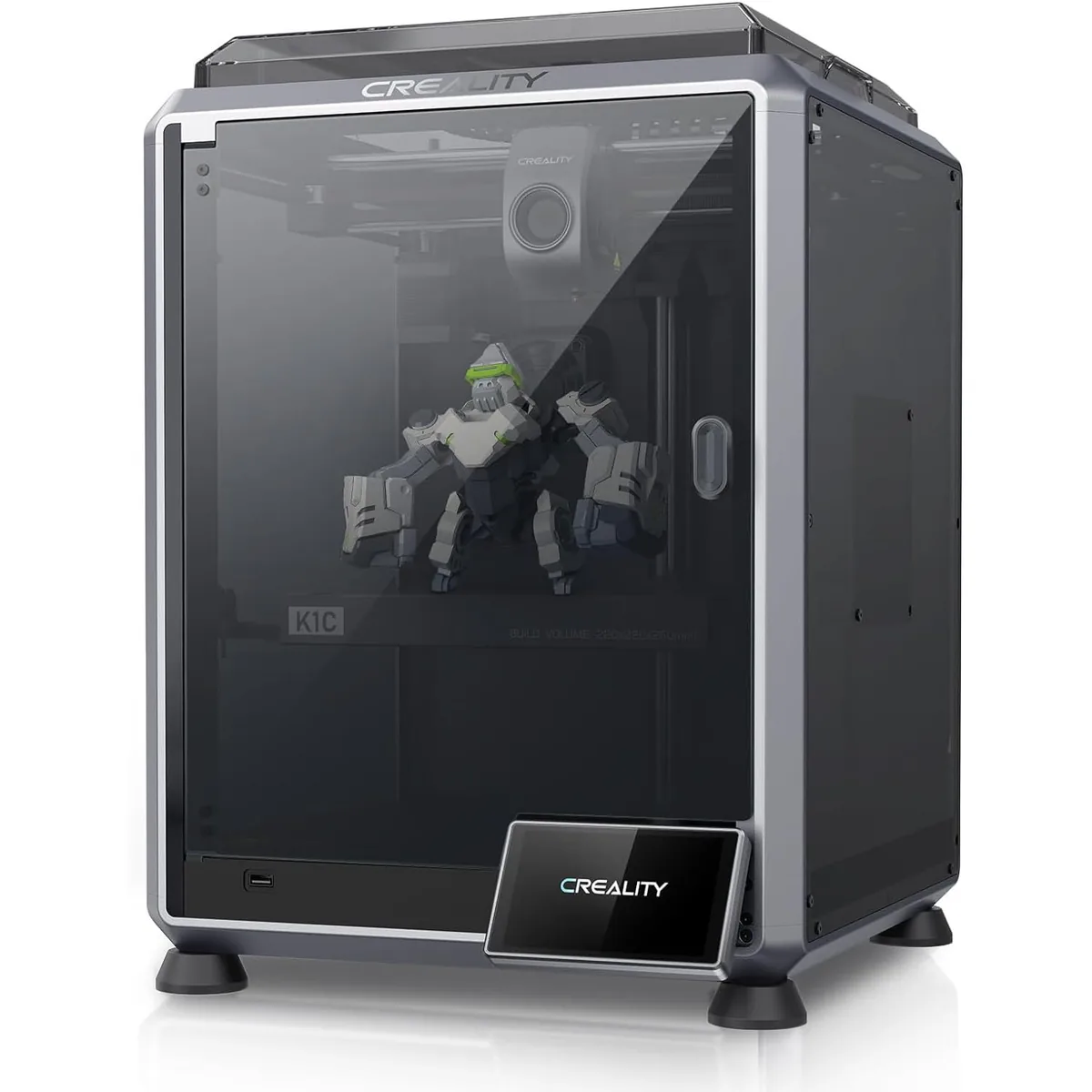
Creality K1C Carbon Fiber 3D Printer
Pros
- Hardened steel tri-metal Unicorn nozzle handles abrasive PA-CF and PET-CF without wear, Integrated AI camera provides automated spaghetti failure detection and time-lapses, 600mm/s CoreXY speed with 20,000mm/s² acceleration, Open-source Klipper-based Creality OS allows custom macros and root access
- The included AI camera can spot spaghetti failures and stop the print automatically, saving filament.
- Fully enclosed and ready for ABS/ASA out of the box.
Cons
- Build volume (220x220x250mm) is slightly smaller than Bambu P1S
- Passive chamber relies on bed heat to reach ~48°C
3. Tools, Ventilation, and Workspace Upgrades
Your printer doesn’t exist in a vacuum. It needs a supporting cast of tools and a safe environment.
- Essential Hand Tools: Your printer likely includes basic tools. However, you will quickly want upgrades. A good set of flush cutters ($15), a deburring tool ($10), and a precise digital caliper ($25) are non-negotiable for serious work.
- Filament Dryer: Wet filament is the silent killer of print quality. It causes stringing, popping sounds, and weak parts. A dedicated filament dryer like a SUNLU S2 or Creality Space Pi is a $50-$80 investment that pays for itself by salvaging old spools and preventing failed prints.
- Ventilation: If you plan to print anything beyond PLA or PETG, you need to manage fumes. ABS and ASA release styrene, a volatile organic compound (VOC). A simple solution is an activated carbon air filter ($30) inside an enclosure. A more robust setup involves venting fumes out a window with a fan and ducting ($50-$100). Printers that come enclosed, like many modern CoreXY models, already solve half of this problem.
4. Energy Consumption: The Slow Burn
A 3D printer’s power consumption is often overlooked. While one print won’t break the bank, hundreds of hours of printing will show up on your electric bill.
Let’s estimate yearly costs based on a rate of $0.15 per kilowatt-hour (kWh):
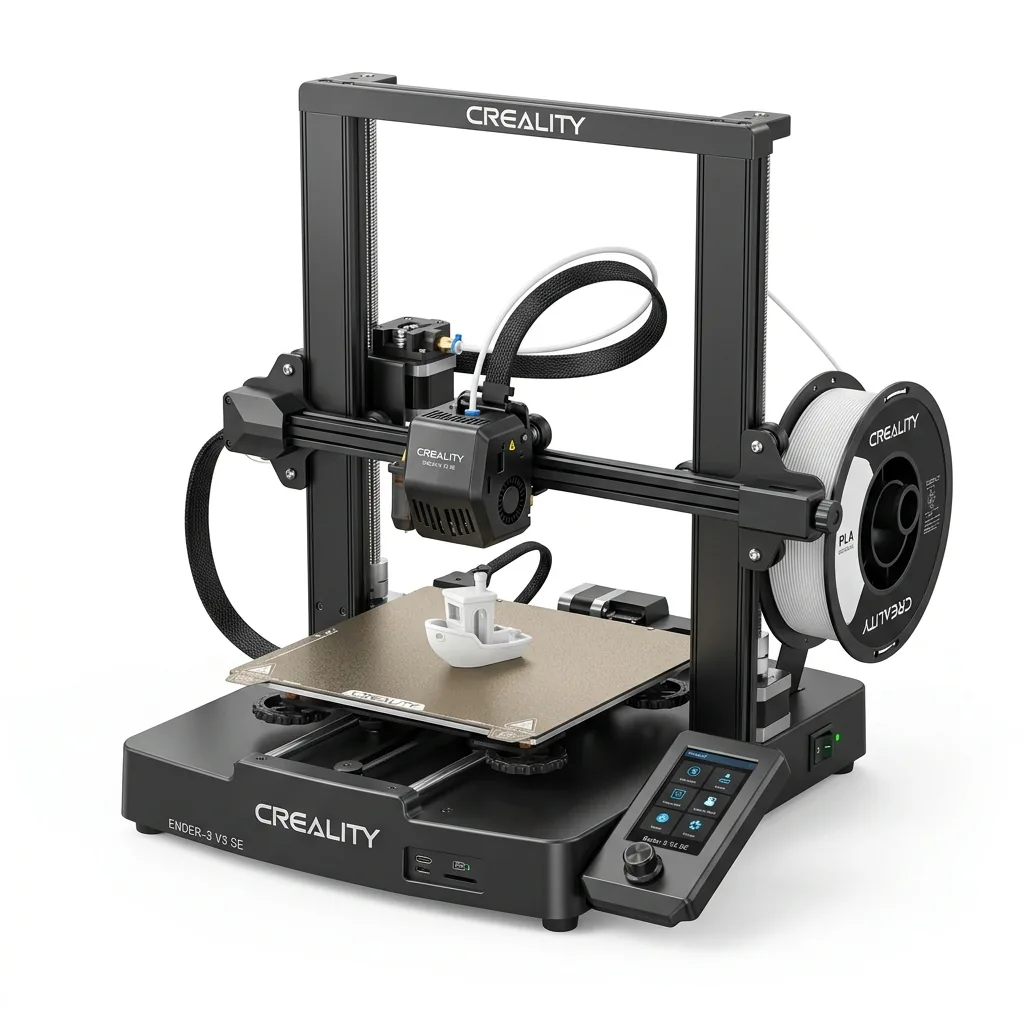
- Open-Frame Bed-Slinger (e.g., Ender 3): Averages about 150W. Printing for 4 hours a day, 5 days a week (~1040 hours/year) costs roughly $23.40 per year.
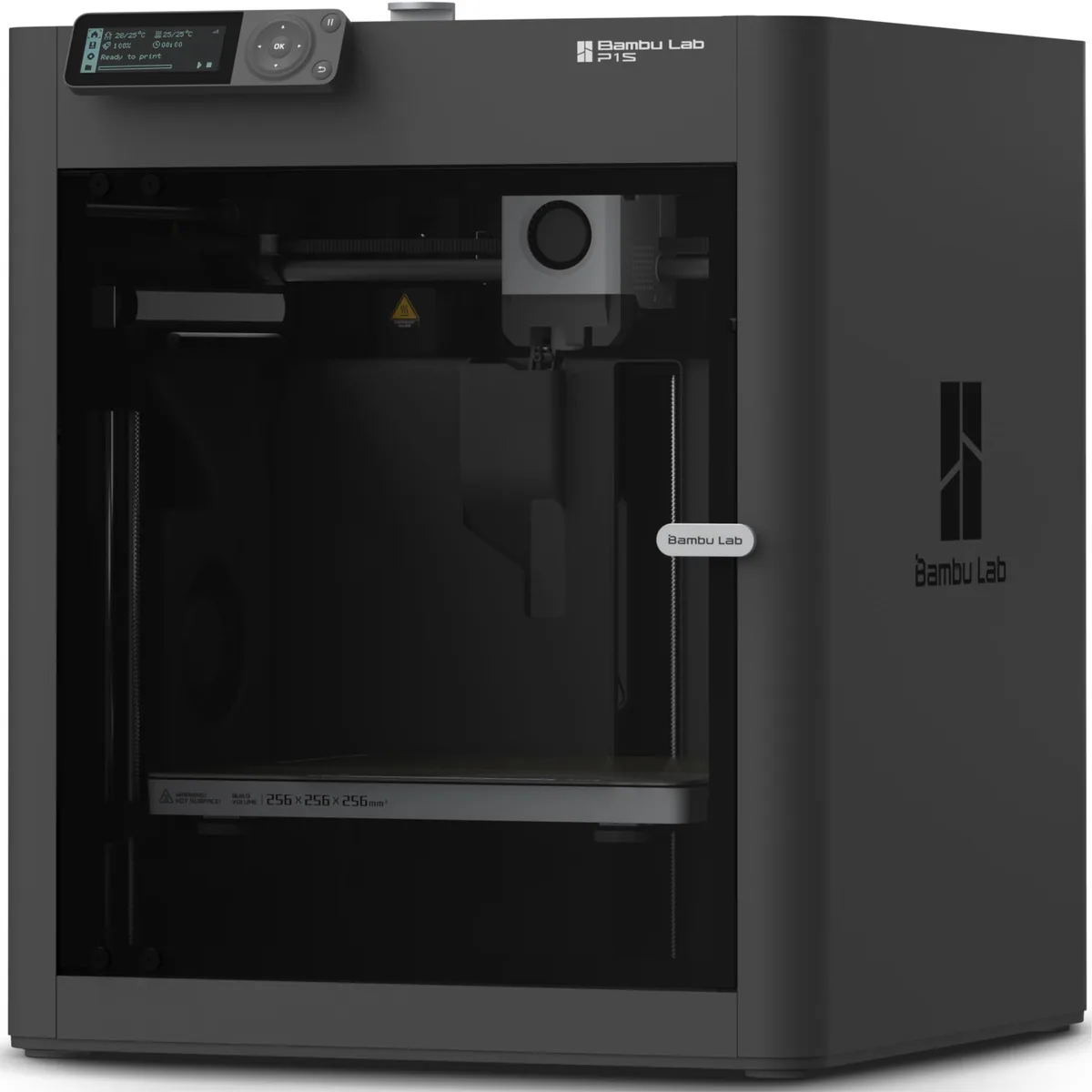
- Enclosed CoreXY (e.g., Bambu Lab P1S): Averages about 200W due to chamber fans and higher speeds. The same usage (~1040 hours/year) costs about $31.20 per year.
These costs increase if you frequently print high-temperature materials that require the heated bed to run at 100-110°C. It’s a minor but consistent expense.
5. Maintenance and Replacement Parts
Mechanical systems wear out. A 3D printer has several components that you should budget to replace over a year of active use.
- Nozzles: Brass nozzles are a consumable. They wear down, especially with abrasive filaments. A pack of 5-10 costs about $10. Plan on using a new one every 2-3 months of moderate use. A single hardened steel nozzle for abrasives costs $10-$20 but lasts much longer.
- Build Plates (PEI Sheets): Scratches, gouges, and lost adhesion happen. A replacement PEI sheet can cost anywhere from $20 to $50.
- PTFE Tubing: In Bowden extruders and some hotends, the PTFE tube degrades from heat and friction. A meter of quality Capricorn tubing costs about $15.
- Belts and Wheels: GT2 belts stretch over time, losing tension and accuracy. POM wheels can develop flat spots. Budget $20-$30 per year for replacements.
- Fans: The small fans for part cooling, hotend cooling, and electronics are often the first components to fail. They cost $5-$15 each.
A well-built printer can reduce these costs. Machines with all-metal hotends, linear rails instead of POM wheels, and high-quality fans require less frequent replacement of parts.

Bambu Lab P1S Enclosed 3D Printer
Pros
- Fully enclosed CoreXY chassis with auxiliary cooling fan, Smooth multi-color / multi-material integration with Bambu AMS, Reliable out-of-the-box first layers with dual automated bed leveling, Active vibration compensation and belt tension monitoring
- The enclosure and filter make it immediately ready for printing ABS and ASA.
- High-quality components lead to lower maintenance needs in the first year.
Cons
- Proprietary closed ecosystem
- Chamber is passively heated by the bed rather than a dedicated PTC heater
- Upgrading to hardened nozzle for carbon fiber requires separate swap
6. Software & Labor: Your Time is a Cost
The software to run a printer is almost entirely free. Slicers like Bambu Studio, OrcaSlicer, and Cura are excellent. CAD programs like Fusion 360 have generous free tiers. The real cost here is your time.
- Tinkering & Calibration: A DIY kit or a budget printer can require hours of assembly and calibration (bed tramming, E-step tuning, PID tuning) before it prints reliably.
- Troubleshooting: Diagnosing and fixing a clog, a warped bed, or Z-axis binding takes time and research.
- Slicing & Post-Processing: Dialing in slicer settings for a new filament and cleaning up finished prints adds time to every project.
A printer that works reliably out of the box, like a P1S or K1C, commands a higher price because it drastically reduces the “labor” cost. You are paying to skip the frustration and get straight to printing.
Desktop 3D Printer Comparison Chart
Evaluating true ownership costs requires looking beyond the initial sticker price. Examining a Desktop 3D Printer Comparison Chart reveals how different models handle long-term maintenance and consumable expenses.
Resin vs Filament 3D Printing
Operating costs vary wildly between manufacturing technologies. A thorough breakdown of Resin vs Filament 3D Printing: Printers, Materials and Workflow clarifies which ecosystem fits your budget.
Sample 1-Year Cost of Ownership
Here is a sample budget for two different user profiles. It assumes a mid-range printer cost and average US filament/electricity prices.
| Cost Category | Budget Hobbyist (Low Estimate) | Active Maker (High Estimate) |
|---|---|---|
| Printer Purchase | $300 | $600 |
| Filament (8kg PLA) | $180 | - |
| Filament (15kg Mixed) | - | $450 |
| Tools & Upgrades | $50 | $150 |
| Maintenance Parts | $30 | $75 |
| Energy Costs | $25 | $50 |
| Failed Prints (10%) | $18 | $45 |
| Software/Models | $0 | $120 |
| Total 1-Year Cost | $603 | $1,490 |
| % of Initial Cost | ~201% | ~248% |
As you can see, the total cost in the first year can easily be double or even triple the printer’s sticker price.
The Right Choice Depends on Your Budget for Time and Money
Understanding these hidden costs helps you make a smarter purchasing decision.
- If your budget is tight: An open-frame printer is a great starting point. Be prepared to invest significant time in learning and tuning. Budget at least 50% of the printer’s cost for first-year filament, tools, and replacement parts.
- If you value your time: A higher-end, enclosed CoreXY printer has a larger initial cost but pays you back in reliability, speed, and reduced waste. The money you save on failed prints and the time you save on troubleshooting is substantial.
The true cost of 3D printing is a combination of dollars and hours. By budgeting for both, you set yourself up for a successful and rewarding experience in the workshop. You can review other 3D printer versus guides evaluations to build an accurate budget.