
New, used, and refurbished 3D printers differ most in warranty coverage, wear history, modification risk, and the buyer’s repair burden. This guide establishes the new-printer baseline, gives a used-printer inspection checklist, defines credible refurbishment evidence, compares ownership costs, explains integrated systems, and ends with a decision framework.
The New Printer: A Known-Good Baseline
New 3D printers provide the clearest baseline because the buyer receives a documented configuration, manufacturer support, and stated warranty terms.
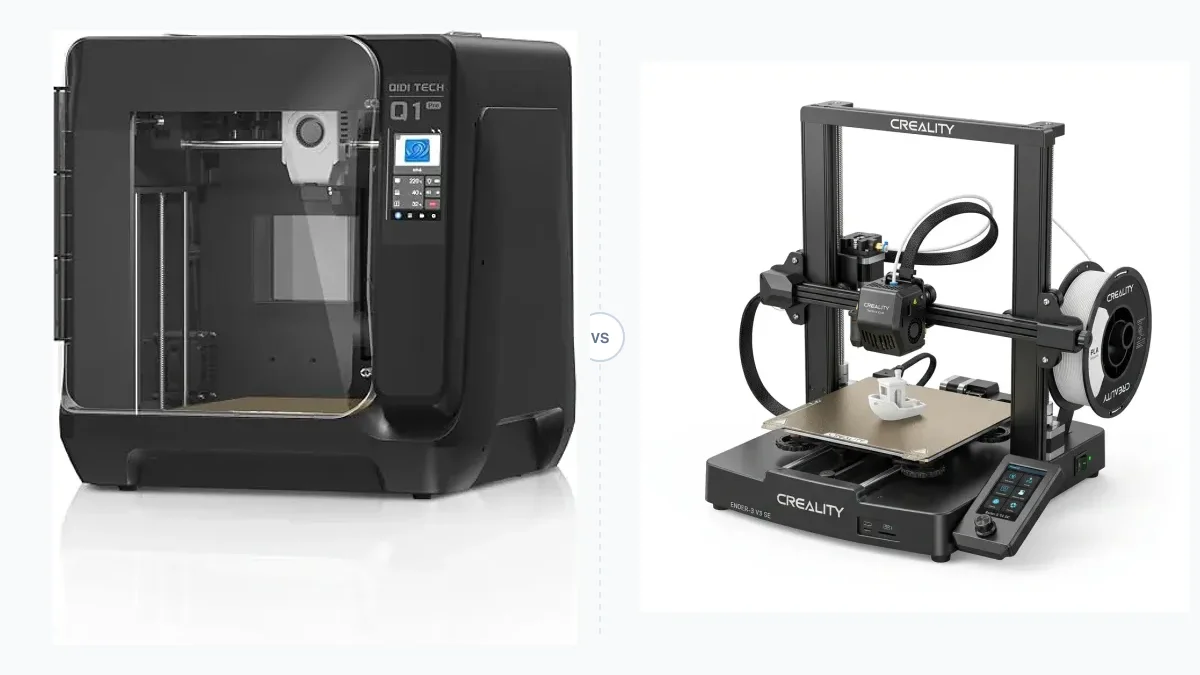
Buying a new 3D printer reduces uncertainty about prior wear and undocumented modifications. The manufacturer supplies the original configuration, firmware path, support policy, and warranty terms.
This is your baseline. It’s the standard against which all other options must be judged.
Consider a modern, enclosed CoreXY printer like the Creality K1C. Its product documentation lists a hardened nozzle, flexible build plate, camera, and automated calibration sequence. Setup still depends on the supplied manual and current firmware.
That experience is the product. You are paying for the time you don’t spend troubleshooting, calibrating, or replacing parts.
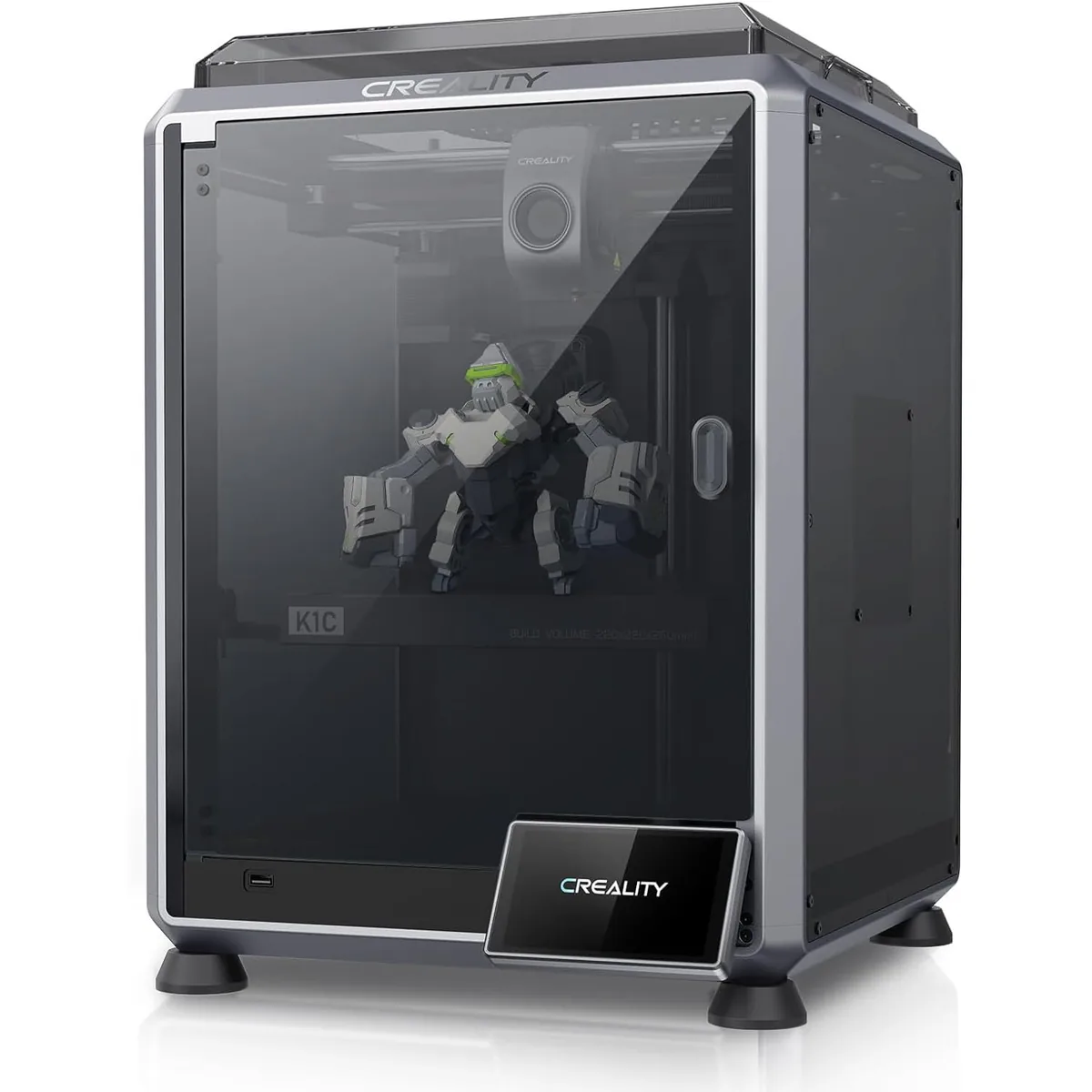
Creality K1C Carbon Fiber 3D Printer
Pros
- Hardened steel tri-metal Unicorn nozzle handles abrasive PA-CF and PET-CF without wear, Integrated AI camera provides automated spaghetti failure detection and time-lapses, 600mm/s CoreXY speed with 20,000mm/s² acceleration, Open-source Klipper-based Creality OS allows custom macros and root access
- “Clog-free” direct drive extruder kit.
- Out-of-the-box auto-leveling and calibration.
Cons
- Build volume (220x220x250mm) is slightly smaller than Bambu P1S
- Passive chamber relies on bed heat to reach ~48°C
With a new K1C, the starting configuration and support path are documented. A used machine adds unknown wear and repair exposure. The Bambu Lab P1S vs Creality K1C face-off compares two current CoreXY configurations.
The Used Printer Gamble: A Technician’s Checklist
Buying a used printer requires a physical, electrical, firmware, and maintenance inspection because the listing may not document every change or fault.
Mechanical Wear and Frame Integrity
Mechanical wear and frame alignment create repair costs that product photos may not reveal.
- Frame Squareness: Bring a machinist’s square and check alignment between the Z-axis uprights and the base. Compare any deviation with the service manual or manufacturer tolerance before purchase.
- V-Wheels and Bearings: Check polycarbonate or POM wheels for flat spots or cracks. These are common wear items on bed slingers. Roll the axes by hand. Any bumps or grinding sounds mean the bearings or wheels need replacement. The cost is low, but the labor is not.
- Belts: Inspect belts for frayed edges, missing teeth, uneven tension, or contamination. Replacement parts and labor belong in the ownership cost.
- Lead Screws: On printers with Z-axis lead screws, check for bending or wobble. Look for excessive grease mixed with dust, which indicates poor maintenance.
Hotend and Extruder Health
The hotend is the heart of the printer, and it is the most frequently abused component.
- The Heat Break: Ask if you can see a cold pull. If not, inspect the heatsink for signs of “heat creep,” visible as a filament plug climbing up from the heat block. This is a sign of a failing fan or poor thermal design.
- Nozzle Condition: Assume the nozzle is toast. A worn 0.4mm nozzle can extrude like a 0.6mm nozzle, ruining dimensional accuracy. Budget for a new one immediately.
- PTFE Tube: In a Bowden setup, inspect the hotend-side of the tube for darkening, deformation, drag, or an uneven end. Replace it according to the printer and tube manufacturer’s instructions.
- Extruder Gears: Check the extruder’s drive gears for ground-down teeth or filament dust. This points to a history of clogs and printing challenges.
Hidden Modifications and Firmware Roulette
Many tinkerers “upgrade” their printers. These modifications can be a nightmare for the next owner.
A custom-compiled version of Marlin firmware might have crucial safety features like thermal runaway protection disabled. Always demand to see the printer connected to a terminal (like Pronterface) and issue an M503 command to inspect the stored settings. If the seller refuses, walk away. Unknown firmware is a fire hazard.
Look for mismatched parts, undocumented wiring, and components whose voltage or firmware requirements do not match the machine. Restoring a reliable configuration can require replacement parts and documentation.
The Refurbished Middle Ground: Buyer Beware
A “refurbished” printer should offer a compromise between the cost of used and the reliability of new. The key word is should.
Manufacturer Refurbished: A manufacturer-refurbished printer should include a written inspection process, replaced-part record, firmware status, return policy, and explicit warranty terms. Verify each item in the actual offer rather than assuming a standard refurbishment package.
Third-Party Refurbished: This is a gamble. A seller on eBay who “refurbishes” printers might just wipe it down with a cloth and replace a nozzle. There is no standard. You must ask for a detailed list of what was inspected and replaced. A legitimate refurbishment must include:
- A brand new nozzle.
- A new, clean build surface (PEI, PEX, or glass).
- A firmware flash to the latest stable official release.
- A test print (like a Benchy) from that specific machine.
If the seller cannot provide this, you are buying a used printer at a refurbished price. Reviewing the Prusa i3 MK3 vs MK3S helps understand how specific model revisions affect used value.
New vs. Used vs. Refurbished: The Cost Breakdown
The cost breakdown includes purchase price, replacement parts, troubleshooting time, warranty value, shipping, return options, and access to manufacturer support. A used printer with an undocumented hotend, worn motion parts, or modified wiring may cost more to restore than its discount saves. A refurbished offer earns its premium only when the seller documents inspection, replacement parts, firmware, and warranty coverage. Generating a side-by-side 3D printer comparison helps visualize these differences before purchase.
The Value of a Modern, Integrated System
A modern integrated system combines motion control, calibration, firmware, slicer support, and documented material profiles in one manufacturer-supported configuration.

Bambu Lab P1S Enclosed 3D Printer
Pros
- Fully enclosed CoreXY chassis with auxiliary cooling fan, Smooth multi-color / multi-material integration with Bambu AMS, Reliable out-of-the-box first layers with dual automated bed leveling, Active vibration compensation and belt tension monitoring
- Enclosure allows printing of ABS, ASA, and PA.
- Smooth fit with AMS for multi-color printing.
Cons
- Proprietary closed ecosystem
- Chamber is passively heated by the bed rather than a dedicated PTC heater
- Upgrading to hardened nozzle for carbon fiber requires separate swap
The P1S uses vibration compensation and pressure advance algorithms that are tuned for its specific hardware. Trying to replicate this performance by fixing up a used, older-generation printer is simply not feasible. The time you save with a machine that just works is often worth far more than the initial cost savings of a used model.
Final Verdict: A Decision Framework
The new, used, or refurbished choice depends on warranty needs, inspection skill, repair tolerance, support access, and total ownership cost.
-
Buy NEW if:
- You are a beginner, a student, or a professional.
- You need reliable, repeatable results for a business or important projects.
- Your time is valuable, and you prefer printing over tinkering.
- You want a warranty and manufacturer support.
-
Consider REFURBISHED (from the manufacturer) if:
- You are on a tight budget but want more security than a used printer.
- You are comfortable with a shorter warranty period.
- You can verify that key wear components have been replaced.
-
Buy USED only if:
- You are an experienced technician who enjoys rebuilding and troubleshooting machines.
- You have a workshop with the right tools (calipers, multimeters, terminal software).
- The purchase price is less than 50% of the new price, giving you a budget for a complete overhaul.
- You understand and accept that you are buying a project, not a tool.
For a buyer who needs a documented configuration and support path, a new printer has the lowest uncertainty. A manufacturer-refurbished printer fits a tighter budget when its inspection and warranty are documented. A used printer fits buyers who can inspect, repair, and safely restore the exact machine. Check our printer comparison articles to see detailed evaluations of popular models.