
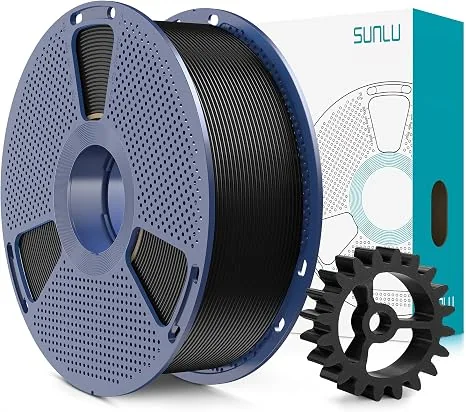
The Creality Space Pi is the better fit for common 65°C-or-lower drying schedules and long timer cycles, while the SUNLU S2 Upgraded offers a manufacturer-listed 70°C ceiling for filaments whose makers permit higher drying temperatures. The sections below compare core specifications, heating architecture, material-specific drying guidance, physical usability, product details, and the final buying decision in that order.
Both single-spool dryers use heat, air movement, humidity readouts, and feed ports to support printing from the enclosure. Their practical differences are the listed temperature ceiling, heater and fan layout, timer duration, spool-cavity shape, and chassis footprint. Actual drying time varies with polymer, starting moisture, spool winding, room humidity, and the settings permitted by the filament maker.
Core Specifications Face-Off: Space Pi vs. SUNLU S2
Core specifications show the main trade: the Space Pi lists a 65°C maximum and 48-hour timer, while the SUNLU S2 Upgraded lists a 70°C maximum and 24-hour timer.
| Specification | Creality Space Pi | SUNLU S2 Upgraded (With Fan) |
|---|---|---|
| Heating Technology | 80W PTC Ceramic + 360° Convection Fan | Dual Curved Upper/Lower Plates + Internal Fan |
| Operating Temperature Range | 45°C to 65°C | 35°C to 70°C |
| Maximum Timer Duration | 48 Hours (Continuous) | 24 Hours (Continuous) |
| Spool Capacity | 1 Spool (Up to 1kg, 200mm OD x 75mm W) | 1 Spool (Up to 1kg, 210mm OD x 85mm W) |
| Display & Controls | 3.7-inch Touch LCD with Material Presets | 4.6-inch Circular Touchscreen with LED Ring |
| Humidity Sensor Readout | Real-time Relative Humidity (%RH) | Real-time Relative Humidity (%RH) |
| Chassis Dimensions | 300 x 200 x 238 mm (Wide Low Base) | 265 x 118 x 274 mm (Narrow Vertical Shell) |
| Net Weight (Empty) | 1.14 kg | 0.98 kg |
| Feed Ports | Dual Rubber Grommet Ports (Top & Front) | Dual PTFE Grommet Ports (Top & Front) |
Heating Architecture: PTC 360° Hot Air vs. Dual-Plate Radiant Heat
Heating architecture differs because the Space Pi pairs a PTC heater with forced circulation, while the SUNLU S2 Upgraded combines shaped heating surfaces with an internal fan.
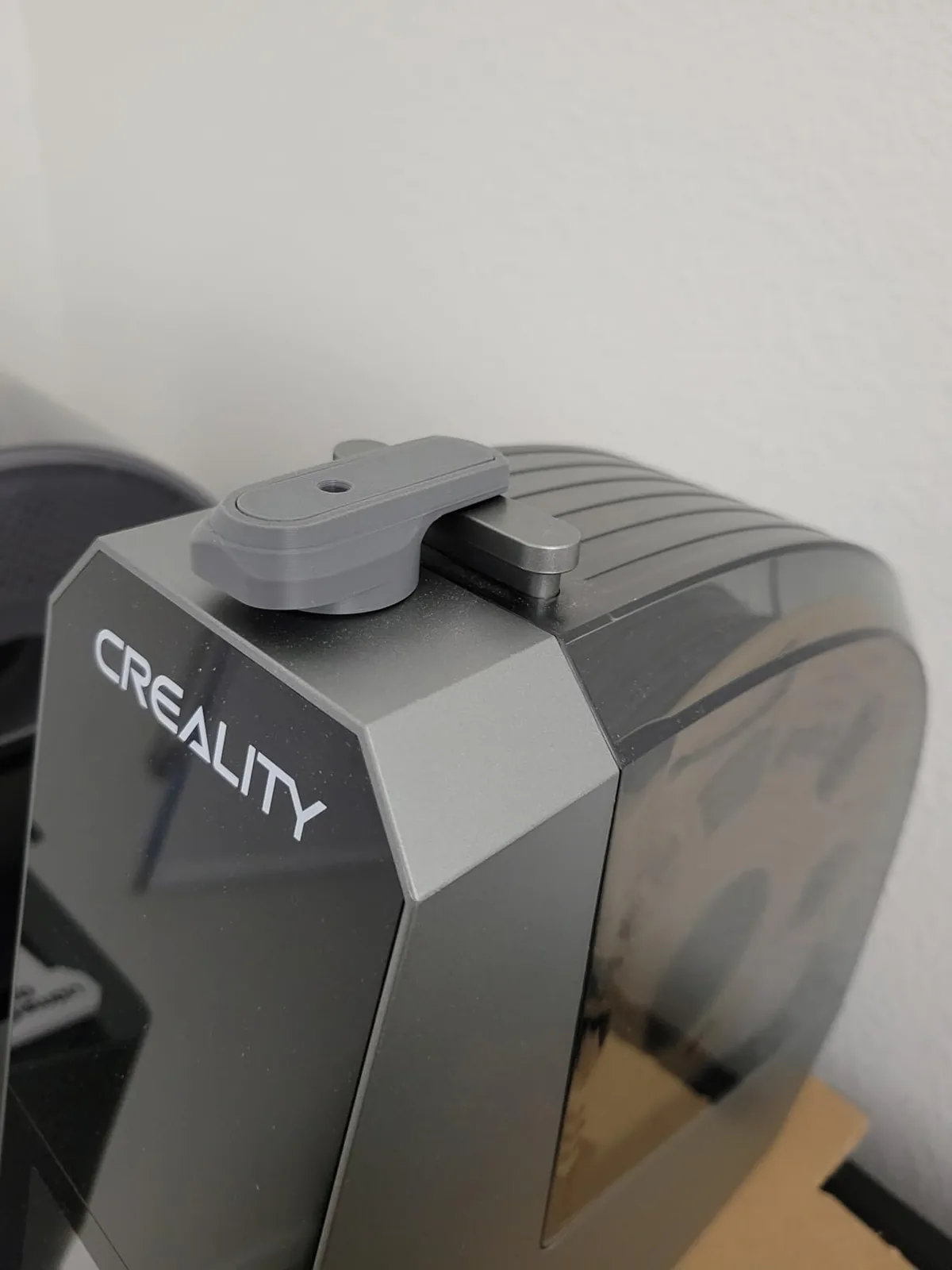
Creality Space Pi: Convective PTC Circulation
The Space Pi utilizes a positive temperature coefficient (PTC) ceramic heating block paired with a dedicated blower fan. Rather than heating the plastic through direct radiative proximity, the PTC element draws air through its thermal fins and discharges a continuous curtain of hot air in a 360-degree loop around the rotating spool.
Creality describes the blower as a 360-degree hot-air system. Forced circulation is intended to move heated air around the spool instead of relying only on radiation from a nearby plate. Actual cavity uniformity depends on spool diameter, winding density, vent position, sensor placement, and room conditions, so the manufacturer rating should not be read as an independent temperature map.
SUNLU S2 Upgraded: Contact Plates and Circulation Fan
The original SUNLU S2 used heated surfaces without the circulation fan fitted to the Upgraded revision. The Upgraded model adds an internal fan and shaped upper and lower heating surfaces to move warm air around the cavity.
The S2’s manufacturer-listed advantage is its 70°C maximum, compared with the Space Pi’s 65°C limit. A higher ceiling matters only when the filament and spool maker permit that temperature. It does not establish faster drying for every material because moisture load, airflow, spool construction, and venting still affect the cycle.
Material-Specific Drying Guidance and Device Limits
Material-specific drying guidance determines whether the Space Pi’s 65°C ceiling is sufficient or the SUNLU S2’s 70°C ceiling is useful. Filament-maker instructions take priority because polymer blends, pigments, composite fillers, and spool materials can change the safe range.
PLA drying around 50°C
PLA makers commonly list drying temperatures near 45°C to 55°C. Both devices cover that range. The deciding factors are therefore timer duration, airflow path, spool fit, and the ability to vent humid air without allowing the filament or plastic spool to soften.
The Space Pi’s 48-hour timer is more than a normal PLA cycle requires, but it permits long low-temperature maintenance cycles. The SUNLU S2’s 24-hour timer is still longer than common PLA guidance. A falling humidity display indicates changing air conditions inside the cavity; it does not directly measure moisture remaining in the filament core.
PETG drying around 60°C
PETG makers commonly list drying settings near 60°C to 65°C, so both dryers cover common profiles. PETG’s tightly wound inner layers can release moisture more slowly than the exposed outer loops. Air circulation and a path for vapor to leave the cavity therefore matter alongside thermostat temperature.
Compare the same spool before and after drying by using the same printer profile and a repeatable stringing or surface-finish model. That comparison can show whether the selected cycle addressed moisture symptoms without claiming that one dryer has a universal percentage advantage.
Nylon and Polycarbonate near the device ceiling
Nylon and Polycarbonate guidance often reaches 70°C or higher, depending on the exact grade. The SUNLU S2 Upgraded can reach its listed 70°C ceiling. The Space Pi stops at 65°C, so an allowed lower-temperature cycle may need more time and may not suit every engineering filament.
The higher S2 ceiling makes it the more flexible choice for a filament whose maker explicitly permits 70°C drying. Neither device should exceed the safe temperature for the filament or spool. Persistent popping, surface pits, or weak extrusion after one cycle calls for another maker-approved cycle or a higher-temperature dryer rated for that material.
Physical Usability: Stability, UI Controls, and Printing While Drying
Physical usability depends on chassis stability, control visibility, timer limits, spool rotation, feed-port friction, and a path for humid air to leave the dryer.
Chassis Stability and Tip-Over Risk
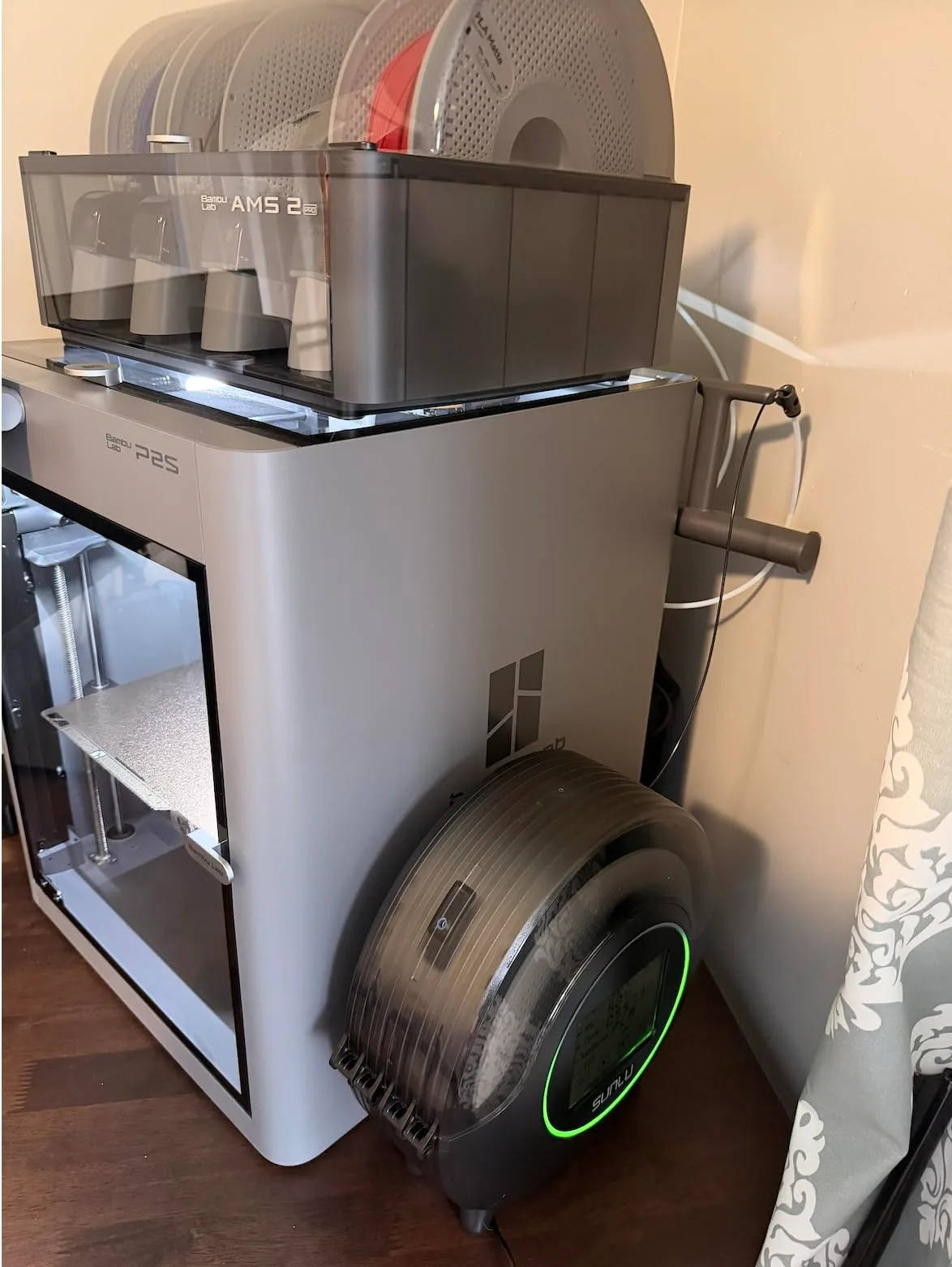
The SUNLU S2 has a tall, narrow shell that the manufacturer lists at 118 mm wide. A 1 kg spool raises the loaded center of gravity, so the feed path should avoid strong side loads from the printer. Community-designed outrigger feet are available, but a stable, level bench and low-friction tube path are the primary setup controls.
The Creality Space Pi solves this problem with a wide-stance chassis (200mm base). Its rubber isolation feet and broad footprint anchor the unit firmly in place, even when feeding high-speed CoreXY machines with accelerations up to 20,000 mm/s².
Display Readouts and Timers
- Creality Space Pi: Equips a clean 3.7-inch display showing real-time chamber temperature, current ambient relative humidity, remaining drying time, and a selected material indicator. The timer supports up to 48 continuous hours, allowing unattended weekend dehydration cycles.
- SUNLU S2 Upgraded: The manufacturer lists a 4.6-inch circular touchscreen with an LED status ring. The display shows temperature, humidity, time, and filament profile. The timer is capped at 24 hours, so longer maker-approved cycles require a restart.
Moisture Vapor Venting
Neither unit features an active motorized exhaust vent. When moisture evaporates from filament, warm water vapor builds up inside the sealed enclosure.
Drying requires a vapor path. If the product instructions permit it, briefly opening the lid or using an approved vent position lets humid air escape instead of condensing on the interior walls. Do not add a printed spacer where it can interfere with the lid, heater, sensor, spool, or filament path. The Space Pi blower and S2 Upgraded fan move air differently, but neither humidity display measures filament-core moisture directly.
Detailed Product Verdicts
The product verdicts separate the Space Pi’s 65°C PTC airflow and 48-hour timer from the SUNLU S2 Upgraded’s 70°C ceiling and 24-hour timer.
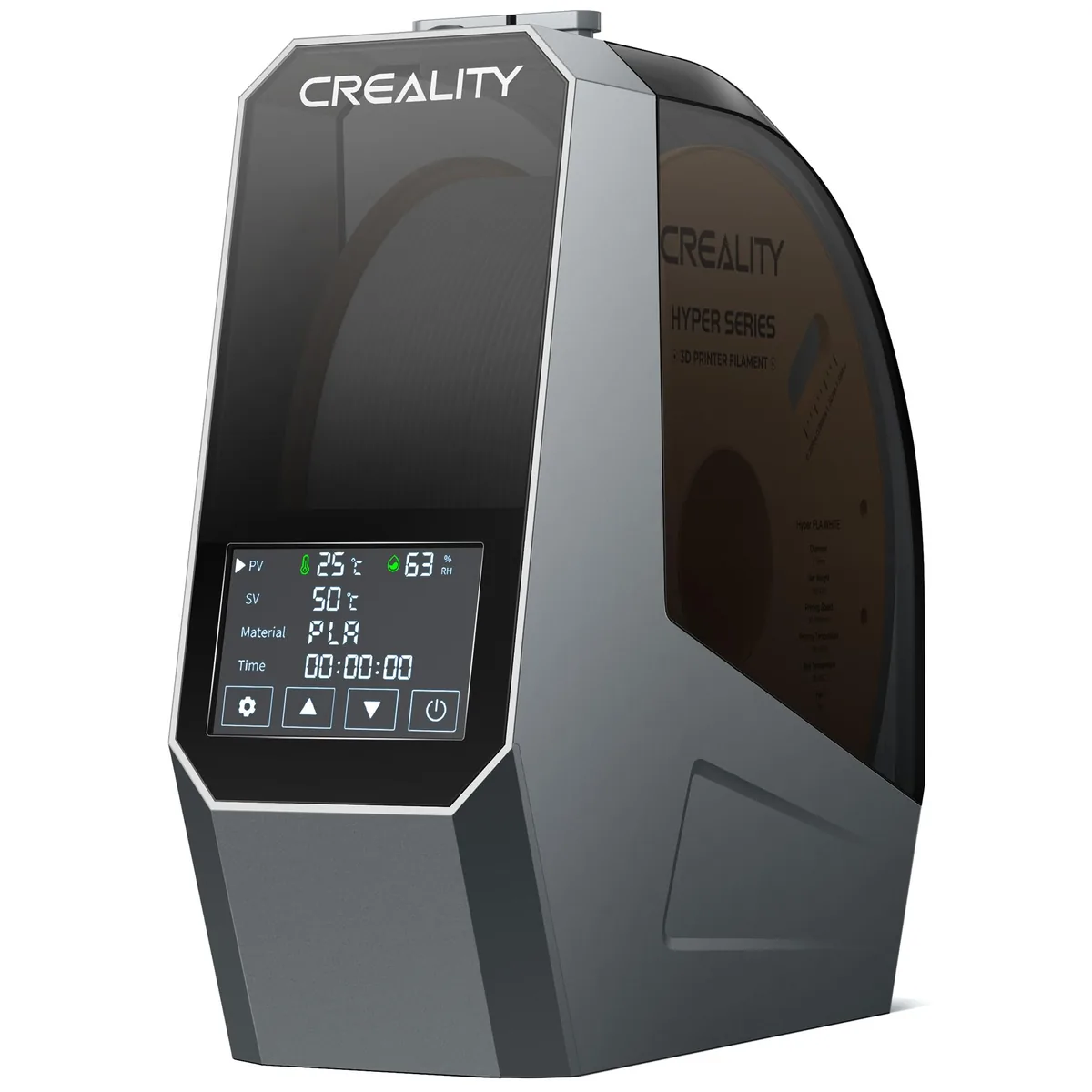
Creality Space Pi Filament Dryer
Pros
- 360-degree PTC hot air convection heats filament evenly without hot spots
- Broad 200mm base provides solid desktop stability without tipping over
- 48-hour continuous timer enables set-and-forget deep drying cycles
- Large digital touchscreen displays real-time temperature and ambient relative humidity
Cons
- 65°C max temperature requires longer runs for high-temp Nylon or PC
- Single spool capacity only
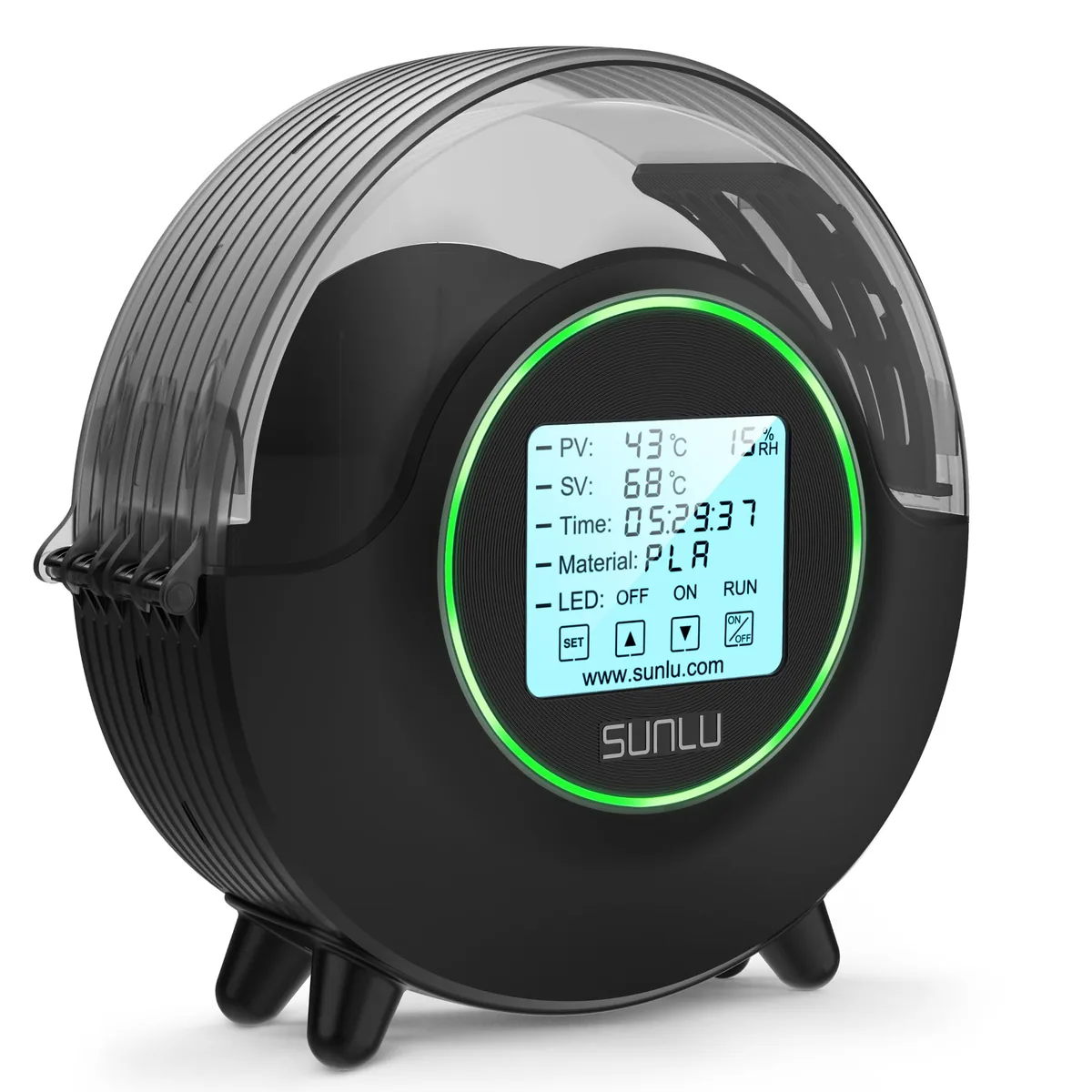
SUNLU S2 Upgraded Filament Dryer (with Fan)
Pros
- 70°C maximum temperature ceiling dehydrates engineering Nylon (PA), PC, and TPU
- Upgraded internal circulation fan prevents localized filament scorching
- Crisp 4.6-inch circular touchscreen with ambient LED status ring
- Narrow vertical footprint fits tight workbench setups
Cons
- Tall, narrow chassis is prone to tipping over when pulled by high-speed CoreXY extruders
- Timer is capped at 24 hours per cycle
Final Recommendation: Which Machine Should You Choose?
The Creality Space Pi suits common filaments and long timer cycles, while the SUNLU S2 Upgraded suits users who need a manufacturer-listed 70°C ceiling for compatible engineering filaments.
Choose the Creality Space Pi if:
- You primarily print PLA, PETG, TPU, and ABS: Its 65°C ceiling covers common maker-listed profiles for these materials, subject to the exact filament grade.
- You feed filament directly into high-speed printers: The wide, stable 200mm base prevents tipping when CoreXY toolheads pull filament rapidly.
- You want set-and-forget automation: The 48-hour continuous timer handles deep dehydration runs without requiring mid-cycle resets.
Choose the SUNLU S2 Upgraded if:
- You frequently dry Nylon (PA), carbon-fiber composites, and PC: The 70°C maximum covers more high-temperature drying profiles when the filament and spool maker permit that setting.
- You have limited workbench depth: The narrow vertical profile occupies minimal linear desk real estate beside your printer.
- You prefer a large circular touch interface: The 4.6-inch circular status screen and LED ambient lighting offer high visibility across the workshop.
Choose the Space Pi for its 48-hour timer, broad base, and 65°C PTC airflow system. Choose the SUNLU S2 Upgraded when its 70°C ceiling and narrow footprint match the filament and bench. Our guides to why wet filament ruins 3D prints and printing abrasive carbon fiber filaments cover the material context behind that choice. You can explore more Filament Dryers in our dedicated hardware category.
Best Filament Dryers
Understanding your material requirements helps narrow down the available hardware options. See how other filament dryers compared in our recent hardware comparisons.
Top 4 Multi-Spool Filament Dryers for Print Farms Guide
Scaling up production often requires managing multiple materials simultaneously. Explore our Top 4 Multi-Spool Filament Dryers for Print Farms Guide for high-capacity solutions.