
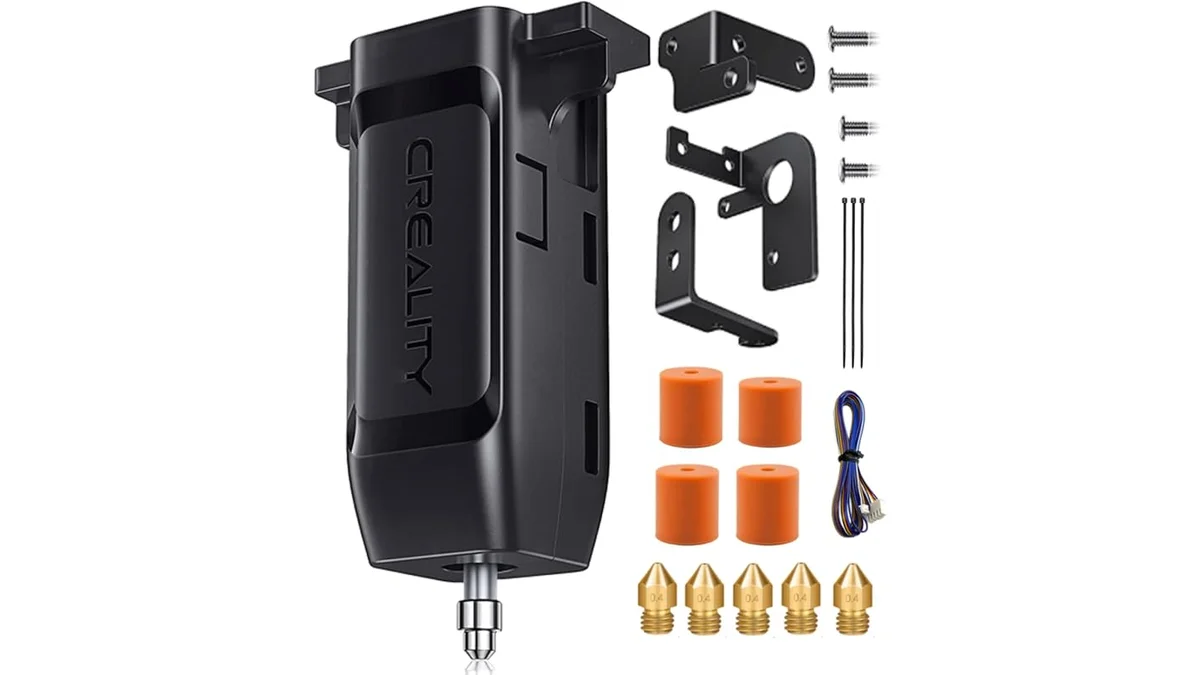
Leveling a 3D printer bed aligns the build surface to nozzle motion, while a probe-generated mesh compensates for measured variation. Identify the installed system, prepare the machine safely, tram the bed, create a mesh when supported, set Z offset, and verify the first layer. Each stage needs the exact printer manual because menu names, temperatures, probe behavior and saved values differ.
What does “leveling” a 3D printer bed actually change?
Bed tramming aligns the build surface with the nozzle’s X-Y motion plane, a bed mesh records height variation, and Z offset positions the nozzle relative to a probe trigger. These terms describe different adjustments.
Manual screws or fixed mounting points change the physical relationship between the bed and gantry. A probe measures multiple positions and firmware applies vertical compensation while printing. Z offset supplies the nozzle-to-trigger relationship needed to place the first layer. A mesh does not repair loose wheels, a twisted gantry or a damaged build surface.
First-layer distance is the result of this complete system. The correct process uses the printer’s supported sequence and verifies the printed line across the build area instead of treating one corner or one stored number as proof.
Should you use manual leveling, the paper method or ABL?
Use the procedure supported by the printer’s hardware and firmware; ABL and manual tramming solve different parts of the setup. A printer with adjustment screws may need physical tramming before probing, while a fixed-bed design may rely on its documented probe routine.
| Method | What it adjusts | What it cannot fix | Evidence needed |
|---|---|---|---|
| Manual tramming | Physical bed-to-nozzle-plane relationship | Warped surfaces, loose motion parts or probe calibration | Printer manual and screw layout |
| Paper reference | Repeatable feel at documented bed points | A universal nozzle gap or automatic compensation | Official paper or gauge method |
| ABL mesh | Firmware compensation for measured height variation | Loose gantry, debris, severe damage or unsupported range | Probe and firmware documentation |
| Z-offset adjustment | Nozzle position relative to trigger or reference | Bed geometry and motion-system faults | Exact UI, sign convention and save behavior |
Method choice affects setup time, service access and ownership suitability. A 3D printer buying guide explains how adjustment screws, load cells and probe systems fit broader printer selection.
What should you check before touching the bed knobs or probe?
Before leveling, confirm that the nozzle, bed, gantry, fasteners and motion system are clean, secure and at the manufacturer-specified state. A dirty nozzle changes a paper reference, while loose hardware makes a new tram or mesh unstable. Preflight checks are listed below.
- Follow the printer manual for power state, homing, motor release and hot-surface protection.
- Remove filament residue from the nozzle by the documented cleaning method.
- Confirm that the build plate is seated correctly and its contact surfaces are free of debris.
- Check gantry, wheel, rail, belt and bed fasteners for documented mechanical condition.
- Identify whether the official process specifies a cold machine or named nozzle and bed temperatures.
- Confirm the active plate profile, nozzle, firmware version and probe type before saving values.
Do not choose a generic hot or cold procedure. Thermal expansion affects geometry, but the required state comes from the exact printer workflow.
How do you level a 3D printer bed with paper?
The paper method sets a repeatable reference at several bed points; it does not establish one universal nozzle gap. Paper thickness, surface texture and perceived drag vary, so use the paper or feeler specification named by the printer maker when one is published. Follow this paper-reference sequence.
- Prepare the nozzle, plate, temperature state and power mode exactly as the manual describes.
- Home the printer or move to the documented starting position.
- Select the official bed-point order. Do not copy a corner sequence from a printer with a different screw layout.
- Place the specified paper or gauge between the nozzle and build surface at the first point.
- Adjust the documented control until the paper reference drag matches the procedure without trapping or tearing the sheet.
- Move to each remaining point using the permitted motor state or menu function.
- Repeat the entire perimeter because one screw adjustment changes the plane at other points.
- Stop when a complete pass no longer needs correction, then save or lock the adjustment only as instructed.
The paper reference is a tramming aid. It does not replace Z-offset calibration unless the printer’s official workflow combines those stages. Keep the nozzle over the documented adjustment region, not beyond unsupported bed edges. If one point never converges, inspect the surface, mount and gantry before tightening a screw farther.
Record the plate, nozzle, temperature state, paper or gauge, point order and final mechanical condition. Those fields make the next paper check reproducible.
How do you create and save an ABL mesh?
An ABL mesh records probe measurements that firmware uses to compensate for bed-height variation. The routine depends on firmware, probe type, active plate and the printer’s method for storing and enabling the mesh. Use the documented ABL sequence below.
- Confirm the probe is mounted, connected and recognized under the exact printer service instructions.
- Prepare the nozzle and build surface, then set the specified temperature state.
- Home the required axes through the printer menu or official firmware command.
- Run the named mesh routine with its documented X by Y grid or X measurement points.
- Review the result for probe errors, unreachable points and variation outside the maker’s supported correction range.
- Save the mesh by the documented menu action or command, then confirm that the intended profile is active.
- Restart or reload only when the official procedure requires it, then verify that the stored mesh is used for the test print.
Klipper’s official Bed Level documentation separates mechanical adjustment from mesh compensation, but a printer vendor may wrap those functions in a model-specific interface. Use the exact firmware version and vendor instructions. A successful probe animation alone does not prove the mesh was saved or activated.
How do you set Z offset for the first layer?
Z offset sets the commanded relationship between the probe trigger point and the nozzle’s printing position. Direction labels vary across firmware and interfaces, so a phrase such as “more negative” is unsafe without model context.
Start from the official homing and mesh state. Open the documented calibration screen or command path, then adjust in X mm increments only when the manufacturer defines X for that workflow. Observe the first-layer line after each controlled change. Save the value using the documented action and confirm whether it belongs to the printer, plate profile, toolhead or slicer.
First-layer Z-offset feedback has three useful states. Separate lines with gaps show insufficient contact. A uniform line with joined edges and no scraping shows acceptable contact. Raised ridges, a translucent smear or nozzle contact show excessive compression. Material flow and line width affect appearance, so keep the same documented test profile while adjusting offset.
Do not use Z offset to hide a tilted bed or unstable mesh. Correct physical geometry first, rebuild the mesh when required, then repeat the offset procedure.
How do you read a bed-level test print?
A bed-level test is acceptable when adjacent first-layer lines bond consistently without gaps, scraping or raised ridges across the printable area. Use a traceable model and record the slicer settings that define the expected line.
| Observed line | Interpretation | Next change |
|---|---|---|
| Lines remain separate or detach | Nozzle contact is insufficient at that region | Check saved offset, mesh activation and local surface condition |
| Lines join evenly with consistent width | Full-bed verification print passes at that region | Keep the recorded setup |
| Raised ridges or nozzle scraping appear | Nozzle contact is excessive | Stop if contact risks damage, then follow the offset procedure |
| Result changes sharply across the bed | Tram, surface, mesh or gantry issue remains | Diagnose geometry before more offset changes |
Record the test model source, nozzle, plate, material, layer height, line width, temperatures and active mesh. A center square does not verify the perimeter. The test must sample the usable bed area named by the model and printer workflow.
How often should you relevel the bed?
Relevel after a documented trigger or when the first layer fails the same verification test, not on an invented universal print-hour schedule. A stable printer does not need repeated adjustment merely because a generic interval has elapsed.
Triggers include transporting the printer, servicing the gantry or motion system, changing a plate or nozzle when the manual requires recalibration, loosening bed hardware, seeing repeated regional first-layer failure, or reaching the maker’s stated maintenance event. Run the same verification print before deciding that tramming has changed. Contamination and material behavior need their own corrections.
What if the bed cannot be leveled or the mesh stays uneven?
A bed that cannot hold tram or produces an unstable mesh has a mechanical, probe, surface or temperature problem beyond routine leveling. Repeating the same adjustment without locating the unstable variable hides the evidence.
| Pattern | Diagnostic branch | Evidence |
|---|---|---|
| Tram changes after motion | Loose bed, gantry, wheels, rails or fasteners | Repeatable play or changed reference |
| Mesh changes between identical runs | Probe mounting, trigger repeatability or thermal state | Saved meshes under matched conditions |
| One region remains outside range | Surface seating, debris, damage or gantry geometry | Plate and motion inspection |
| Probe reports an error | Wiring, firmware, mount or sensor fault | Exact error and service procedure |
Stop routine leveling when the hardware will not hold its reference. Repair the confirmed system before rebuilding the mesh.
Can ABL fix a warped bed or loose gantry?
No, ABL can compensate only within the documented capability of the probing and motion system; it does not tighten hardware or flatten a damaged surface. An unstable sensor needs its own service path. Use How to Replace & Level Your BLTouch/CR Touch Sensor when exact probe evidence identifies that branch.
Is first-layer warping always a leveling problem?
No, first-layer warping can persist on a correctly leveled bed because adhesion, temperature, contamination and material behavior are separate variables. A level test may pass while corners lift later. How to Prevent First Layer Warping on 3D Printer Beds covers that distinct failure after geometry is verified.
What should the maintenance record contain?
Record the printer, plate, nozzle, firmware, leveling method, mesh state, Z offset, test profile and date. Include the temperature state, paper or gauge, point order, probe type, mesh identifier and full-bed result. These fields support later 3D printer maintenance guides without relying on memory or an invented schedule.