
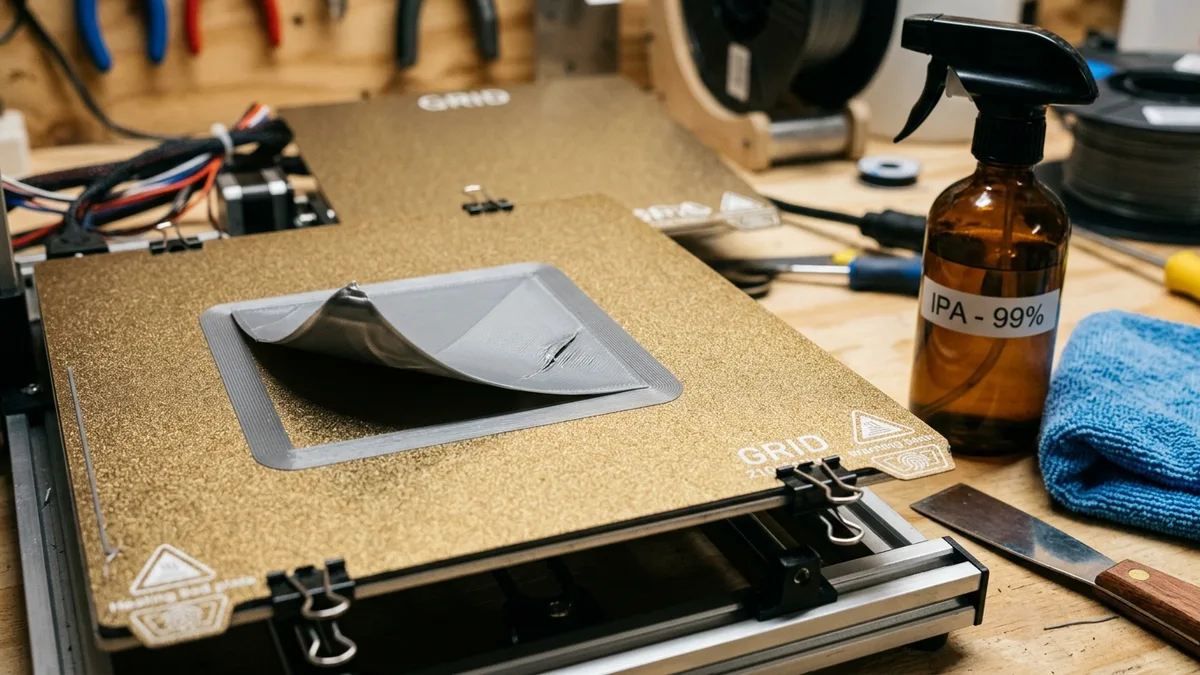
Preventing first-layer warping on a heated bed requires managing thermal contraction by maintaining proper ambient temperature, mechanical calibration, build surface adhesion, and specific slicer settings. The corners lifting off the build plate ruin prints, waste filament, and cost time. This guide covers the physics of thermal contraction, foundational fixes for mechanical and environmental calibration, surface adhesion methods, slicer settings for warping prevention, and a practical troubleshooting framework.
The Physics of Warping: Thermal Contraction
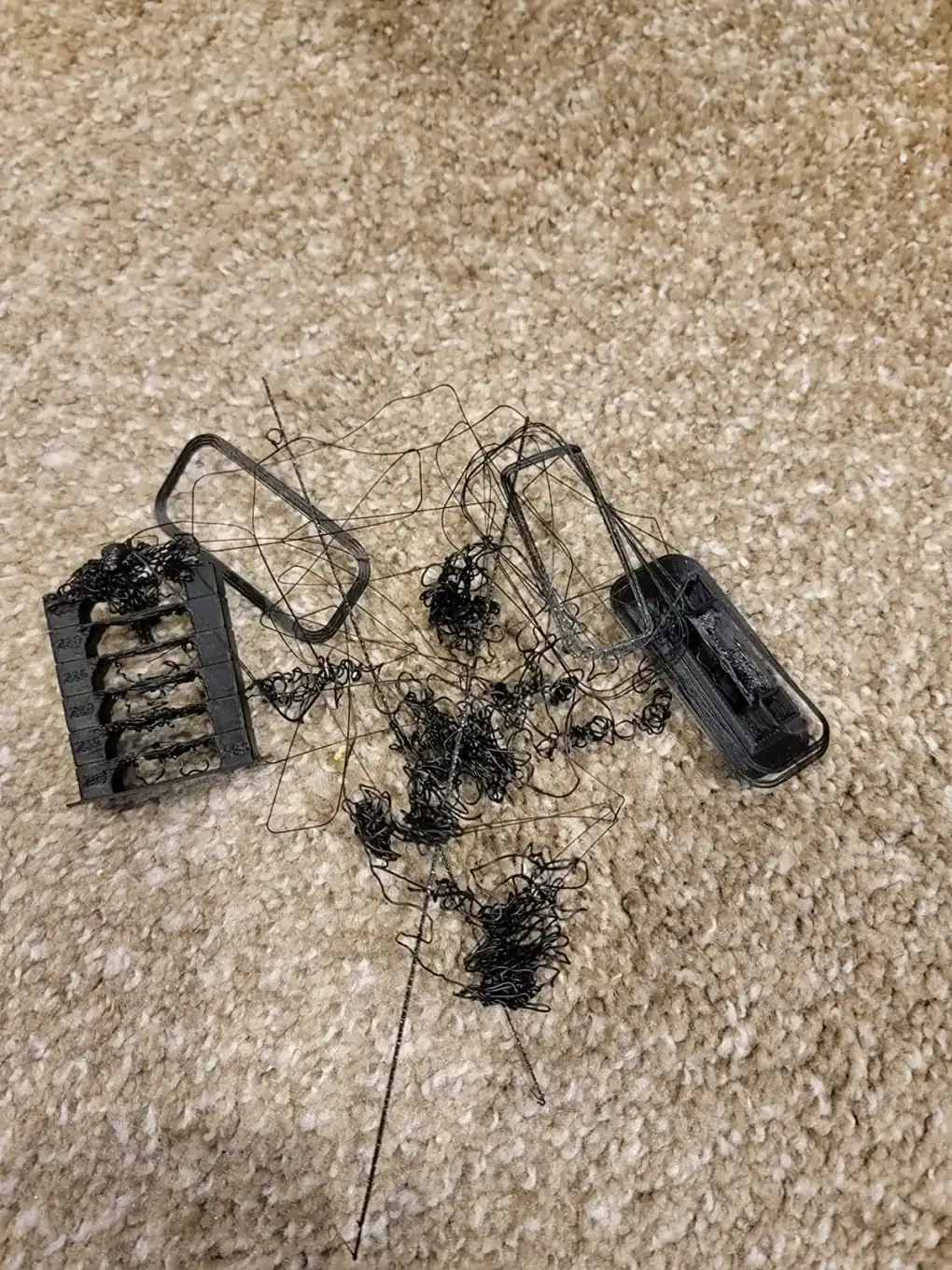
Warping occurs due to thermal contraction when extruded plastic cools unevenly, creating internal stress that pulls the corners of the print off the build plate. When you extrude thermoplastic filament at 215°C onto a 60°C heated bed, it starts to cool. As plastic cools, it shrinks. The problem occurs when this shrinking happens unevenly. The upper layers of your print cool faster in the open air, shrinking more rapidly than the first layer, which is kept warm by the heated bed.
This difference in contraction creates internal stress. The shrinking upper layers pull inward on the bottom layer. If this pulling force is stronger than the model’s adhesion to the build plate, the corners lift. Different materials shrink at different rates, affecting their warping tendency:
- PLA: Has a very low coefficient of thermal expansion. It shrinks minimally, making it easy to print.
- PETG: Shrinks slightly more than PLA but is generally manageable.
- ABS/ASA: These have a high rate of thermal contraction. They are notorious for warping and require a heated environment to print successfully.
The heated bed’s job is to keep the base of the model warm, reducing the temperature gradient through the part and minimizing this stress. But the bed temperature is only one part of the equation.
Foundational Fixes: Mechanical & Environmental Calibration
Proper mechanical and environmental calibration, such as bed tramming and temperature control, prevents adhesion failures by ensuring an optimal physical state for the printer.
Perfect Your Bed Tramming
Forget “bed leveling.” You are not making the bed level with the earth. You are tramming it, which means making the build plate perfectly parallel to the X-Y plane of the gantry. If the nozzle is closer to the bed on one side than the other, your adhesion will be inconsistent.
Most printers use four adjustment knobs under the bed. Use a piece of standard office paper (about 0.1mm thick) or a feeler gauge. Home the printer and move the nozzle to each corner, adjusting the knob until you feel slight drag on the paper. Repeat this process 2-3 times. Automatic bed leveling (ABL) systems like BLTouch or CR Touch are a huge help, but they only compensate for minor surface deviations. They cannot fix a badly tilted bed.
Master Your Z-Offset
The Z-offset is the final distance adjustment between the nozzle tip and the build plate after homing. This setting dictates your first layer “squish,” which is critical for mechanical adhesion.
- Too High: The extruded bead of plastic will be round and just laid on top of the surface. It will peel off easily.
- Too Low: The nozzle will dig into the build surface. It can cause extruder gears to skip, create a rough “elephant’s foot” effect, and potentially damage your bed.
- Just Right: The bead will be slightly flattened into a rounded rectangle. The lines will merge together without large gaps or ridges.
Print a single-layer calibration square (e.g., a 75mm x 75mm x 0.2mm square) and adjust the Z-offset live during the print. You want a smooth, uniform, and solid sheet of plastic.
Control Your Workshop Environment
Your printer’s location matters. An open window, an air conditioning vent, or even someone walking by can create a draft. A sudden cool draft on one side of your print is enough to trigger warping, especially with ABS or ASA.
The ultimate solution is a printer enclosure. An enclosure traps heat from the heated bed, creating a stable, warm ambient temperature around the print. This dramatically reduces the thermal gradient and practically eliminates warping for high-shrinkage materials. You can buy one or build one yourself. For high-temperature materials, an enclosed printer is not a luxury; it is a requirement.
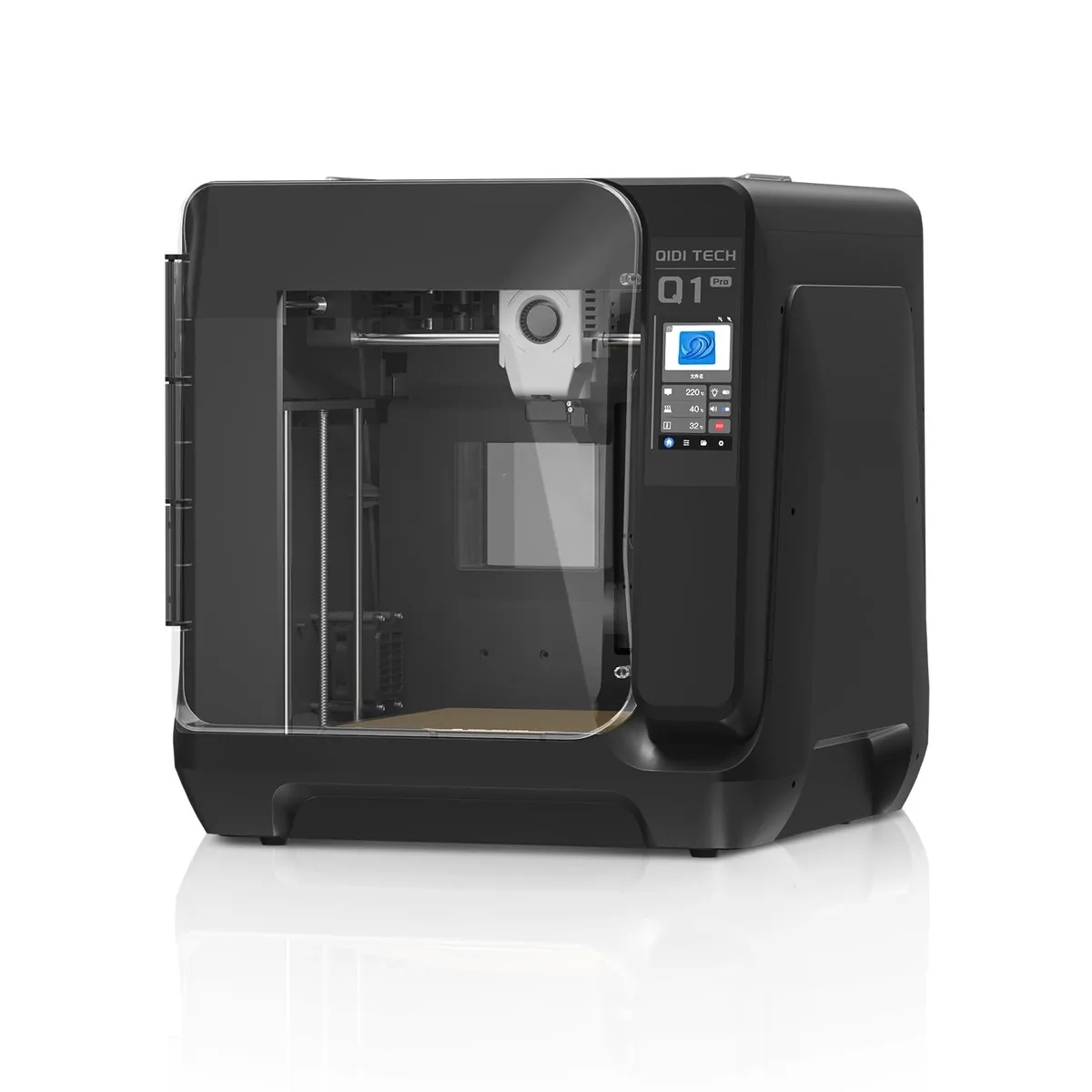
QIDI Q1 Pro High-Temp 3D Printer
Pros
- Dedicated 60°C active PTC chamber heating element reduces warping on ABS/ASA/Nylon, High-temp bimetal nozzle rated up to 350°C for engineering plastics, Dual independent Z-axis motors with automated bed tilt compensation, Dual filament tangle and runout sensors with integrated chamber camera
- High-speed CoreXY kinematics.
- Comes pre-calibrated and ready to print.
Cons
- Industrial aesthetics with a bulkier footprint
- QIDI Studio slicer is less beginner-friendly than Bambu Studio
Surface Adhesion: The Key to a Locked-Down First Layer
Achieving a secure first layer relies on the cleanliness and material type of the build surface, which provide the necessary grip for the extruded filament.
Cleanliness is Non-Negotiable
The oils from your fingerprints are enough to ruin bed adhesion. Dust and leftover plastic residue are also enemies of a good first layer.
Your Cleaning Routine:
- After every print: With the bed cool, use a plastic scraper to remove any remnants.
- Before every print: Wipe the cold bed vigorously with a lint-free cloth and 91-99% Isopropyl Alcohol (IPA). Do not use 70% IPA, as it contains too much water.
- Periodically: Every 10-20 prints, wash the removable build plate with warm water and a basic dish soap (like original Dawn). This removes any accumulated residue that IPA cannot. Rinse thoroughly and dry completely. Do not touch the print surface with your fingers afterward.
Choosing the Right Build Surface
- PEI (Polyetherimide) Sheet: The modern standard. It is a durable polymer that offers excellent adhesion when heated and releases parts when it cools.
- Textured PEI: Great for hiding first-layer imperfections and providing a matte finish. Excellent for PLA and PETG.
- Smooth PEI: Offers a glass-like bottom finish. Superior for ABS and ASA when heated, but less forgiving of an incorrect Z-offset.
- G10/Garolite Sheet: A fiberglass composite sheet that is becoming popular. It offers fantastic adhesion for Nylon and PETG, often without any extra adhesives. It is durable and relatively inexpensive.
- Glass: The old-school standard. It is perfectly flat but offers poor adhesion on its own. It almost always requires an adhesion aid.
The Role of Adhesion Aids (When to Use Them)
Glue stick, hairspray, and specialized 3D printing adhesives (like Magigoo) can help. However, they are often a band-aid for poor calibration or an unsuitable print surface.
- When to use them: If you are printing ABS on an open-air printer, a thin layer of glue stick can be the difference between failure and success. They can also act as a release agent for materials like PETG on smooth PEI, preventing the part from bonding too strongly and damaging the surface.
- When not to use them: You should not need glue stick for PLA on a clean PEI sheet. If you do, revisit your tramming, Z-offset, and cleaning routine first.
Slicer Settings for Warping Prevention
Slicer settings control the thermal environment and mechanical extrusion properties that lead to warping, offering direct adjustments to parameters like bed temperature and cooling fan speed. The following table details crucial slicer parameters for preventing warping and their recommended ranges:
| Parameter | Problematic Setting | Recommended Range | Why it Works |
|---|---|---|---|
| Bed Temperature | Too low (e.g. 50°C for PLA) | PLA: 60-65°C, PETG: 70-85°C, ABS: 100-110°C | Keeps the first layer above its Glass Transition Temperature (Tg), preventing it from solidifying and shrinking. |
| First Layer Speed | Too fast (e.g. >30 mm/s) | 15-25 mm/s | A slower speed gives the plastic more time to melt properly and bond to the build plate. |
| First Layer Height | Too thin (e.g. 0.12mm) | 0.24-0.28mm (for 0.4mm nozzle) | A thicker first layer is stronger and has a larger thermal mass, making it more resistant to being pulled up. |
| Part Cooling Fan | 100% on first layer | 0% for first 3-5 layers | The part cooling fan is the biggest cause of warping. Disabling it initially prevents rapid, premature cooling of the first layers. |
| Adhesion Type | Skirt or None | Brim (5-10mm) | A brim dramatically increases the surface area of the first layer, providing more grip to fight the pulling forces of contraction. |
Brims and Rafts: Your Adhesion Insurance
- Brim: A single-layer-thick extension that goes around the outside of your model’s base. It is the go-to solution for parts with sharp corners or a small footprint. Use a brim with 8-15 lines for most applications.
- Raft: A thick grid of filament printed underneath your entire model. Your part prints on top of the raft instead of the build plate. The raft is designed to absorb all the warping stress. Use a raft for extremely difficult materials like ABS on a non-enclosed printer or for models with tiny, disconnected contact points on the bed. Rafts use more material and time but can be a print-saver.
A Practical Troubleshooting Framework
A systematic troubleshooting framework resolves warping by sequentially addressing bed cleanliness, Z-offset, bed tramming, slicer adjustments, and environmental controls. Follow these steps in order:
- Clean the Bed: Vigorously wipe the build plate with 99% IPA. Is it time for a full wash with soap and water?
- Verify Z-Offset: Print a first-layer test patch. Is the “squish” correct? Are the lines fused together into a solid sheet?
- Check Bed Tramming: Is the first layer thickness consistent across the entire bed? Re-tram if you see any variance.
- Adjust Slicer Settings:
- Turn the part cooling fan OFF for the first 3-5 layers.
- Slow the first layer speed down to 20 mm/s.
- Increase bed temperature by 5°C.
- Add a Brim: Add a 10mm brim in your slicer. This is often all that is needed for stubborn PLA or PETG prints.
- Control the Environment: If you are still having issues (especially with ABS/ASA), the problem is drafts and ambient temperature. Close doors and windows. Put a large cardboard box over your printer. It is time to get or build a proper enclosure.
How to Fix Layer Shifting on 3D Prints
Mechanical issues can ruin a print just as easily as poor adhesion. If your prints are separating horizontally, read How to Fix Layer Shifting on 3D Prints: Belts, Steppers and Pulleys.
By systematically addressing each of these areas, from the physical machine to the digital slicer settings, you can turn warping from a frequent frustration into a rare occurrence. Reducing these failures helps you accurately estimate your 3D printer running costs. Mastering these techniques is a core part of 3D printer repair and maintenance guides.