
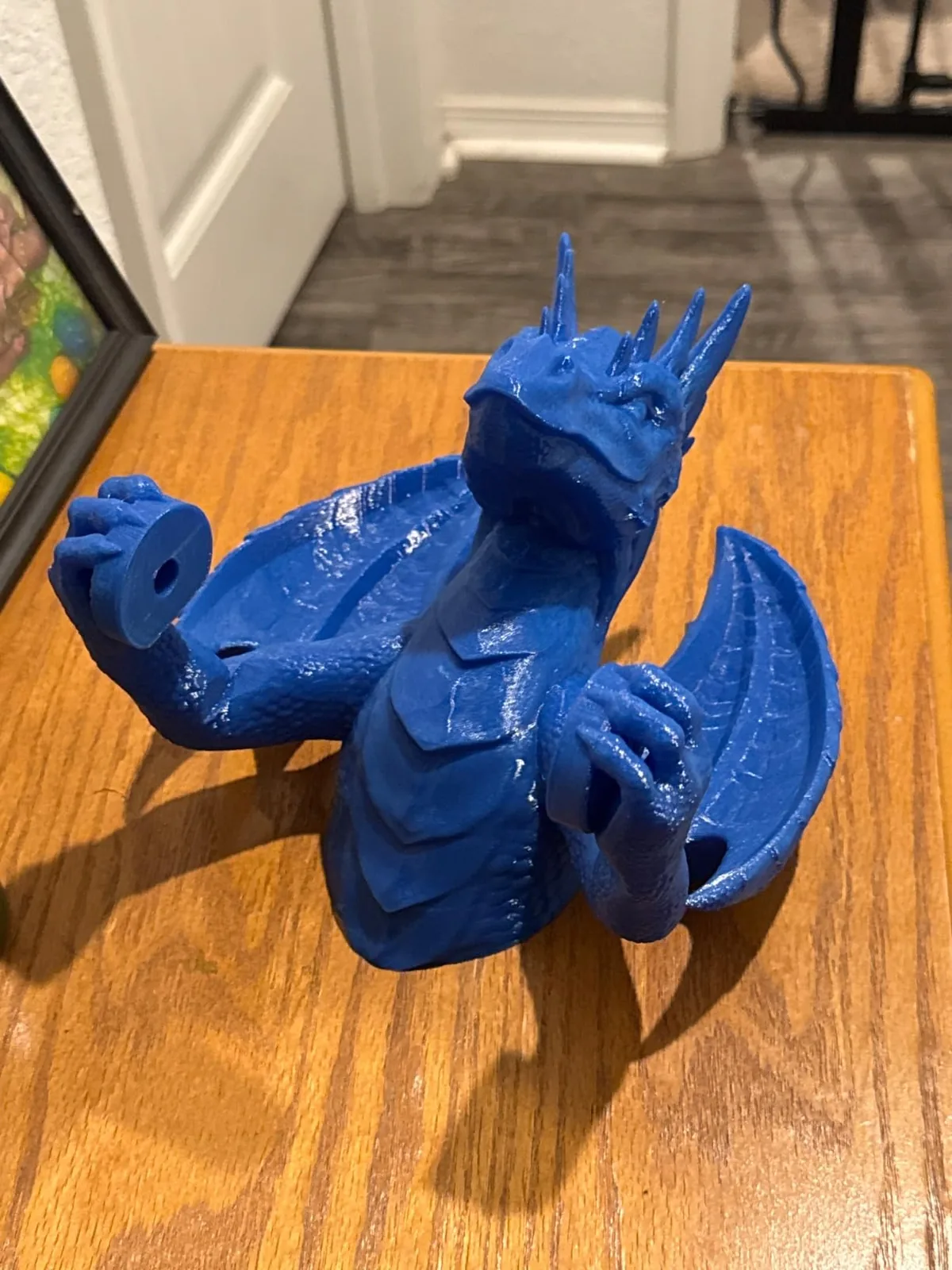
PETG is a durable, general-purpose 3D printing filament that offers higher impact and heat resistance than PLA without the warping challenges of ABS. It’s the go-to for functional parts: workshop brackets, drone frames, custom enclosures, and household repairs that need to last.
Unlike PLA’s brittleness, PETG has a bit of flex, allowing it to absorb impacts before failing. This toughness makes it ideal for parts that get bumped, dropped, or torqued. But printing it perfectly requires a different approach than PLA. The key is managing two distinct properties: its sensitivity to moisture and its unique, slightly “gooey” behavior when molten. Get these right, and you’ll produce parts with outstanding strength and layer adhesion.
This guide covers the slicer settings, hardware choices, and preparation techniques that deliver strong, clean PETG parts. Discovering more filament and resin guides options ensures your material choice always meets operational suitability.
The First Commandment: Dry Your Filament
Drying PETG is critical because the filament is highly hygroscopic, aggressively absorbing moisture from the air. Printing with wet PETG causes print defects and structural weakness.
When water-saturated filament hits your hotend, the water turns to steam and creates tiny bubbles in the extruded plastic. This process, called hydrolysis, breaks down the polymer chains.
The symptoms of wet PETG include:
- Popping or crackling sounds from the nozzle during printing.
- Excessive stringing, oozing, and wispy “hairs” between travel moves.
- A rough, inconsistent, or even pockmarked surface finish.
- Dramatically reduced part strength and terrible layer adhesion. A wet PETG print can often be pulled apart by hand.
You cannot fix wet PETG with slicer settings. You must dry it first.
Invest in a dedicated filament dryer. It’s a small price to pay for print success. A dryer provides consistent, circulating heat that safely removes moisture without damaging the filament or the spool. A food dehydrator can work in a pinch, but a purpose-built unit is safer and more effective.
The recommended drying profile for PETG is:
- Temperature: 65°C (150°F)
- Time: 4-6 hours for a moderately damp roll, 8+ hours for a very saturated one.

Creality Space Pi Filament Dryer
Pros
- Fast and even heating with the PTC element.
- The user interface is simple and shows all key info.
- Accommodates standard 1kg spools easily.
Cons
- Can only hold a single spool.
The Creality Space Pi is a perfect example of a modern filament dryer. Its PTC heating core gets up to temperature quickly and the 360-degree air circulation ensures the entire spool dries evenly. Set it to 65°C for 6 hours, load your PETG, and you’ve eliminated the number one cause of PETG print failures.
Slicer Settings for Strong, Clean PETG Prints
Optimal slicer settings for PETG require higher temperatures and lower cooling than PLA to ensure strong layer bonding. These settings are a common starting point for most 3D printers. We recommend running a temperature tower and a retraction calibration to fine-tune them for a specific machine and filament brand.
| Setting | PLA Baseline | Recommended PETG Range | Notes & Justification |
|---|---|---|---|
| Nozzle Temp | 190-220°C | 235-255°C | Higher temp equals better layer adhesion. Go hotter for strength, cooler for less stringing. |
| Bed Temp | 50-60°C | 70-85°C | Prevents warping on the first layers. PETG needs a warmer bed than PLA. |
| Part Cooling Fan | 80-100% | 20-50% (Off for Layer 1-3) | Too much cooling weakens PETG layer bonds. Use just enough for clean overhangs. |
| Print Speed | 60-150 mm/s | 40-60 mm/s | PETG likes to be printed slower. It gives the material time to lay down and bond properly. |
| First Layer Speed | 20-30 mm/s | 15-20 mm/s | A slow, deliberate first layer is critical for bed adhesion. |
| Retraction (DD) | 0.5-1.0 mm | 0.5-1.0 mm @ 25-40 mm/s | Direct drive needs minimal retraction distance. Focus on tuning the speed. |
| Retraction (Bowden) | 2-6 mm | 2-4 mm @ 30-45 mm/s | Bowden systems require more distance. Keep it as low as possible to prevent clogs. |
Build Surface: The Art of Adhesion (and Release)
The ideal build surface for PETG is a powder-coated, textured PEI sheet, which provides grip during printing and easy release when cool. On surfaces like bare glass or smooth PEI, PETG forms a chemical bond that is so strong it pulls chunks out of the build plate upon removal.
The slight texture of the powder-coated surface provides just enough grip for excellent adhesion when hot, but the print pops right off once the plate cools. Most modern printers, like the Bambu Lab P1S, come with this type of plate.
If you have a glass or smooth PEI bed, you must use a release agent. This acts as a barrier between the print and the bed.
- Glue Stick: Apply a thin, even layer of a standard disappearing purple glue stick.
- Windex (Original Formula): Spray a light mist onto a clean glass bed and wipe it into a thin film with a paper towel.
- Hairspray: A quick spray of Aqua Net or a similar brand works well.
Remember, the goal here isn’t to increase adhesion. It’s to prevent a permanent bond.
Cooling Strategy: Strength vs. Aesthetics
PETG requires minimal part cooling (typically 20 to 50 percent) to maximize layer strength while maintaining print quality.
- Too much cooling: You’ll get poor layer adhesion, leading to weak, brittle parts that can delaminate under stress.
- Too little cooling: Overhangs and bridges will look droopy and messy, and fine details will be lost.
The strategy is simple:
- Layers 1-3: Fan completely OFF. This ensures the first few layers bond perfectly to each other and to the build plate.
- Remaining Layers: Ramp the fan up to a maximum of 50%. For most functional parts where strength is the priority, a fan speed between 20-40% is the sweet spot. You only need to push it to 50% or slightly higher for prints with extreme overhangs or complex details.
Choosing Your Hardware: Why Stability Matters
While you can print PETG on an open-frame printer like an Ender 3, consistency improves dramatically with a more stable environment. An enclosure, even a passive one, protects the print from drafts and keeps the ambient temperature stable. This reduces the risk of layer separation on large prints.
High-speed CoreXY printers are particularly well-suited for PETG. Their direct-drive extruders provide the precise retraction control needed to combat stringing, and their rigid frames handle the printing motions without introducing artifacts.

Bambu Lab P1S Enclosed 3D Printer
Pros
- Fully enclosed CoreXY chassis with auxiliary cooling fan, Smooth multi-color / multi-material integration with Bambu AMS, Reliable out-of-the-box first layers with dual automated bed leveling, Active vibration compensation and belt tension monitoring
- Direct drive extruder excels at retraction control.
- Fast out-of-the-box performance with reliable profiles.
Cons
- Proprietary closed ecosystem
- Chamber is passively heated by the bed rather than a dedicated PTC heater
- Upgrading to hardened nozzle for carbon fiber requires separate swap
The Bambu Lab P1S is an excellent machine for printing functional PETG parts. Its enclosure traps heat from the bed, creating a passively heated chamber around 40-50°C. This is perfect for PETG. It’s not hot enough to cause heat creep issues in the extruder but warm enough to guarantee fantastic layer adhesion throughout the print.
Final Checklist: When to Use PETG
Use PETG when a project requires higher impact strength and heat resistance than PLA, such as for outdoor components or functional workshop parts.
- Need more strength and heat resistance than PLA? Yes -> Use PETG.
- Does the part need to bend slightly before it breaks (impact resistance)? Yes -> Use PETG.
- Is the part for outdoor use? Yes -> Use PETG (preferably a UV-resistant variant).
- Is the part a simple model, figure, or quick prototype where fine detail is key? No -> Use PLA.
- Do you need temperature resistance above 85°C and high rigidity? No -> Use ABS/ASA, but be ready for the challenges.
PETG fills a huge and important space in a maker’s material library. By understanding its need for dryness and tuning your slicer for its unique properties, you can move beyond decorative prints and start manufacturing truly durable, general-purpose parts for your workshop and home. Grab a roll, dry it out, and start making things that last.
Related Filament and Resin Comparisons
PETG vs PLA
Choosing the right material depends heavily on mechanical and thermal requirements. When deciding between PETG vs PLA: The Engineer’s Guide to Functional Parts, evaluate whether the part needs impact resistance or stiffness.
PLA vs ABS
Understanding high-temperature alternatives is critical when PETG is not rigid enough. Comparing PLA vs ABS: Mechanical Strength and Thermal Resistance clarifies the trade-offs of printing demanding polymers.
PLA vs PETG vs ABS
For a comprehensive overview of the most common filament choices, reading PLA vs PETG vs ABS: The Ultimate 3D Printing Filament Guide provides the baseline specifications needed for any workshop project.