
Stop printing brackets that snap and housings that melt. When your 3D printed parts need to do actual work, the PLA you started with often isn’t the right tool for the job. Your choice of material is as critical as your design. This is the practical breakdown of PLA versus PETG for parts that need to function, not just sit on a shelf.
This guide goes past the spec sheets. It covers real-world performance, common headaches, and the specific slicer settings you need to get reliable results. Reviewing other 3D printing material guides ensures your comparative suitability analysis covers all relevant options.
Mechanical Properties: Stiffness vs. Toughness
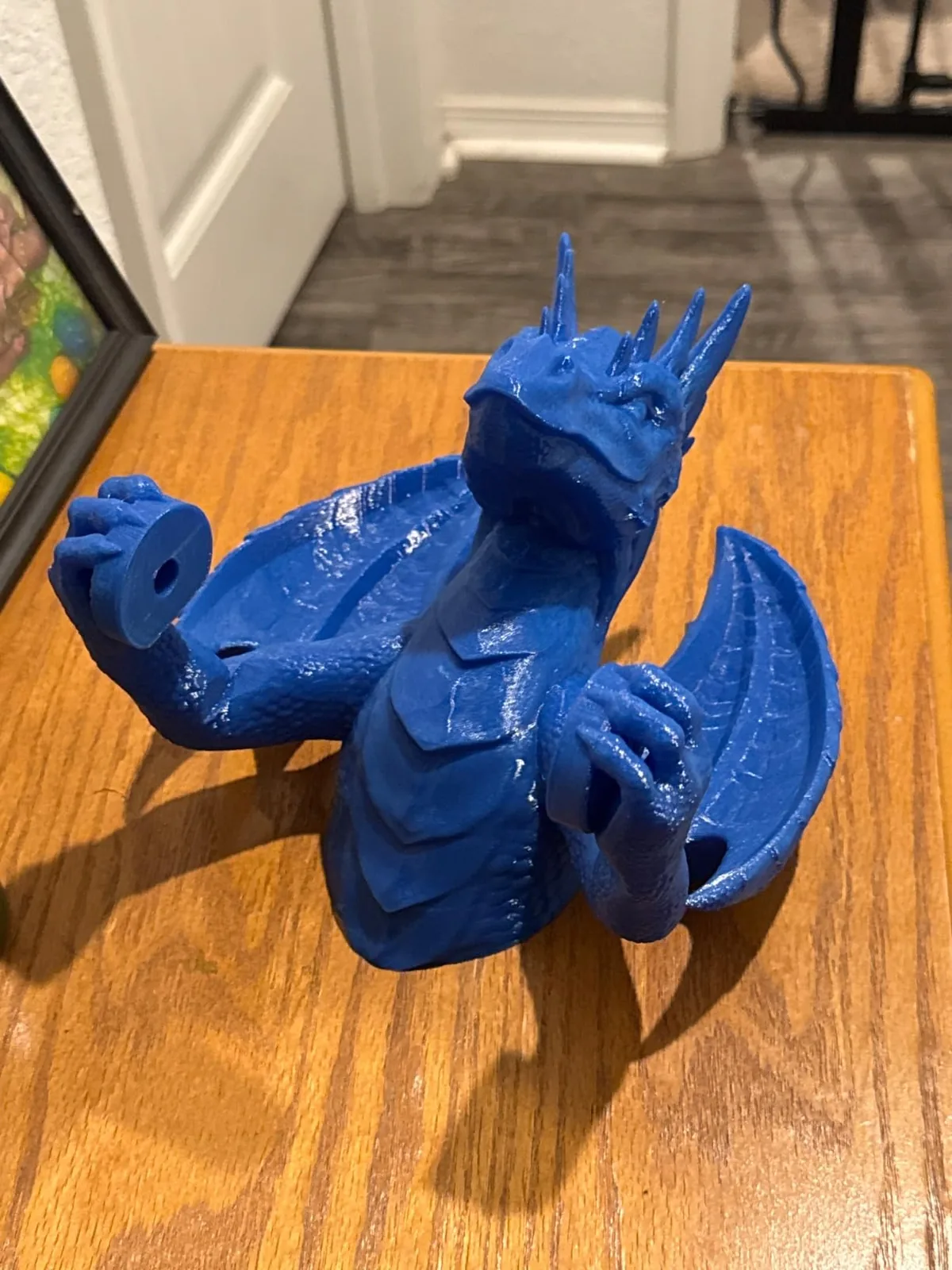
The primary mechanical difference between PLA and PETG is that PLA provides rigidity and stiffness, while PETG offers ductility and toughness.
PLA: Stiff and Brittle
Polylactic Acid (PLA) is very rigid. It has a high modulus of elasticity, which means it resists bending. This sounds good, but it comes at a cost. When PLA reaches its limit, it fails suddenly and catastrophically. It shatters.
Think of a simple shelf bracket. Printed in PLA, it will hold a static load very well, showing almost no flex. But if you accidentally knock it or overload it just slightly, the layers can delaminate, and the part can snap in two without warning. It has poor impact resistance.
Use PLA for: High-detail models, prototypes for form and fit tests, and low-stress jigs that won’t see impact or heat.
PETG: Tough and Ductile
Polyethylene Terephthalate Glycol (PETG) is less rigid than PLA and flexes noticeably under load, allowing it to absorb energy from impacts.
That same shelf bracket printed in PETG might sag a tiny bit under load. But if you knock it, it will bend and return to shape. If you overload it, it will stretch and deform significantly before it finally tears. This is called ductile failure, and it gives you a visible warning that the part is failing.
PETG also has fantastic layer adhesion. Much better than PLA. This chemical bond between layers is the single most important factor for a functional part’s strength. A PETG part is much less likely to split along its layer lines.
Use PETG for: Any part that needs to withstand impact, vibration, or repeated stress. Think drone frames, protective cases, machine components, and mounting brackets.
Thermal Resistance: Where PLA Melts
PLA has a glass transition temperature (Tg) of about 60°C (140°F), which is the temperature at which the polymer starts to soften and deform.
It won’t be a liquid puddle, but it will lose all structural integrity. A PLA part left in a hot car on a summer day will warp into an unrecognizable shape. A PLA housing for a stepper motor or a Raspberry Pi will sag and fail.
PETG has a Tg of around 80°C (176°F). This 20°C difference is massive. It makes PETG suitable for electronics enclosures, parts for your 3D printer, and components that might see elevated ambient temperatures. It’s the minimum requirement for anything used in a car or outdoors.
Printability: Taming the PETG Beast
PLA is significantly easier to print than PETG because it is more forgiving of incorrect settings and adheres well to most build surfaces without warping.
PETG requires precise tuning, particularly for moisture control and retraction.
The PETG Technician’s Checklist:
The primary requirements for printing PETG successfully are moisture control, bed adhesion management, and temperature tuning:
- Dry Your Filament. This is not a suggestion. PETG is extremely hygroscopic, meaning it absorbs moisture from the air. Wet PETG will pop and crackle as it leaves the nozzle, creating steam. This results in terrible stringing, weak layer adhesion, and a rough, ugly surface. Before you even think about printing, dry your PETG spool in a dedicated filament dryer at 65°C for at least 4 to 6 hours.

Creality Space Pi Plus Dual-Spool Filament Dryer
Pros
- 160W double PTC heating system warms two 1kg spools simultaneously, Independent roller bearings allow smooth feeding for two separate extruders or AMS Lite, Real-time dual humidity monitoring with automated timer shutoff, Accommodates both 1.75mm and 2.85mm spools
- Large capacity fits two 1kg spools or one large 3kg spool.
- Precise control over temperature and time for different materials.
Cons
- Takes up larger workbench footprint (approx. 315 x 240 x 300 mm)
- Weighs 2.2kg empty
-
Bed Adhesion: The “Too Sticky” Problem. PETG loves to stick. On a smooth PEI sheet or glass bed, it can stick so well that it fuses to the surface, tearing chunks out of your bed on removal. Always use a release agent.
- Textured PEI Sheet: This is the best solution. The slight texture provides a perfect surface for adhesion when hot and releases the print effortlessly once cool.
- Glass/Smooth PEI: Use a barrier. A thin layer of glue stick (the purple kind that dries clear) or a light mist of hairspray works as a release agent.
-
Nozzle Temperature and Cooling. PETG prints hotter than PLA.
- Nozzle: 230°C to 250°C is the typical range. Do a temperature tower to find the sweet spot for your brand of filament.
- Bed: 70°C to 85°C.
- Part Cooling Fan: This is critical. Unlike PLA where you blast the fan at 100%, PETG needs less cooling for good layer adhesion. Start with your fan at 30-50% power. Too much cooling will weaken the part and increase stringing.
-
Retraction Tuning for Stringing. PETG is notorious for oozing from the nozzle, causing fine “strings” across your print. Drying the filament is step one. Step two is dialing in retraction.
- Direct Drive: Start with a retraction distance of 0.8mm to 2.0mm and a speed of 35-40 mm/s.
- Bowden Drive: You’ll need more retraction to account for the slack in the tube. Start with 4mm to 6mm and a speed of 40-50 mm/s.
- Also consider enabling
WipeandAvoid Crossing Perimeterssettings in your slicer.
Comparison at a Glance
The following table summarizes the key differences between PLA and PETG:
| Feature | PLA (Polylactic Acid) | PETG (Polyethylene Terephthalate Glycol) |
|---|---|---|
| Nozzle Temperature | 190-220°C | 230-250°C |
| Bed Temperature | 50-60°C (or none) | 70-85°C |
| Heat Resistance (Tg) | Low (~60°C) | Moderate (~80°C) |
| Stiffness | High (Rigid) | Medium (Flexible) |
| Toughness (Impact) | Poor (Brittle) | Excellent (Durable) |
| Layer Adhesion | Good | Excellent |
| UV Resistance | Poor | Good |
| Hygroscopic | Low | High (Requires drying) |
| Ease of Printing | Very Easy | Moderate (Requires tuning) |
| Stringing | Low | High (Can be tuned) |
The Final Decision: Which One Should You Use?
The choice between PLA and PETG depends on the functional requirements of the part.
Choose PLA when:
- You are making visual prototypes, artistic models, or cosplay props.
- The part will not be exposed to temperatures above 50°C.
- The part will not be subjected to impact, bending, or high stress.
- You need to print quickly and easily with minimal fuss.
Choose PETG when:
- The part must be durable and withstand impacts (e.g., protective cases, drone parts).
- The part needs to flex slightly under load without breaking (e.g., clips, snap-fit enclosures).
- The part will be used near a heat source or in a warm environment like a car.
- Layer adhesion and overall part strength are your top priorities.
For anyone serious about making functional parts, mastering PETG is a necessary skill. It represents a significant step up in material performance from PLA without the printing difficulties of ABS or Nylon. Stock a quality roll, dry it properly, and get your settings dialed in.
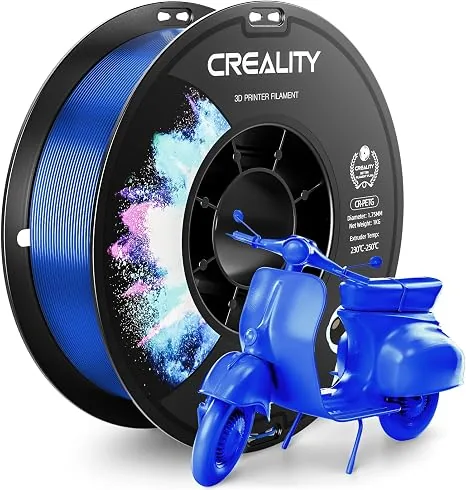
CREALITY CR-PETG 3D Printer Filament 1.75mm
Pros
- Exceptional layer adhesion and tensile strength for functional parts.
- Low odor and consistent spool winding prevents feed jams.
- Clean extrusion across 230°C-250°C nozzle temperatures.
Cons
- Requires slow first layer (20-25 mm/s) and textured PEI build plate.
Your workshop’s capabilities expand dramatically once you can reliably produce strong, heat-resistant parts. Start with a simple calibration cube, move to a Benchy, and then reprint some of your printer’s own parts in PETG. You’ll quickly see and feel the difference. That’s how you go from making toys to making tools.
Related Filament and Resin Comparisons
Best Filament Dryers
Wet filament ruins the performance and aesthetics of even the strongest materials. Choosing from the best 3D printer filament dryers eliminates moisture-related defects before slicing begins.
PLA vs ABS
When parts must withstand high temperatures or require post-processing like vapor smoothing, understanding PLA vs ABS: Mechanical Strength and Thermal Resistance helps you decide if upgrading to a heated enclosure is necessary.