
Nylon filament prints without severe warping or delamination when it is dry, deposited at the maker-listed temperature, protected from drafts, and bonded to a compatible build surface. This guide explains the governing principles, the setup workflow, a documented settings example, and the final pre-print checklist in that order.
Why nylon warps and layers separate
Nylon warps because the polymer contracts as it cools, while layer delamination occurs when adjacent extrusions do not form a strong bond. Moisture adds another failure route. Water absorbed by nylon turns to vapor in the hotend and can leave bubbles, uneven extrusion, rough surfaces, and weak layers.
Three controls address the main failure mechanisms:
- Filament condition: Dry the spool at the temperature and duration printed by its manufacturer, then keep it in a sealed path or active dry box during long jobs.
- Thermal stability: Use an enclosure to reduce drafts and rapid temperature changes around the part.
- Adhesion and cooling: Use the build surface, adhesive, brim, and fan setting listed for the exact nylon formulation.
Prusa’s polyamide material guide describes nylon as highly hygroscopic and prone to warping. The guide lists at least four hours of drying below 90°C for the polyamides it covers, plus a 285°C nozzle and 110°C bed as its product-specific starting settings. Those values are evidence for Prusa’s formulation, not a universal profile for every nylon spool.
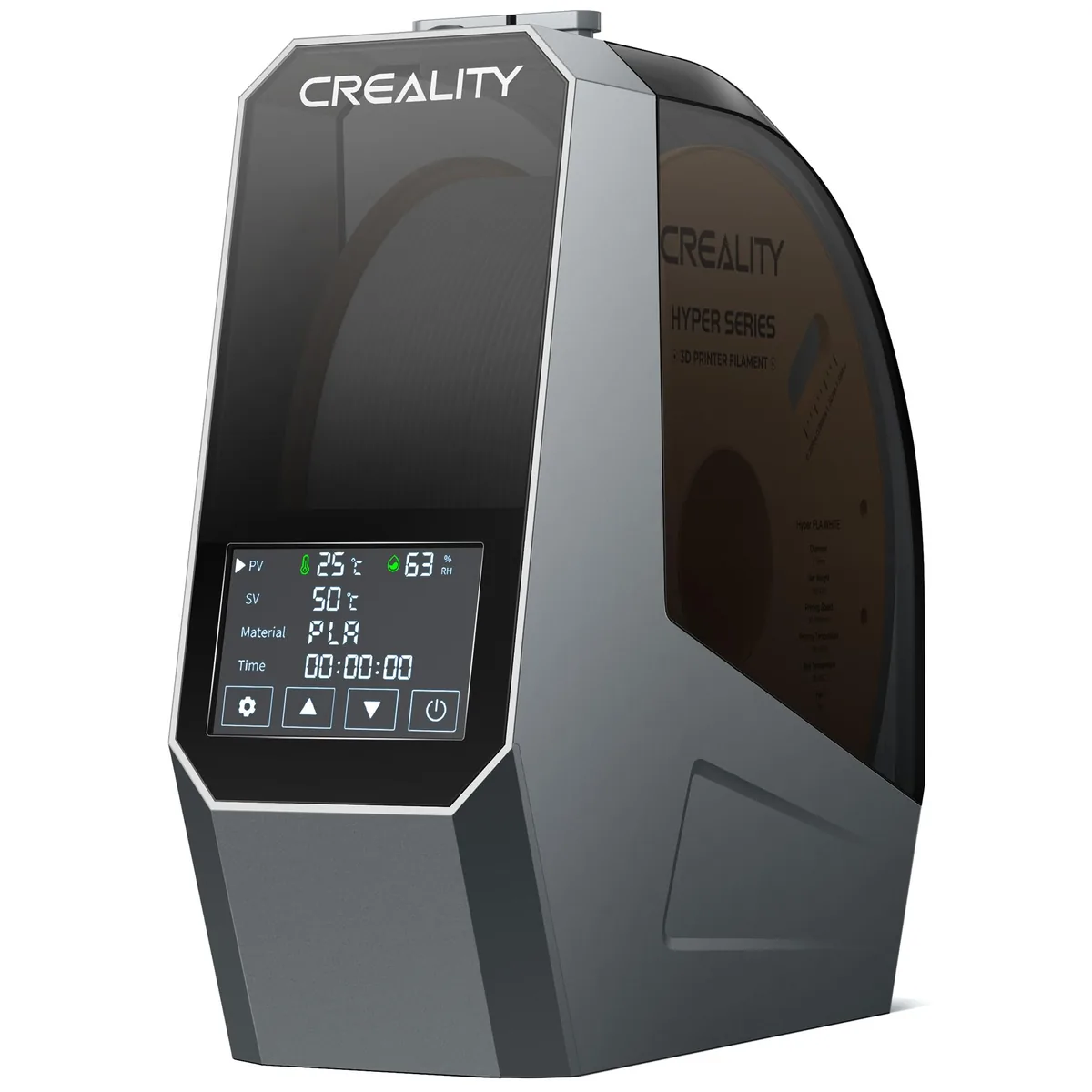
Creality Space Pi Filament Dryer
Pros
- Heated air circulation supports dry storage and direct feeding
- Temperature and humidity are visible during use
- Material presets simplify routine conditioning
- Compact body fits beside a desktop printer
Cons
- The 65°C maximum is below the drying temperature listed by some nylon makers
- Single-spool capacity limits multi-material jobs
Nylon printing workflow
The nylon printing workflow uses the filament technical data sheet as its first control, followed by drying, build-surface preparation, enclosure stabilization, profile selection, and one calibration part. Changing several variables at once makes the cause of warping or delamination difficult to identify.
Read the exact filament instructions
Nylon instructions identify the polymer family, nozzle range, bed range, drying cycle, enclosure guidance, and compatible surface. Pure nylon and carbon-fiber-filled nylon do not always share the same enclosure or cooling needs. The site’s guide to Nylon, Polycarbonate, Polypropylene, and composite filaments explains those material families without treating them as one profile.
Dry and protect the spool
Dry nylon for the temperature and duration specified by the spool maker. A 3D printer filament dryer that cannot reach the listed temperature may still help maintain a conditioned spool during printing, but it does not replace the required initial drying cycle. Move the spool into a sealed container with desiccant after drying if it will not be used immediately.
Prepare the bed and enclosure
Prepare the build surface named by the filament maker. Clean the surface with the method permitted by the plate manufacturer, apply any specified adhesive or release layer, and add a brim when the profile or part geometry calls for more contact area. Close the enclosure before the job so the build zone can stabilize, but follow the printer manual’s ventilation and electronics-temperature limits.
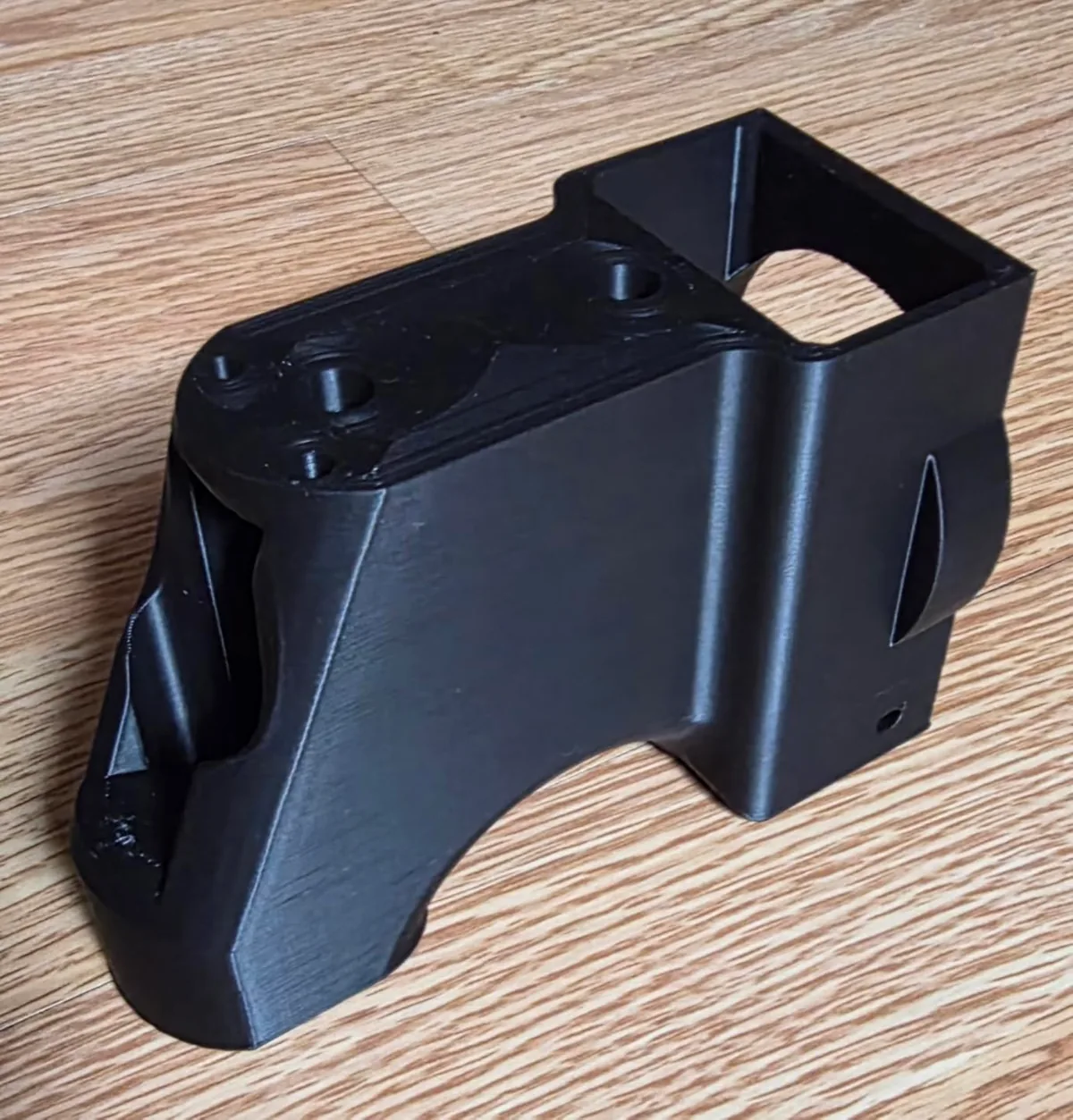
The functional housing image represents the broad corners and long walls where lift and layer separation are easiest to inspect.
Load the maker profile and inspect one part
Load the filament maker’s profile when available. If no profile exists, copy the printer manufacturer’s closest nylon profile and enter only values supported by the spool documentation. Print one small geometry with the same wall count and layer height planned for the final part. After the part cools, inspect the base for corner lift and the walls for visible layer gaps before changing a single variable.
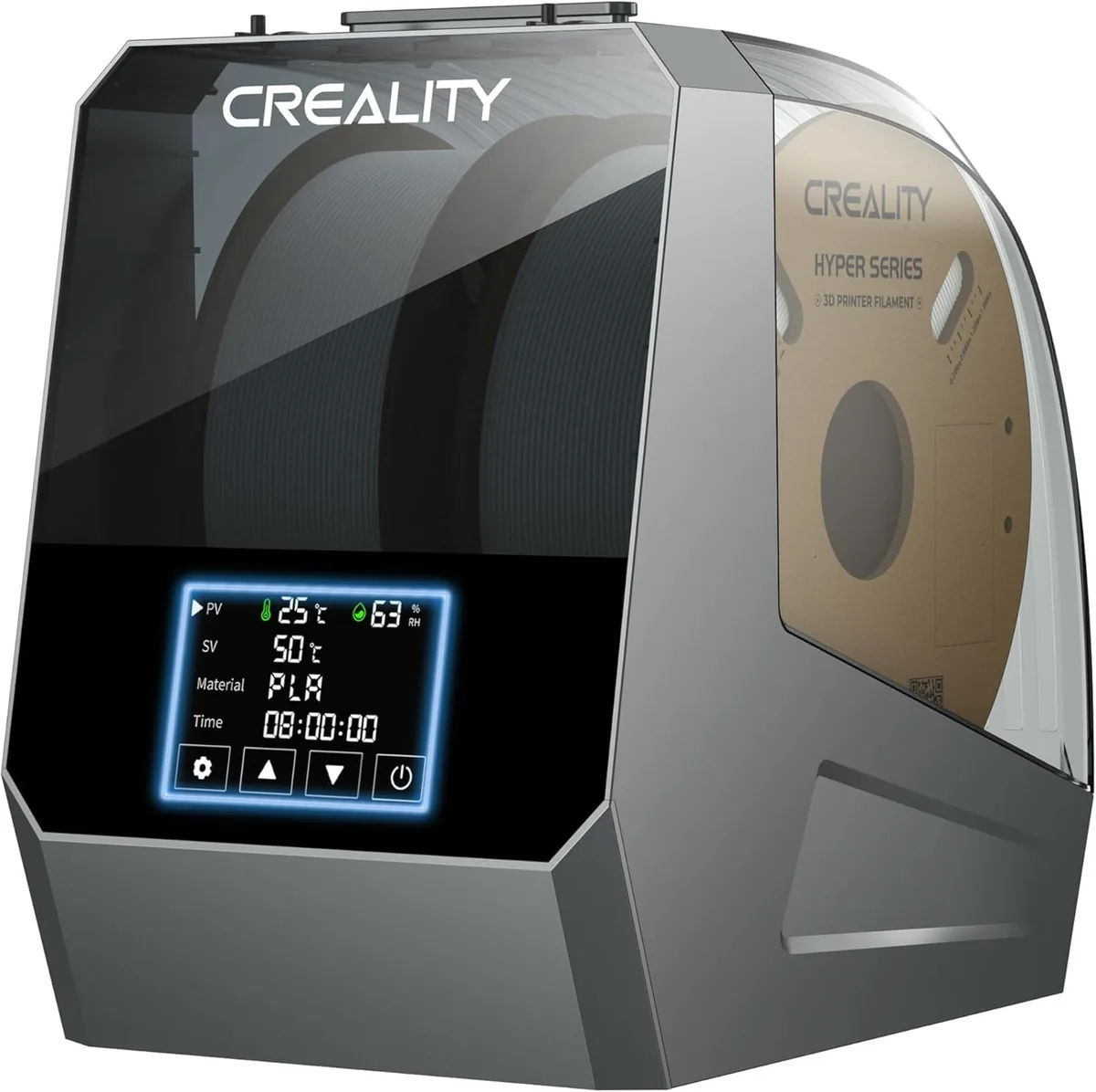
Creality Space Pi Plus Dual-Spool Filament Dryer
Pros
- Holds two spools for multi-material preparation
- Roller supports allow direct feeding
- Temperature and humidity display helps track storage conditions
- Supports common desktop filament paths
Cons
- Larger footprint than a single-spool dryer
- The 65°C ceiling may not meet a nylon maker’s initial drying specification
Documented settings example
The following settings come from Prusa’s published polyamide guide and apply to the materials covered by that guide. Use them as an evidence example, then follow the data sheet for the spool and printer actually in use.
| Parameter | Prusa polyamide guidance | Verification point |
|---|---|---|
| Drying | At least 4 hours below 90°C | Confirm the exact spool’s maximum drying temperature |
| Nozzle | 285°C | Confirm that the hotend is rated for the temperature |
| Bed | 110°C | Confirm plate and magnetic-sheet temperature limits |
| Build surface | PA Nylon sheet | Use the surface named for the formulation |
| Storage | Airtight container with desiccant | Keep the dried spool isolated from humid air |
| Enclosure | Higher ambient temperature helps pure nylon | Protect the part from drafts and rapid cooling |
If the first part warps, check enclosure stability, build-surface compatibility, and brim contact before increasing temperatures. If layers split, confirm filament dryness, nozzle temperature, flow, and fan settings against the maker profile. If bubbles or popping appear, stop the job and repeat the specified drying cycle instead of compensating with extra flow.
Pre-print checklist for nylon
Nylon avoids most preventable warping and delamination when the material, printer, and environment agree with the same manufacturer profile.
- Confirm the exact nylon formulation and technical data sheet.
- Complete the listed drying cycle without exceeding the spool or dryer temperature limit.
- Use a compatible build surface and the specified adhesive or release layer.
- Stabilize the enclosure and remove direct drafts from the print zone.
- Load the maker-listed nozzle, bed, fan, speed, and flow values.
- Inspect one cooled calibration part before starting the full print.
The reliable sequence is dry nylon, a stable enclosure, a compatible bed surface, restrained cooling, and one-variable-at-a-time adjustment. That sequence addresses both warping at the base and weak bonding between layers without presenting local measurements as universal results. Proper handling applies to all filament and resin guides and other demanding materials.