
The best 3D printer under $500 depends on the required build volume, material compatibility, and frame architecture. Desktop 3D printers in this price tier have transitioned from basic open-frame kits to fully enclosed CoreXY machines and automated bedslingers. This guide evaluates manufacturer-listed specifications for enclosed models, open-frame budget options, and multi-material systems. The following sections detail the hardware constraints, material limits, and total ownership costs for desktop 3D printing equipment.
What is the best 3D printer under $500?
The most capable 3D printers under $500 feature CoreXY motion systems, direct drive extruders, and enclosed build chambers. These machines achieve higher maximum print speeds while providing stable ambient temperatures for engineering materials. Selecting a machine requires evaluating the mechanical differences between bedslinger designs and CoreXY frames. Bedslingers move the print surface along the Y-axis, which limits maximum acceleration due to the moving mass of the bed and the printed object. CoreXY systems keep the build plate stationary on the horizontal plane, moving the printhead across the X and Y axes using a complex belt routing path. This architectural difference allows CoreXY machines to reach speeds up to 600mm/s, according to Flashforge’s specifications, without inducing severe ringing artifacts on the printed surface. Buyers can consult research-based 3D printer reviews to verify the maximum stated volumetric flow rates, cooling capacities, and acceleration limits for specific models.
Bambu Lab P1S Enclosed 3D Printer
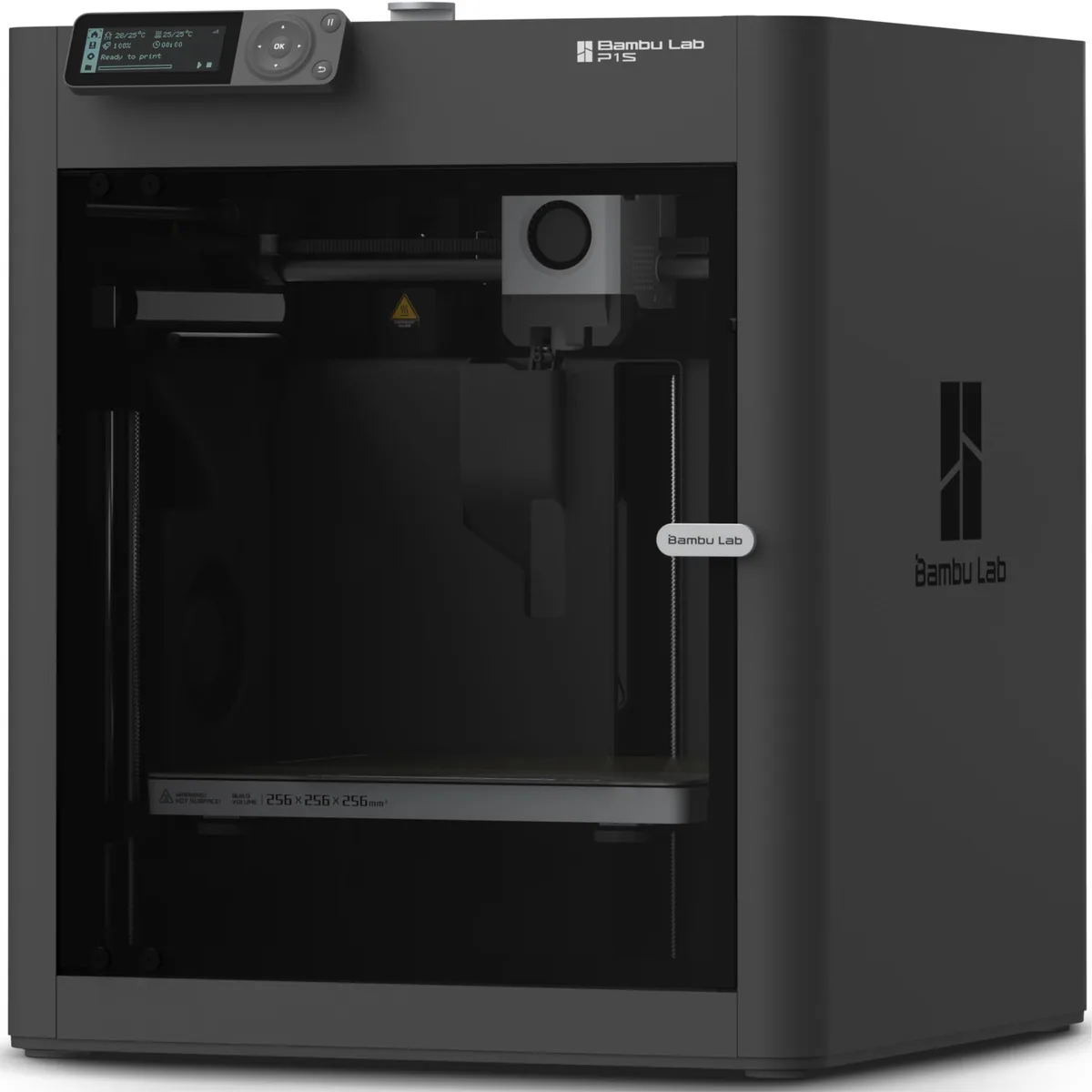
The Bambu Lab P1S represents the current baseline for enclosed CoreXY 3D printers under $500. This machine utilizes a fully enclosed chassis paired with an auxiliary cooling fan to maintain consistent ambient temperatures during the printing process. The manufacturer lists a maximum print speed of 500mm/s and a physical build volume measuring 256x256x256 millimeters. According to Bambu Lab, the hotend reaches a maximum temperature of 300°C, supporting a broad range of standard and intermediate filaments.
The P1S relies on the heated print bed to passively warm the internal chamber, lacking a dedicated active PTC heater to push ambient temperatures higher. The printer features active vibration compensation to counteract mechanical resonance and belt tension monitoring to ensure precise dimensional accuracy. Upgrading the machine to print abrasive carbon fiber composites requires a separate physical swap to a hardened steel nozzle, as the stock nozzle is prone to rapid wear from glass or carbon fibers. The dual automated bed leveling system establishes reliable first layers out of the box. Users can integrate the printer with the Bambu AMS unit for automated multi-color and multi-material extrusion.

Bambu Lab P1S Enclosed 3D Printer
Pros
- Fully enclosed CoreXY chassis with auxiliary cooling fan
- Seamless multi-color / multi-material integration with Bambu AMS
- Reliable out-of-the-box first layers with dual automated bed leveling
- Active vibration compensation and belt tension monitoring
Cons
- Proprietary closed ecosystem
- Chamber is passively heated by the bed rather than a dedicated PTC heater
- Upgrading to hardened nozzle for carbon fiber requires separate swap
Creality Ender 3 V3 SE 3D Printer
The Creality Ender 3 V3 SE provides a highly accessible entry point for beginners utilizing a traditional open-frame bedslinger layout. This printer features hands-free automatic bed leveling through a CR Touch mechanical sensor combined with a strain gauge for automatic Z-offset calibration. The machine employs the Sprite direct drive extruder, which sits directly above the hotend and reliably feeds flexible TPU alongside rigid PLA and PETG filaments. Dual Z-axis lead screws synchronize the vertical motion of the gantry to provide high stability and reduce the likelihood of layer sagging on taller prints.
The manufacturer lists a maximum print speed of 250mm/s and a build volume of 220x220x250 millimeters. According to Creality, a Bowden PTFE tube situated inside the hotend limits the maximum safe nozzle temperature to 250°C, as PTFE degrades and releases toxic fumes above this threshold. The open frame design restricts the ability to print temperature-sensitive materials like ABS or ASA, which warp rapidly when exposed to cool ambient room drafts. Users can read the Creality Ender 3 V3 SE Research-Based Review: Specs, Limits and Alternatives to understand the exact hardware boundaries, thermal limitations, and required maintenance protocols for this specific unit.
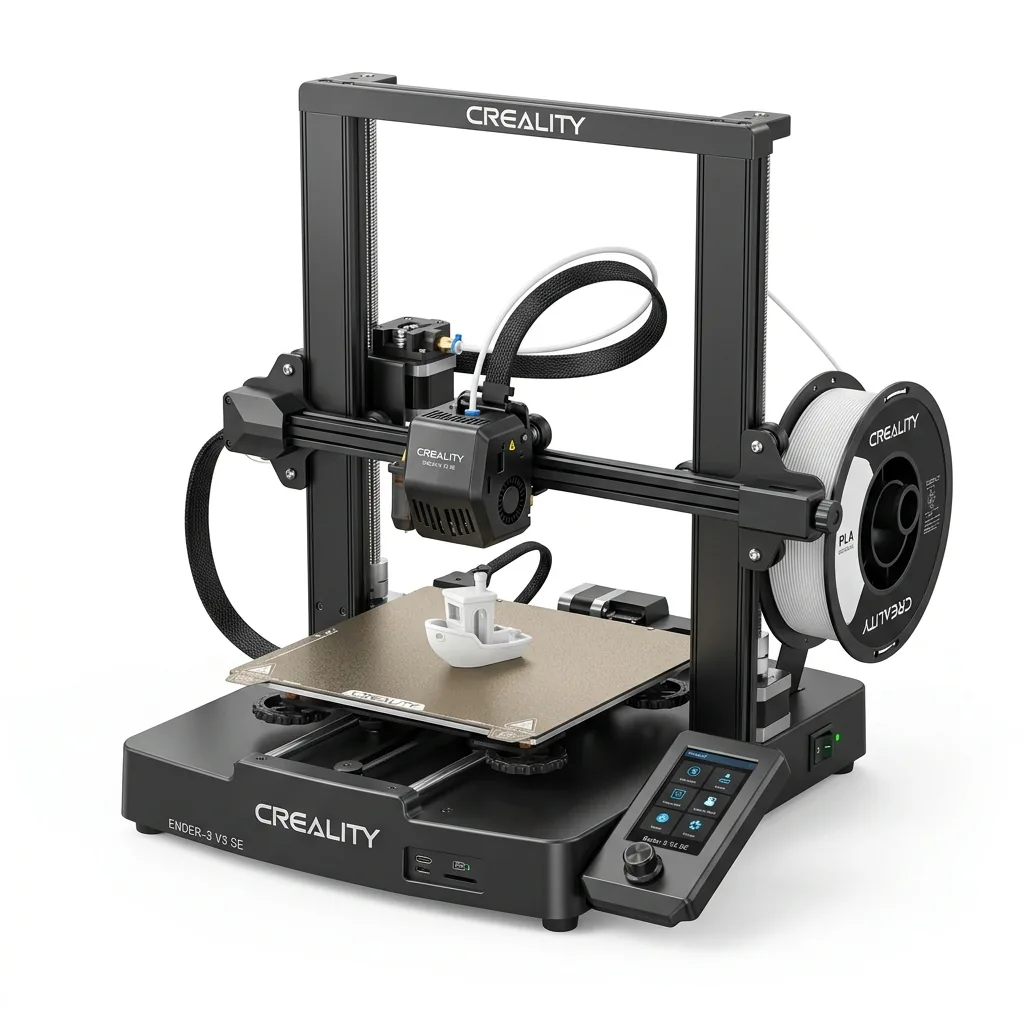
Creality Ender 3 V3 SE 3D Printer
Pros
- Hands-free auto bed leveling and Z-offset calibration
- Reliable Sprite direct drive extruder handles PLA, PETG, and TPU
- Dual Z-axis lead screws ensure high stability
- Incredible sub-$200 value
Cons
- Bowden PTFE inside hotend limits temperature to 250°C
- Open frame not ideal for ABS
Flashforge Adventurer 5M Pro 3D Printer
The Flashforge Adventurer 5M Pro is a fully enclosed CoreXY printer designed for environments requiring low noise output and air filtration. The system utilizes a dual-channel air filtration setup featuring an internal recirculation path and an external exhaust equipped with HEPA13 and activated carbon filters. This filtration mechanism effectively traps styrene fumes and ultrafine particles produced during the extrusion process. The printer operates at a low 50 dBA in its ultra-quiet silent printing mode, making it suitable for desktop placement in home offices and classrooms.
The manufacturer specifies a maximum print speed of 600mm/s within a cubic build volume of 220x220x220 millimeters. The specialized quick-swap nozzle mechanism permits toolless hotend changes in three seconds, eliminating the need to hot-tighten components with wrenches. According to Flashforge, the hotend achieves a maximum temperature of 280°C, which prevents the use of ultra-high-temperature engineering polymers like PEEK or PEKK. A fully automated one-click calibration routine utilizes sensors to probe the bed surface, requiring zero manual Z-offset tuning from the operator.
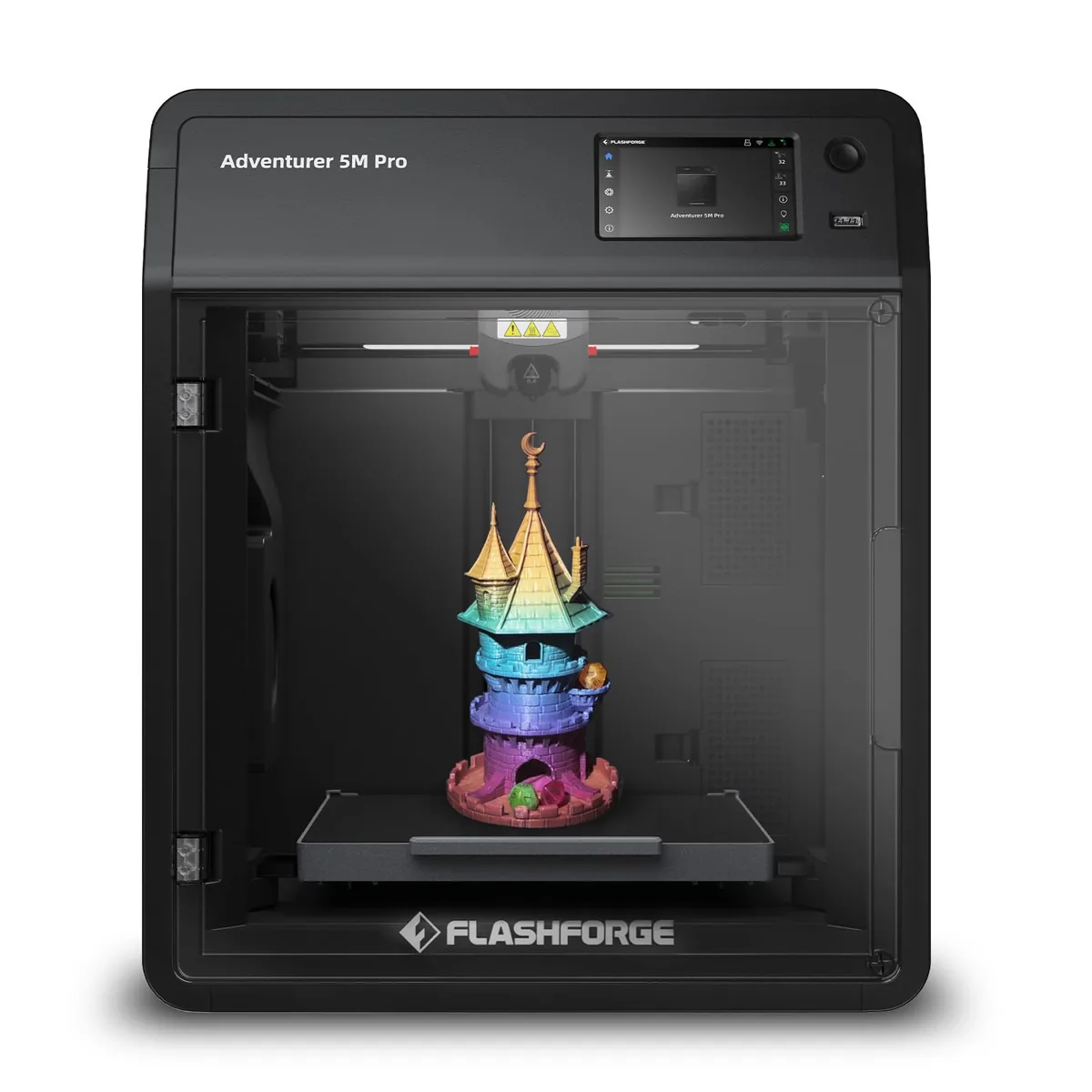
Flashforge Adventurer 5M Pro 3D Printer
Pros
- Dual-channel air filtration (internal recirculation + external exhaust) effectively traps styrene fumes
- Ultra-quiet 50 dBA silent printing mode perfect for bedrooms or classrooms
- Quick-swap nozzle mechanism allows 3-second toolless hotend changes
- Fully automated 1-click calibration with zero manual Z-offset tuning required
Cons
- 280°C max nozzle temp is not designed for ultra-high-temp PEEK or PEKK
- Build volume is 220mm cubic
Bambu Lab lists the A1 3D Printer with a 256mm by 256mm by 256mm build volume and a maximum speed of 500 mm/s. The open-frame printer features an all-metal hot end with a stainless steel nozzle capable of reaching 300 ℃. It supports power loss recovery, though the manufacturer notes that ABS, ASA, and fiber-reinforced polymers are not recommended.
Bambu Lab A1 3D Printer
Pros
- All-metal hot end with stainless steel nozzle
- Filament tangle and run out sensors included
- Power loss recovery supported
Cons
- ABS and ASA filaments are not recommended
- Carbon and glass fiber reinforced polymers are not recommended
Elegoo specifies the Neptune 4 Pro as a high-speed printer utilizing pre-installed Klipper firmware to achieve a maximum speed of 500mm/s. The machine includes a dual-gear direct drive extruder and a segmented heated bed designed to save energy on small models. It utilizes metal wheels that require periodic belt tension checks, and the massive auxiliary cooling fan can be loud at full speed.
ELEGOO Neptune 4 Pro High-Speed 3D Printer
Pros
- Pre-installed Klipper firmware delivers genuine 500mm/s print speeds
- Independent segmented heated bed saves energy on small models
- All-metal linear rails on X and Y axes provide smooth motion
- Massive auxiliary cooling fan prevents overhang sagging
Cons
- Auxiliary cooling fan can be loud at 100% speed
- Metal wheels require periodic belt tension checks
Flashforge lists the Adventurer 5M as a CoreXY machine capable of a 600 mm/s maximum printing speed and a 20000 mm/s² maximum acceleration. The all-metal structure features a direct-drive nozzle that heats to 200 degrees in 35 seconds, alongside a quick-release mechanism for toolless swaps. The open shell requires a DIY enclosure for high-temperature materials like ABS, and the display screen requires manual installation.
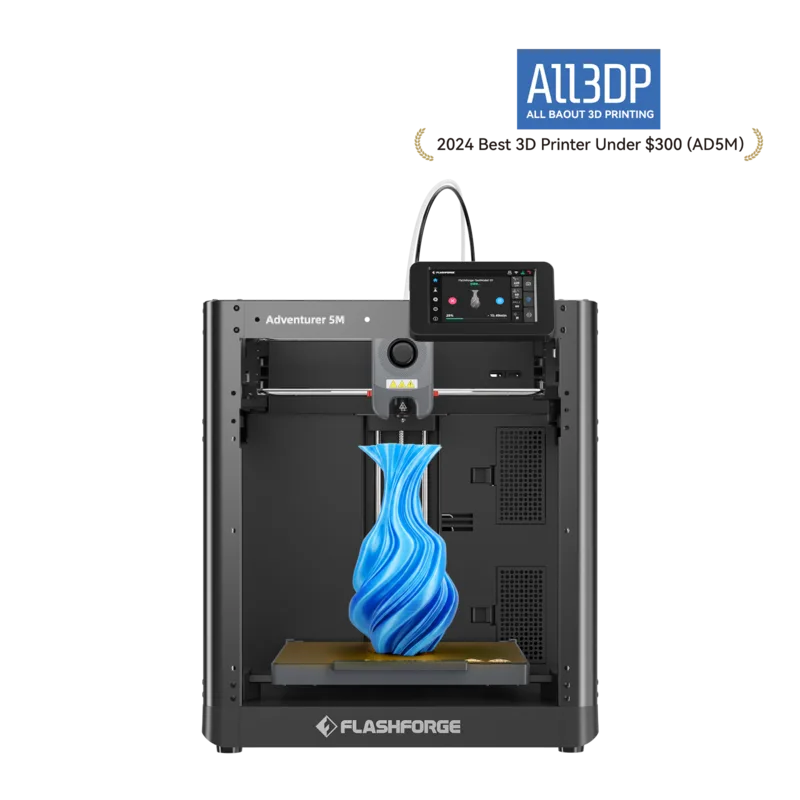
Flashforge Adventurer 5M
Pros
- CoreXY all-metal structure
- Quick-release nozzle swaps in 3 seconds without tools
- Direct-drive nozzle heats to 200 degrees in 35 seconds
Cons
- ABS series filaments are not compatible without an enclosure
- Shell is open by default requiring a DIY enclosure for high temp materials
- Display screen and filament holder require manual installation out of the box
How to choose a budget 3D printer
Selecting the correct budget 3D printer requires evaluating the total ownership cost, workspace dimensional constraints, and the specific material profiles required for planned projects. An inexpensive initial purchase may incur higher long-term costs if specific upgrades, such as hardened steel nozzles, all-metal hotends, or external enclosures, are necessary to meet production demands. Users should compare 3D printers based on their manufacturer-listed specifications, kinematic architecture, and thermal hardware rather than general marketing claims regarding maximum theoretical speed.
- Verify the exact build volume requirements on the X, Y, and Z axes for the largest intended part to prevent the need to slice and glue multi-part prints.
- Confirm the maximum safe nozzle and heated bed temperatures for the required filament types to avoid PTFE degradation.
- Assess the physical workspace footprint required by the printer chassis, external spool holders, and the clearance needed for moving axes.
- Calculate the replacement cost and availability of necessary consumable components like nozzles, PEI build plates, and PTFE tubing.
- Determine the level of automated calibration provided, distinguishing between manual bed tramming knobs and fully automated strain-gauge bed meshing systems.
| Printer Model | Frame Type | Build Volume | Max Speed | Max Nozzle Temp | Enclosure Type |
|---|---|---|---|---|---|
| Bambu Lab P1S | CoreXY | 256x256x256mm | 500mm/s | 300°C | Passive Heating |
| Creality Ender 3 V3 SE | Bedslinger | 220x220x250mm | 250mm/s | 250°C | Open Frame |
| Flashforge Adventurer 5M Pro | CoreXY | 220x220x220mm | 600mm/s | 280°C | Dual Filtration |
Which filament materials work under $500?
Sub-$500 desktop 3D printers handle standard thermoplastic filaments, but the physical frame architecture dictates the exact limits of material compatibility and print reliability. Open-frame bedslinger printers reliably print Polyactic Acid (PLA), Polyethylene Terephthalate Glycol (PETG), and Thermoplastic Polyurethane (TPU). These materials exhibit minimal thermal shrinkage and do not require a heated ambient environment to prevent part warping and bed detachment.
Enclosed 3D printers in this price tier support Acrylonitrile Butadiene Styrene (ABS) and Acrylonitrile Styrene Acrylate (ASA). The physical enclosure panels trap the heat radiating from the heated print bed, creating a warm internal microclimate that prevents the rapid cooling and subsequent structural contraction of these temperature-sensitive polymers. A sealed chamber mitigates the effects of room drafts that cause large ABS parts to split across the layer lines.
Printing abrasive composites, including Carbon Fiber (CF) or Glass Fiber (GF) filled filaments, requires physical hardware upgrades on budget machines. The abrasive microscopic particles suspended in these filaments quickly gouge and degrade standard brass nozzles, widening the extrusion orifice. Users must install hardened steel or bi-metal nozzles to maintain consistent extrusion diameters. The hotend assembly must also feature an all-metal heatbreak, as PTFE-lined hotends degrade rapidly at the higher temperatures necessary to properly melt and process engineering-grade filaments.
Does multicolor printing require a higher budget?
Multicolor 3D printing does not strictly require a budget exceeding $500, but it introduces distinct operational constraints and ongoing material waste costs. Budget multicolor systems utilize automatic multi-material systems (AMS) that feed several distinct filament spools through PTFE routing tubes into a single extruder nozzle. The mechanical hardware retracts the active filament out of the melt zone and advances the new filament to the nozzle during a programmed color change operation.
The single-nozzle architecture necessitates purging the previous color from the hotend before depositing the new material onto the printed model. This physical purging process prevents color bleeding but generates solid filament waste, often referred to as a purge tower or waste chute extrusion. The total volume of wasted material depends directly on the number of discrete color transitions required per layer, not the total volumetric size of the final object. Users can mitigate this waste footprint by tuning the flush volumes within the slicing software or by printing multiple copies of the same multicolor object simultaneously on the build plate, dividing the single purge penalty across all instances. Adding an automatic multi-material system increases the physical desk space required for the 3D printing setup, as the external filament hubs require dedicated mounting locations beside or above the primary printer chassis.